The "Living Invitation": Why Your 2026 Party Starts in the Palm of a Hand
We’ve all been there. You get a thick, cream-colored envelope in the mail. You open it, think "Oh, that’s nice," stick it on the fridge with a magnet, and promptly forget the RSVP deadline.
In 2026, that’s considered "the old way."
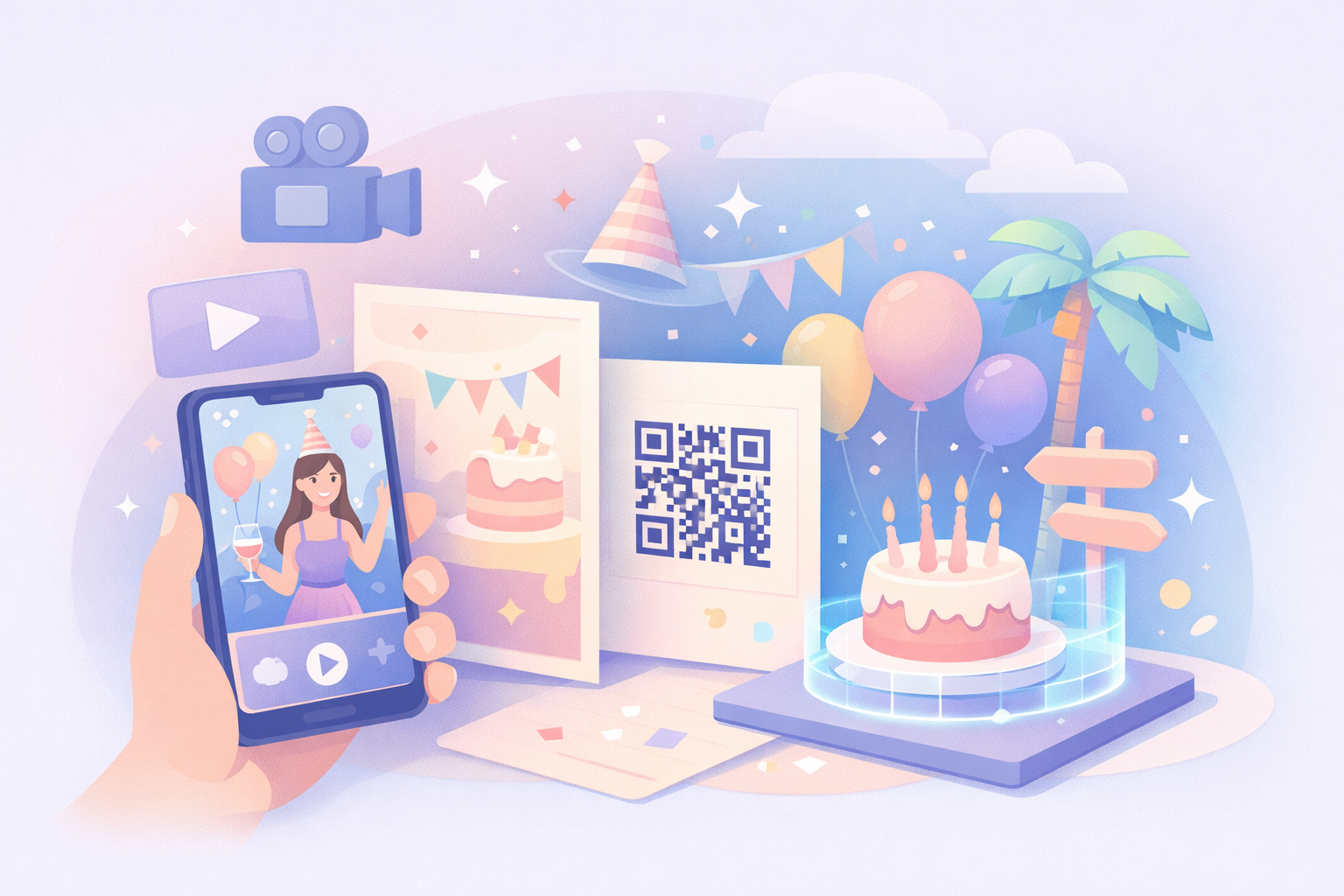
Today, the most talked-about parties don't start at the venue. They start the moment a guest points their phone at a card and watches the paper "dissolve" into a cinematic trailer. This is the era of the Living Invitation, a seamless blend of Augmented Reality (AR) and high-production video.
If you want your event to be the one people are still texting about six months later, here is how you build an invitation that actually breathes.
The "Vibe Shift": From Information to Immersion
Back in the day, an invitation was a data dump: Who, What, Where, When. In 2026, an invitation is a vibe check. By using AR, you’re giving your guests a "trailer" for the evening.
The Experience: Imagine your guest receives a minimalist, high-quality card with nothing but your names and a custom QR code. When they scan it, their phone screen shows the physical card "opening up" like a 3D pop-up book.
The Impact: Suddenly, they aren't just looking at a date; they’re seeing a drone shot of the vineyard, hearing the upbeat jazz of the band you hired, and watching a personalized video of you saying, "We can't wait to see you, Sarah."
The 2026 Tech Stack: How to Actually Build It
You don’t need to be a Silicon Valley engineer to do this. The tools have become incredibly "human-friendly." Here is the "Recipe" for a Living Invitation:
The "Hook" (The Video)
Don’t just film yourself on a shaky iPhone.
Tools: Use CapCut or Adobe Premiere Rush for that snappy, vertical "Reel" feel.
The Secret Sauce: Use AI-driven personalization. Tools like Tavus or HeyGen allow you to record one master video, and the AI will "lip-sync" and change the audio so you can send a video that says "Hey [Guest Name]!" to 200 different people automatically. It feels incredibly high-touch.
The "Bridge" (The AR Platform)
This is the magic glue that connects the physical card to the digital video.
Web-AR is the Winner: In 2026, nobody wants to download a new app just to see your invite. Use 8th Wall or Zappar. These allow the AR to trigger directly in a mobile browser (Safari/Chrome).
Artivive: If you’re a bit more DIY, Artivive is fantastic. You upload a photo of your invitation (the "anchor") and the video you want to play over it. It’s essentially "digital skin" for your paper.
The "Action" (The Interactive Hub)
Once the video ends, don't leave them hanging.
Floating Buttons: Within the AR view, have 3D "floating" buttons for "One-Tap RSVP," "Add to Calendar," and "Gift Registry."
Implementation: Step-by-Step
If you're planning this right now, follow this timeline:
The Physical Anchor: Design a high-quality physical card. Keep the design clean. A busy design makes it harder for the AR camera to "track" the image.
The Video Production: Shoot your video in 9:16 (vertical). Keep it under 30 seconds. In 2026, attention spans are shorter than ever—make every second count.
The Digital Marriage: Upload your card design to your AR platform of choice as the "Image Target." Overlay your video.
The Beta Test: Send the link to your "tech-illiterate" uncle. If he can make the AR work, your guests will have no problem.
Why This Works (The "Human" Element)
We spend so much time behind screens that we crave something tactile. The Living Invitation works because it bridges that gap. You’re giving them a physical object they can touch (the card), but you’re rewarding their curiosity with a digital "gift" (the AR experience).
It shows your guests that you’ve put effort into their experience before they’ve even left their house. It sets the tone that this party isn't just an obligation—it’s a production.
Summary: The Trend Checklist
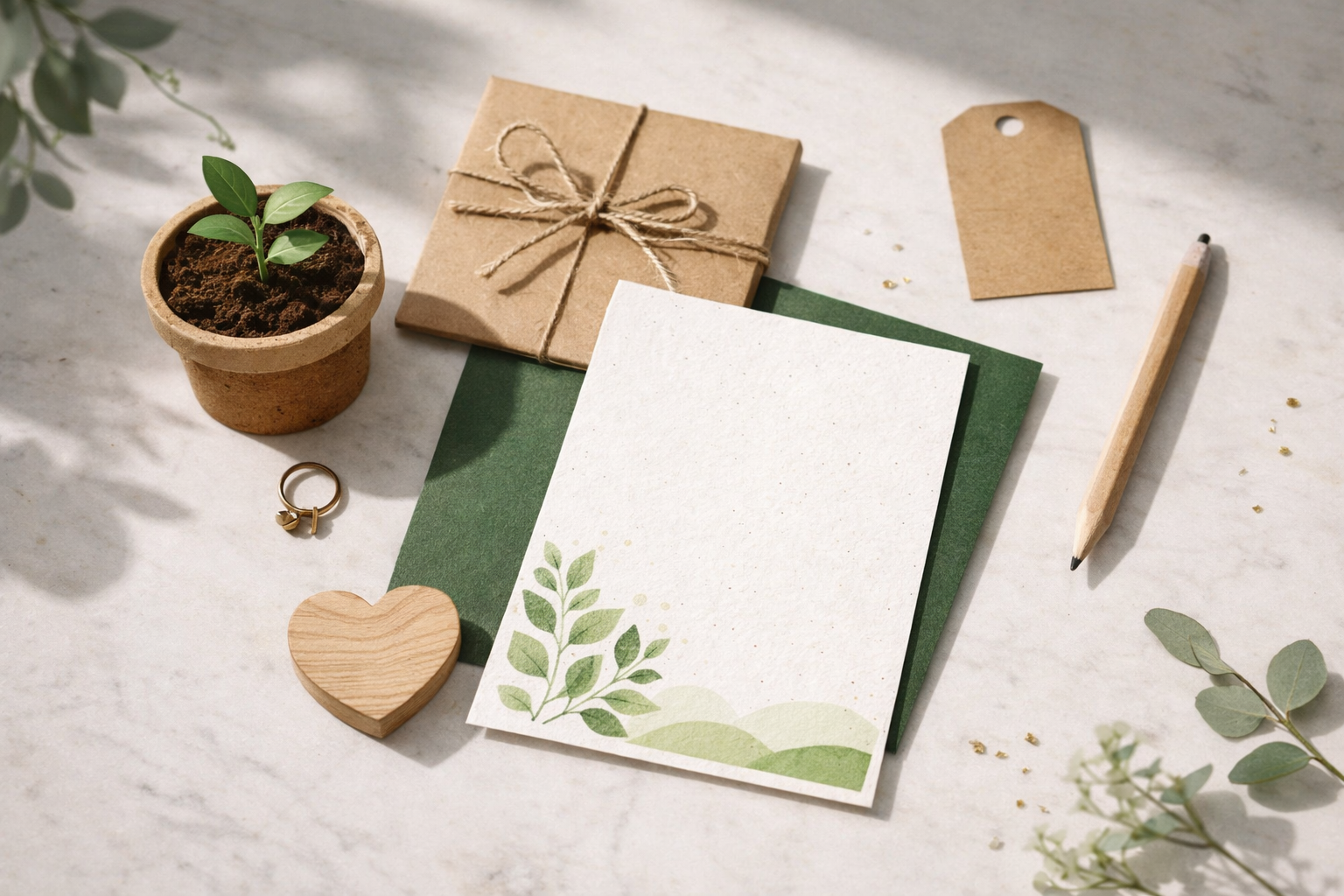
Sustainability: Use recycled "seed paper" for the physical card. Once the AR is scanned, they can plant the card and grow flowers.
Spatial Audio: Don't just use a flat song. Use 360-degree audio so the music feels like it's coming from the card.
The "Teaser" Campaign: Send a "glitch" video via text 24 hours before the physical invite arrives to build hype.