The fastest way to get ignored is to dump an invite in a 120-person group at 11 PM. It'll be buried under good-morning messages by sunrise, and you'll spend the week wondering why only four people replied.
Sending is a skill. Here's the whole playbook — what format to send, to whom, when, and how to remind without becoming that person. (Looking for the actual message text? The birthday invitation messages collection has 50+ wordings; this article is about delivery.)
Step 1 — Pick your format: text, image, or link
Plain text. Fastest, works for small casual plans. Weakness: it scrolls away and dies in busy chats.
Invite image/card. A designed card sent as a photo with a short caption. It gets saved to galleries, forwarded to spouses, and glanced at again later — which plain text never is. Ten minutes on a birthday template or in Canva gets you one. One technical gotcha: send the card as a document, not a photo, if you want WhatsApp to skip compressing it — compressed cards get blurry on forwards.
Invite link. A link to an event page where guests see details and tap their RSVP. Overkill for six friends; genuinely the sane option above ~25 guests, because responses collect themselves in one list instead of scattering across chats. An invite with RSVP tracking is built for exactly this — and your caterer will love you for having a real number.
Best combo for most parties: card + two-line caption + RSVP instruction. The card carries details, the caption carries warmth.
Step 2 — Group, personal DM, or broadcast?
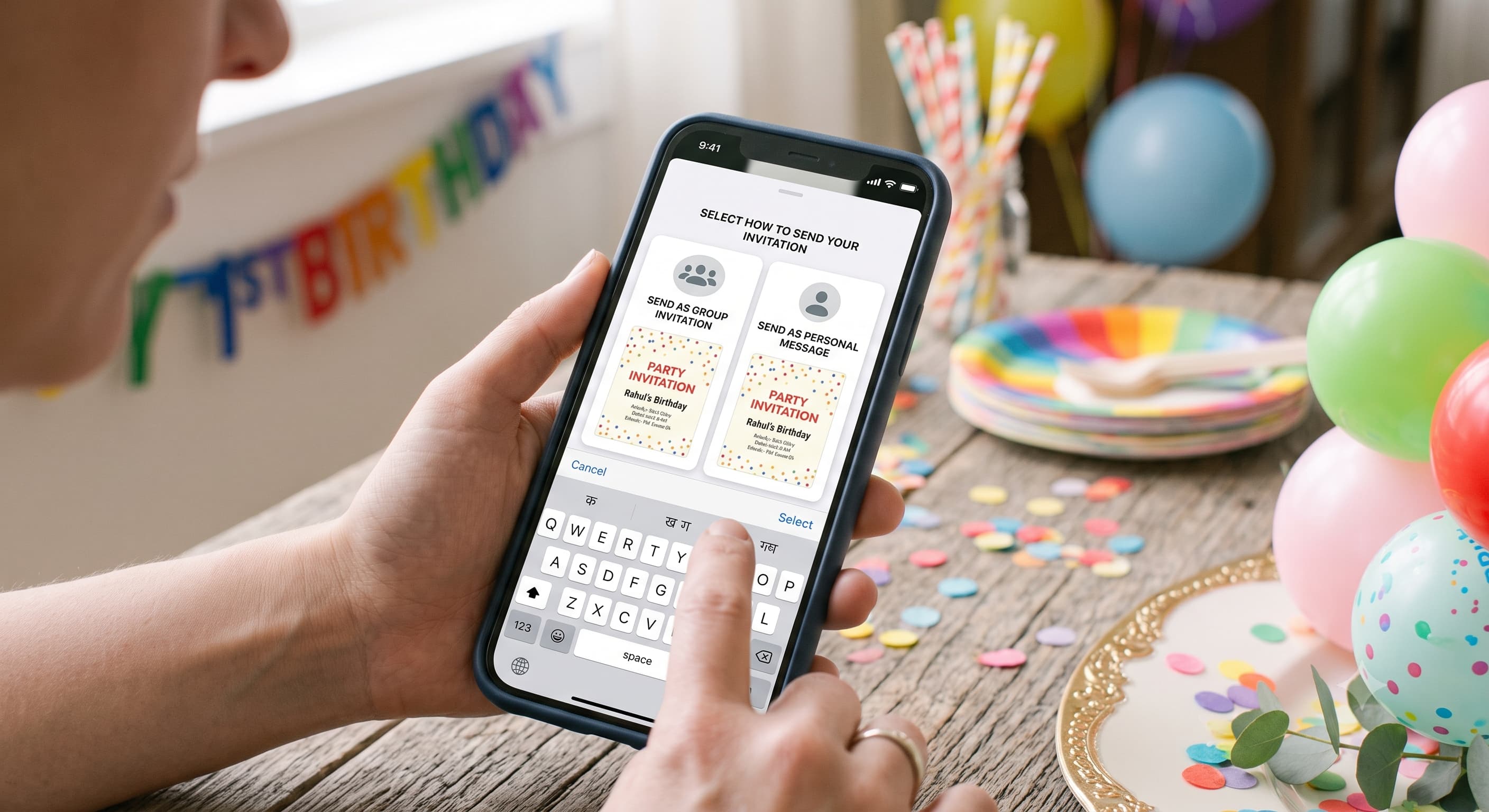
Personal DMs get the best response rates by a mile. A named, personal message creates a tiny social contract — people reply to you, not to a broadcast. Use for: the guests you actually care about attending, all elders, and anyone outside your daily-chat circle.
Existing groups work only for circles that already talk daily (the college group, the immediate-family group). Never create a new group just to invite people — half will mute it instantly and someone will leave loudly. We've all watched it happen.
Broadcast lists are the underrated middle path: you compose once, everyone receives it as a private message. Two catches — recipients must have your number saved to receive it, and replies come to you individually (which is what you want anyway). Setup takes two minutes; WhatsApp's own broadcast list guide covers the steps for Android and iPhone.
My honest hierarchy: DMs for the VIPs and elders, broadcast for the wider circle, group post only where the group is the guest list.
Step 3 — Time it right
| Send | When | Why |
|---|---|---|
| Main invite | 7–14 days before (2–3 weeks for big functions) | Weekend calendars fill fast |
| Time of day | 7–9 PM weekdays, 10 AM–12 PM weekends | People check WhatsApp leisurely then |
| Reminder 1 | 2 days before | Catches the meant-to-reply crowd |
| Reminder 2 (big events only) | Morning of | Venue + time + map link, nothing else |
Avoid Monday mornings and late nights. And never send the first invite the same week as the party unless it's genuinely last-minute — it reads like they were the B-list.
Step 4 — Ask for RSVPs so people actually respond
Three rules:
- Deadline + reason. "Reply by Thursday so I can confirm the food count." Logistics get answered; vague "please RSVP" gets 👍 reactions that mean nothing.
- Make replying effortless. "Reply 1 for coming, 2 for can't make it" feels silly and works absurdly well in family groups.
- Above ~25 guests, stop counting manually. Tap-to-RSVP links exist so you don't cross-reference three chats and a phone call at midnight. This is genuinely the thing RSVP tracking fixes — the list builds itself.
Then feed the final number into the party food calculator and the drink calculator instead of guessing quantities. Headcount → quantities is the whole game.
Step 5 — Remind without nagging
The reminder is a service, not a chase — frame it that way:
Quick reminder for Saturday! 🎂 8 PM, my place [map link]. If you haven't replied yet, today's the day — locking the food order tomorrow morning!
One reminder for small parties. Two max for big functions. Three is harassment, bestie.
The etiquette fine print
- Elders get a call first, then the WhatsApp invite "for the details." The message informs; the call honours. (Same principle as WhatsApp wedding invitations — some etiquette transfers straight across.)
- Don't post a partial guest list in a shared group. If only some group members are invited, DM them. The uninvited can see group posts; that sting is avoidable.
- Kids' parties: send to the parent, include start and end time, and read the kids party invitation guide for the school-group rules before posting anywhere near one.
- Reply to every RSVP, even with an emoji. People who confirmed and heard nothing quietly wonder if the plan's still on.
People Also Asked
Explore common questions related to this blog.