Let me describe a specific kind of pain.
You spend two weeks on a video invitation. Fonts chosen, music licensed, third take finally usable. You export it, you send it to eighty people, and then your aunt replies: "lovely!! what does the date say?"
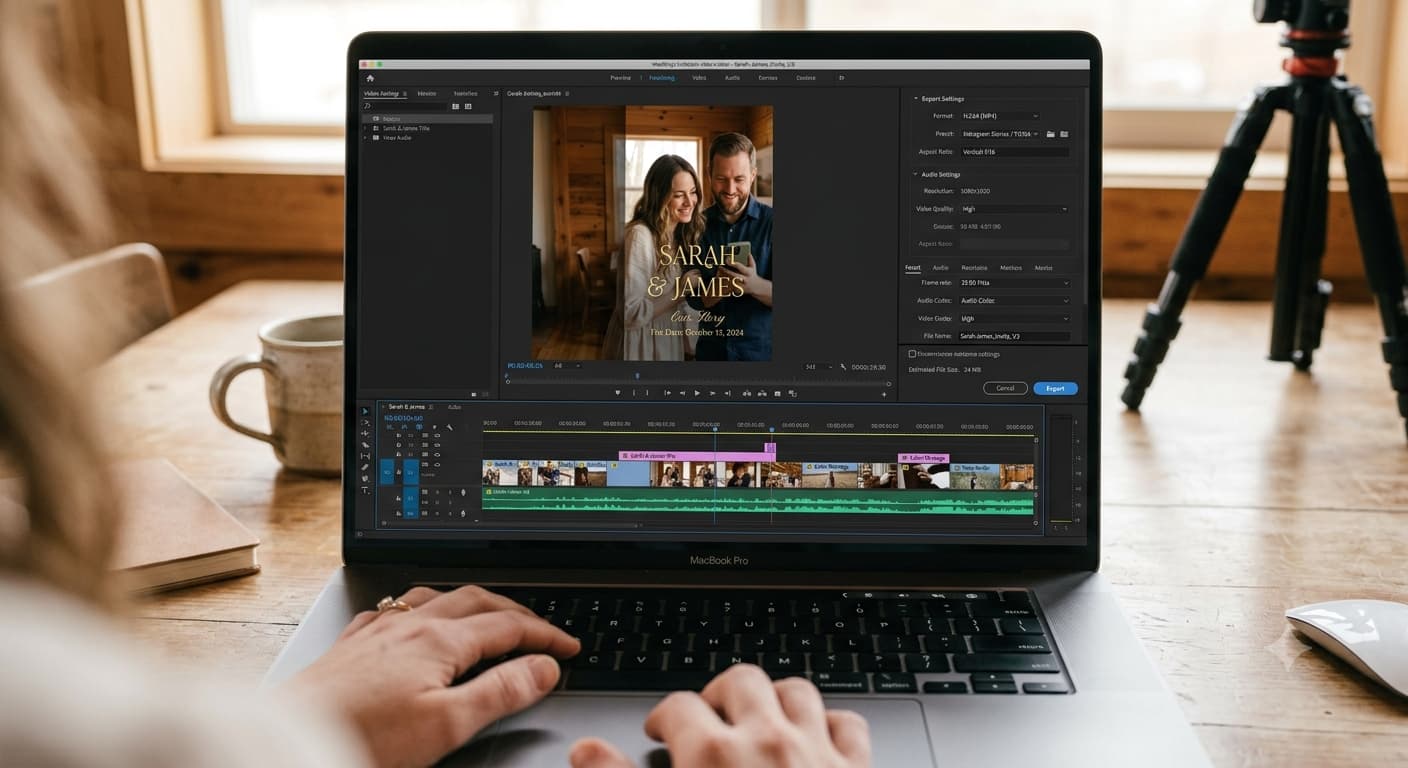
Because the app crushed your 1080p file into something that looks like it was recorded off a television in 2006. This one's fixable, and the fix takes about ten minutes. It's the delivery half of our video wedding invitation guide.
The rule that solves 90% of this: send a link, not a file
Almost every quality problem with video invitations comes from sending the video file itself.
Messaging apps and carriers re-encode video on the way through. They don't send what you made — they send a smaller version they generated, and their priority is bandwidth, not your typography. Fine text is the first thing to go, and your date is fine text.
Send a link instead. The video streams from wherever it's hosted, at the quality you exported, on every device, no compression. The link is also permanent, which the file in a message thread from four months ago very much is not.
Yes, a link is one extra tap. Your guests will survive it. Blurry video costs you more.
Where to host it
Four options, roughly in order of how well they work:
1. Your invitation page or wedding website. Best option, and not close. The video plays at the top, the details sit underneath it, and the RSVP form is right there — so the same tap that watched the video can also respond. One link does everything, and it's findable in three months when someone's looking for the start time. Most invite builders will embed a hosted video on the page, so an invite page with the video and RSVP in one place means you're sharing a single URL rather than a video plus a form plus a details message.
2. YouTube, unlisted. Free, plays everywhere, handles any device. Set it to unlisted rather than public or private — unlisted means anyone with the link can watch, but it won't show up in search results with your names and date attached. Private locks your guests out, which people discover the hard way.
Downside: YouTube shows suggested videos afterwards, which is a slightly odd note to end an invitation on.
3. Google Drive or Dropbox. Works, but sharing permissions need setting to "anyone with the link" or half your guest list hits a request-access wall. And Drive's video player is clunky on older phones. Acceptable fallback, not a first choice.
4. Vimeo. Cleaner player than YouTube, no suggested videos, decent free tier for one short clip. Fine option if you want the polish.
Not recommended: sending it as an Instagram DM only, or posting it to a story. Stories expire. Your invitation shouldn't.
Channel by channel
Best for older guests and formal weddings, and the most reliable delivery you have.
Put the video thumbnail image in the email body — an actual image, linked to the video — rather than embedding the video itself. Email clients block embedded video inconsistently, but every client shows a linked image.
Under it: names, date, city, and the link, in plain text. Assume some recipients see images blocked entirely. If the email is useless without images loading, it's not finished. The general etiquette for emailed wedding invitations covers the rest — subject lines, timing, who to BCC.
Messaging apps
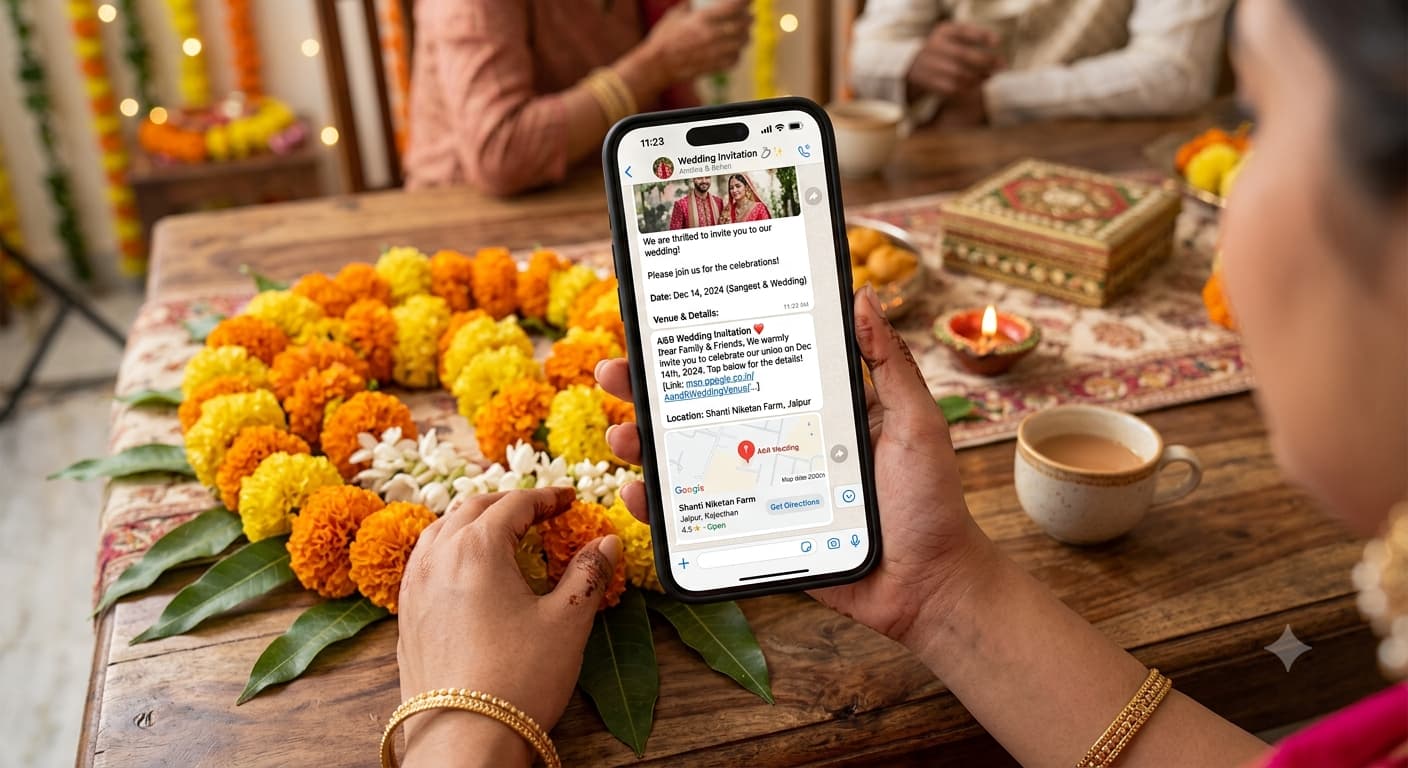
Where most video invites actually go, and the highest-risk channel for compression.
Send the link with a one-line personal message above it. Not a forwarded blast — a sentence with the person's name in it. It takes a minute per guest for close family and it's the difference between an invitation and a broadcast.
If you must send the file rather than a link, keep it under about 16 MB and check it on a friend's phone first — the export settings that keep the file small matter enormously here.
Text / SMS
Link only. Never the file. MMS compression is brutal and carriers vary wildly.
Keep the message short, because long texts get truncated with a "read more" that half of guests never tap: "Sam & Priya are getting married! March 14 — details + RSVP here: [link]"
Social posts
Great for announcing, bad for inviting. A public post tells everyone you're getting married; it doesn't tell anyone they're invited. Use it after your actual invitations have gone out, or you'll get "so excited, see you there!" from people who aren't on the list.
The link preview problem
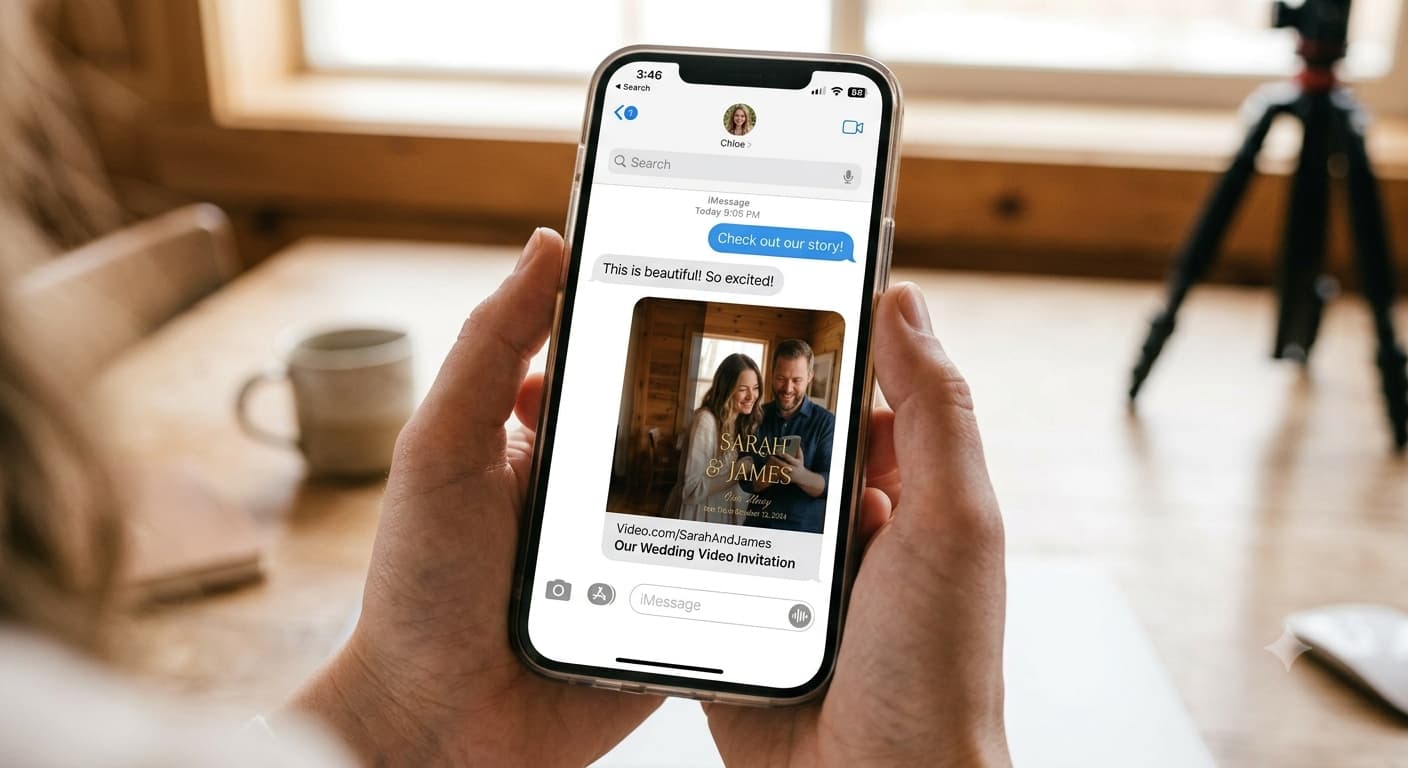
When you paste a link into a message, apps generate a preview card — an image and a headline pulled from the page. Whatever that card shows is what your guest sees before they tap.
So check it. Paste your link into a message to yourself and look at the card. If it says "Untitled" or shows a blank grey box, fix the page's title and preview image before you send anything to anyone. A broken preview makes a genuine invitation look like spam, and some guests won't tap it at all.
Timing your send
Invitations go out 6 to 8 weeks before the wedding for a local celebration, 3 months if travel's involved. Save-the-dates, 6 to 8 months.
For a video specifically, there's a timing detail worth knowing: send in the evening, local time for the bulk of your list. Video invitations get watched properly when people aren't at work, and a video watched properly is a video where the RSVP link gets tapped. Sent at 11am, it gets glanced at and forgotten.
Stagger the send across two evenings if your list crosses time zones. And send to immediate family a day early — parents finding out about the invitation design at the same time as everyone else is a small avoidable friction.
Tracking who's actually seen it
You won't get read receipts on eighty people, and chasing individually is a part-time job.
The realistic approach: send once, then follow up once, ten to fourteen days later, with everyone who hasn't responded. Not a group message — individual notes, short, warm, no guilt. "Hey! Just checking you got our invite — no rush, just doing numbers."
The reason this stays manageable is having one place where responses collect. If RSVPs are arriving as texts, DMs, emails and one voicemail, you're the database, and you'll get it wrong. Keeping every response in a single tracked list turns the follow-up into a filter instead of an archaeology project.
Before you send it to anyone
A five-minute test that catches almost everything:
- Send the link to one friend on iPhone and one on Android.
- Ask both: does it play, is the date readable, and does the link preview look right?
- Ask one of them to open it on mobile data, not wifi.
- Ask them the wedding date without letting them rewatch.
If all four pass, send it.
Last practical note: whatever link you send, don't change it afterwards. Re-uploading the video to a new URL after a hundred people have already saved the old one is how you end up personally texting the new link to a hundred people.
People Also Asked
Explore common questions related to this blog.
A link, nearly always. Files get re-compressed by messaging apps and lost in old threads. A link plays at full quality and stays findable.
Send the link by text, not the video. MMS compression will destroy the file, and carrier limits mean it may not arrive at all.
Six to eight weeks before the wedding, or three months if guests need to travel. Same timeline as paper — the medium doesn't change the etiquette.
Keep a small run of printed invitations for anyone who'd struggle, or send those guests a plain email with the details written out in the body. Twenty printed cards is cheap insurance against a dozen phone calls.