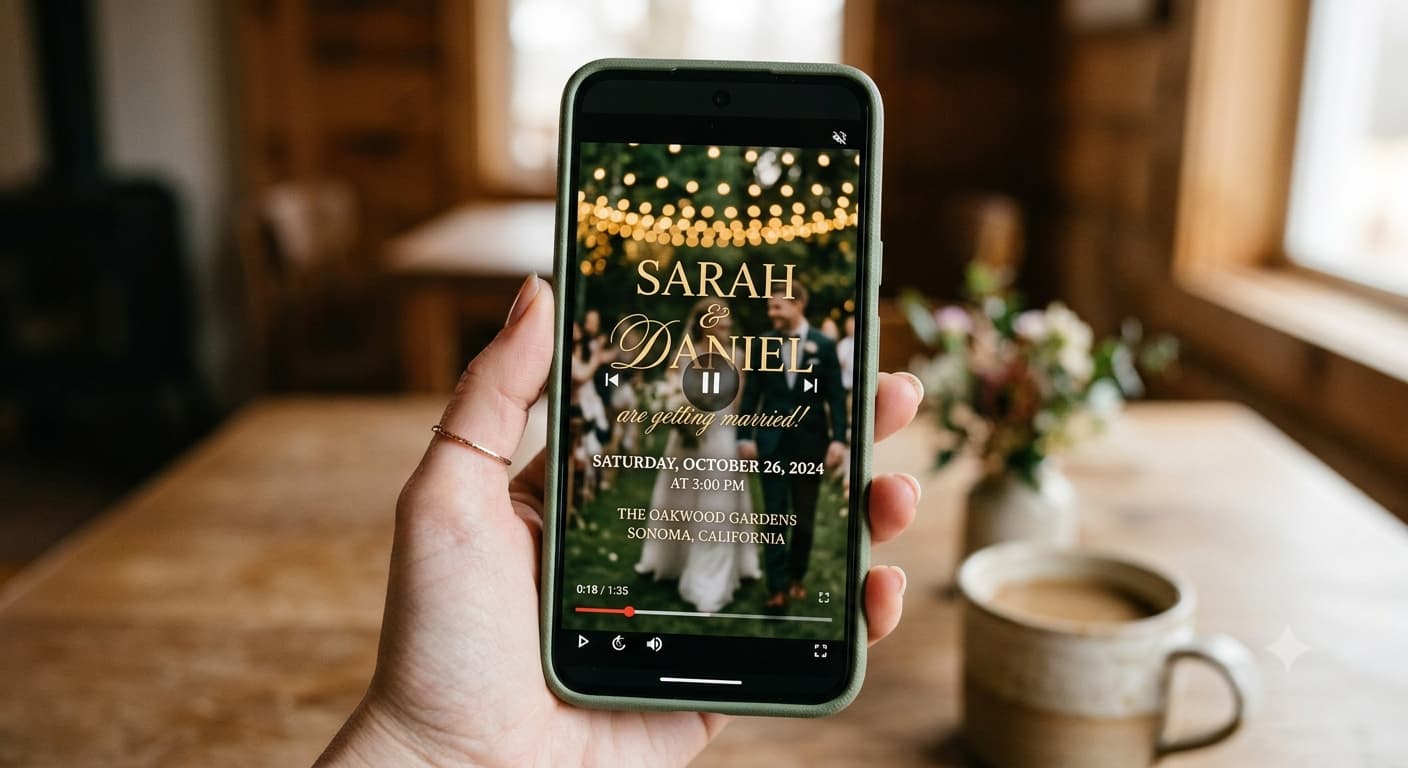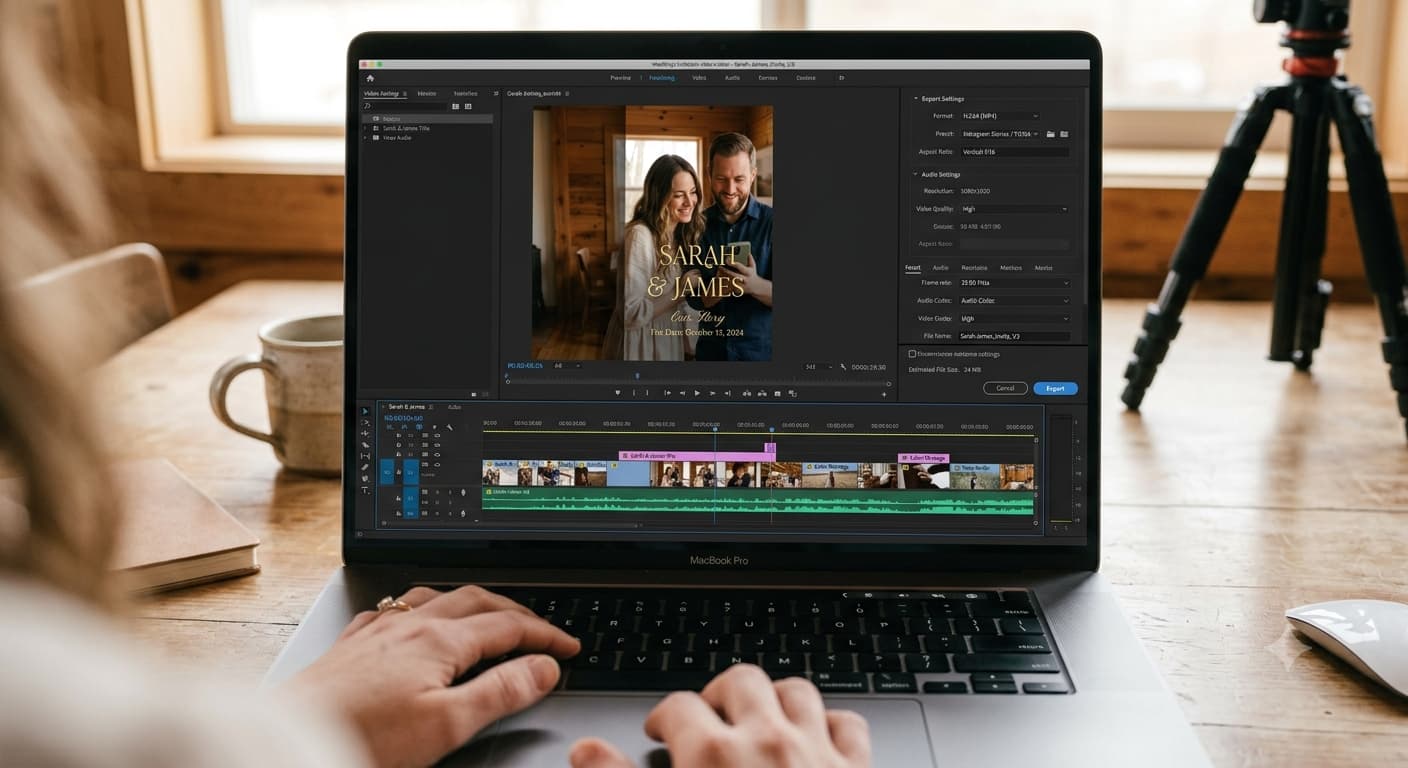
How long is too long for a wedding invitation video?
Ninety seconds. That's the wall. Past it, people stop watching, and a video invitation that doesn't get watched to the end is a video invitation where nobody saw the RSVP link.
The full answer is more useful than one number though, because "length" and "format" quietly decide whether your invite arrives looking crisp or looking like it was faxed. This spoke sits under our video wedding invitation guide — here's the technical half.
Heads up: a couple of links in this post are Amazon affiliate links — if you buy through them, Eventic earns a small commission at no extra cost to you.
Length, by what the video is doing
| Type of video | Target length | Hard ceiling |
|---|---|---|
| Save-the-date | 12–20 seconds | 30 sec |
| Standard invitation (animated card) | 25–45 seconds | 60 sec |
| Filmed couple, scripted | 35–60 seconds | 90 sec |
| Photo/video montage | 45–75 seconds | 90 sec |
| Multi-day celebration announcement | 60–90 seconds | 100 sec |
The pattern: the more information, the more length you've earned — but only up to a point. Nobody has ever finished a three-minute invitation video except the couple's mothers.
If you're over the ceiling and can't cut, that's a signal the video is doing the page's job. Move the schedule, the travel notes and the dress code detail onto a linked page and the video shrinks by half on its own.
The 3-second rule for your date card
Whatever your total runtime, the frame showing the date needs three full seconds minimum, and honestly four is better.
Count it out loud while you watch your export. Most couples give it 1.5 seconds because it looks slow in the edit — but you already know the date. Your guest is reading it cold, in a moving thumb-scroll, possibly at a bus stop.
Same rule for the venue city and the RSVP link card. Three seconds each, minimum.
Aspect ratio: vertical, and it's not close
9:16 vertical, 1080 × 1920. That's the answer for basically every wedding invitation video in 2026.
Your invite is going to phones. It's going into messages, DMs and status posts, all of which are vertical-native. A horizontal 16:9 video arrives as a small letterboxed strip in the middle of a phone screen with black bars top and bottom, and your carefully chosen serif becomes unreadable.
The exceptions:
- Square (1:1, 1080 × 1080) if it's going onto a feed post as well and you want one file for both. Safe compromise, slightly wasteful.
- Horizontal (16:9) only if the video is genuinely being watched on a laptop or TV — a rehearsal-dinner screening, say. Rare for an invitation.
If you need both, export twice. It takes four minutes and prevents the letterbox problem entirely.
Export settings that actually matter
Whatever tool you're editing in, these are the settings to check before you hit export:
| Setting | Use this | Why |
|---|---|---|
| Resolution | 1080 × 1920 | 4K gets compressed down anyway and quadruples the file size |
| Frame rate | 30 fps | 24 fps looks filmic but stutters on text animation; 60 is unnecessary |
| Codec | H.264 | The most universally supported format there is |
| Container | .mp4 | Opens everywhere. .mov causes problems on Android |
| Audio | AAC, 128–192 kbps | Fine for speech and music |
| Target file size | Under 16 MB | See below |
That last row is the one that saves you.
Why file size decides how your video looks
Here's what nobody warns couples about: messaging apps re-compress your video. They don't send the file you made — they send a smaller version they generated, and their compression is aggressive.
Practically:
- Messaging apps generally cap video at around 16 MB, and anything above that either fails to send or gets crushed to fit. That's the number to design around.
- Email is more forgiving but still limited — Gmail caps attachments at 25 MB and switches to a Drive link beyond that.
- Text/SMS is the worst offender by far. MMS limits are tiny, and carriers compress hard.
So: export under 16 MB, and check it before sending. A 45-second 1080p H.264 clip at a sensible bitrate lands around 8–15 MB, which is comfortable. If yours is 80 MB, your bitrate is too high or you exported in 4K.
And even then, the better move is usually not to send the file at all — sending a link instead of an attachment sidesteps compression entirely and is the single biggest quality upgrade available to you.
Music, and the thing you can't skip
Whatever length you land on, the music has to be licensed. Using a chart song in a video that goes to 150 people isn't private use, and platforms will mute or block it — which means your guests get a silent invitation and you don't find out for a week.
Editing tools bundle licensed libraries for exactly this. Use those. It's a two-minute decision that prevents a fully avoidable disaster.
Getting a clean file out of a phone
If you're filming rather than animating, two cheap fixes do more for the final export than any setting above:
- Audio. Phone mics record the room, not you. A clip-on lavalier mic for smartphones runs about the cost of a takeaway dinner and is the difference between "we can hear you" and "we think she said March?" Compression destroys weak audio first.
- Light. Face a window. If you're filming after dark and can't, a small clip-on ring light is worth having — indoor ceiling lighting on camera is deeply unkind to everyone.
Also: lock your phone's exposure and focus before you start. On iPhone and most Androids, that's a long-press on your face in the frame. It stops the auto-exposure hunting mid-take, which reads as amateur even when nothing else does.
Captions and text legibility
Caption text should sit in the middle third of the frame, not the bottom edge — messaging apps and social feeds overlay UI on the bottom of vertical video and will cover your words.
For on-screen details, the size test is simple: shrink the video preview to about the width of your thumb. Can you still read the date? If not, size up. This is the same rule that makes a Pinterest pin readable at thumbnail, and it applies for the same reason.
Captions aren't optional for accessibility either — W3C's guidance treats captions as a baseline for any video carrying spoken information, and your invitation carries all of it.
Export it, then watch it once on someone else's phone before it goes anywhere. Different screen, different brightness, different eyes. You'll catch the thing you've stopped being able to see. If the whole thing still feels off, the mistakes list will probably name it.
People Also Asked
Explore common questions related to this blog.
30–60 seconds for most invitations. Under 20 for a save-the-date. Over 90 only if you're covering multiple events, and even then, move detail to a linked page first.
Vertical, 9:16. Your guests are on phones. Export a square version too if it's going on a feed post.
The app re-compressed it. Either your file was too large to send at full quality, or the platform crushed it on principle. Hosting the video and sending a link avoids this completely.
MP4 with H.264 video and AAC audio, 1080 × 1920, 30 fps. That combination plays on every phone your guest list owns.