Video Wedding Invitation Mistakes: 11 Things That Make Guests Tune Out
Your video's been out for four days. You've had eleven RSVPs out of ninety, three people have asked what time the ceremony starts, and one person congratulated you on your engagement.
Something's wrong with the video, and it's almost certainly on this list. These are the failures that show up over and over, with the fix next to each — the counterpart to our video wedding invitation guide, which covers doing it right the first time.
Heads up: one link in this post is an Amazon affiliate link — if you buy through it, Eventic earns a small commission at no extra cost to you.
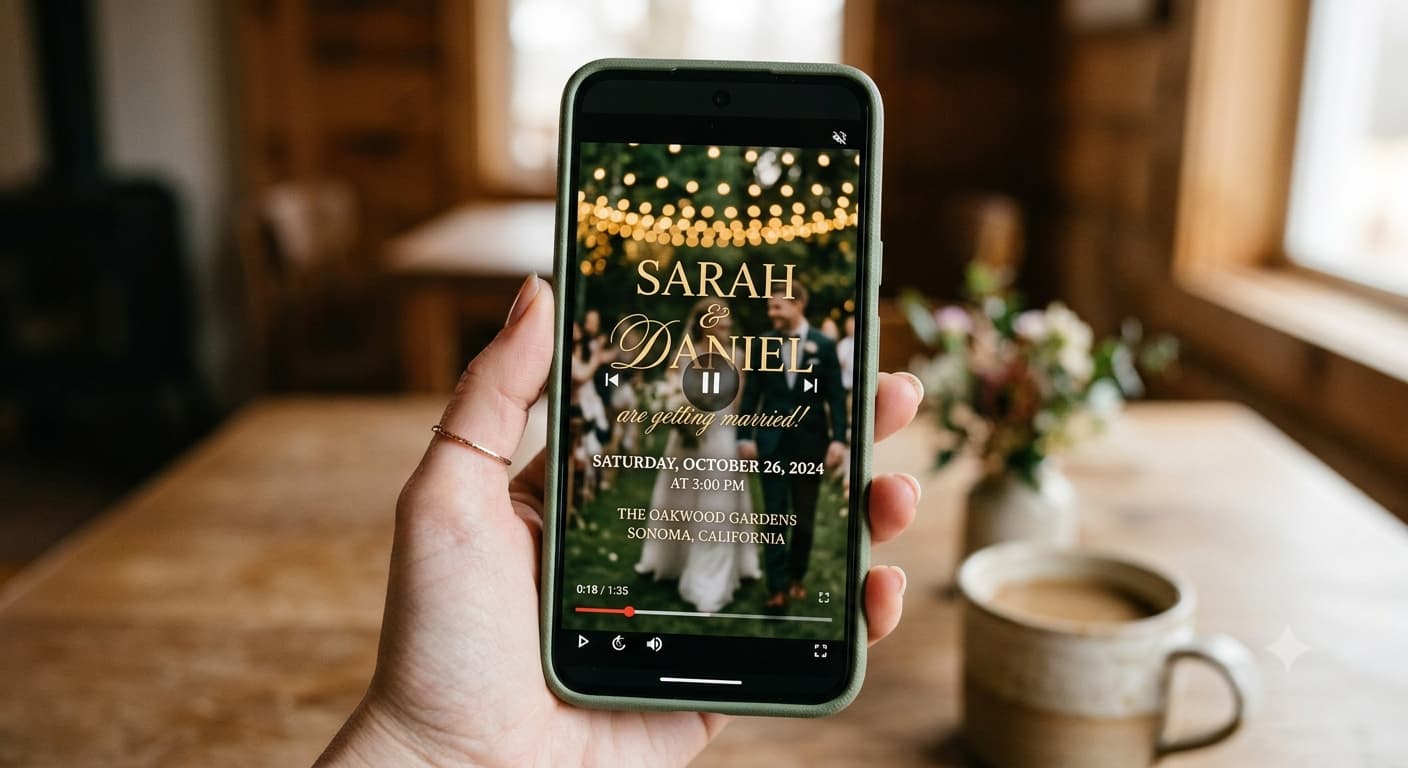
1. The date flashes by in a second and a half
The most common one, and the most costly.
You know the date. You've known it for a year. So when you're editing, four seconds on the date card feels glacial and you trim it to something that feels right. Your guest is reading it cold, on a phone, once.
Fix: three seconds minimum on the date, venue city and RSVP link. Count them out loud on playback. If you feel bored, it's correct.
2. It's two minutes long
Watch-through falls off hard past about 90 seconds, and everything important in an invitation lives at the end — the link, the deadline, the ask.
Long invitation videos aren't long because there's more to say. They're long because there's a slow intro, a photo montage nobody needed, and a fade that lasts four seconds.
Fix: cut the first five seconds entirely. Almost every invitation video improves by starting later. Then move any detail that isn't names/date/place/next-step onto the linked page. The length targets by video type will tell you what you're aiming for.
3. No captions
A large share of people watch video on mute by default. If your date is spoken and not shown, those guests learned nothing.
It's also an accessibility failure — captions are the baseline for any video carrying spoken information, and your invitation carries all of it.
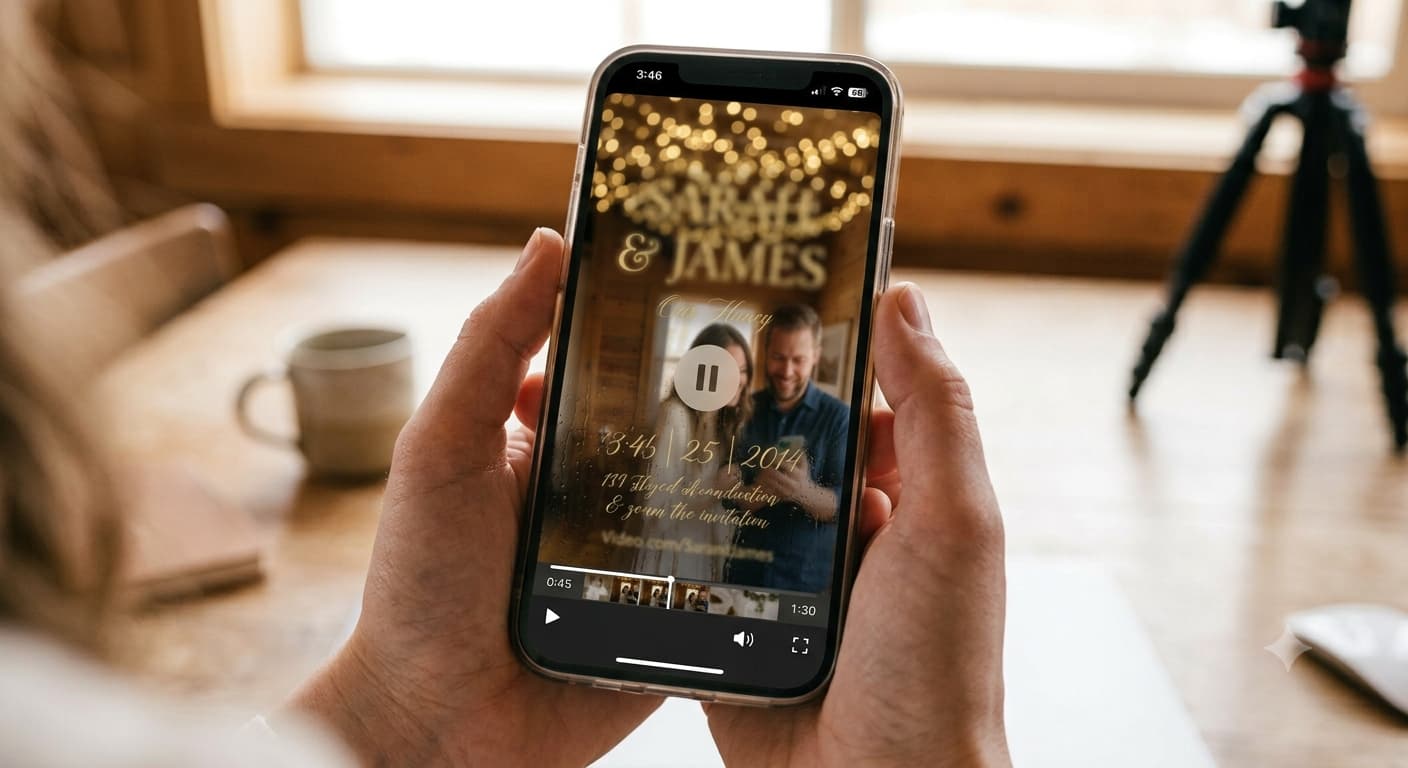
Fix: captions, in the middle third of the frame. Not the bottom edge, where app interfaces overlay them.
4. Music you don't have the rights to
Using a chart song feels harmless for something going to a hundred friends. Platforms disagree, automatically, and often silently — the video gets muted or blocked, and you find out when someone mentions it a week later.
Fix: licensed library music from whatever tool you're editing in. Every major editor bundles it now. It takes two minutes and removes the risk entirely.
5. Sending the file instead of a link
Messaging apps and carriers re-compress video aggressively. What arrives isn't what you exported, and the first casualty is small text — which is your date, your venue and your link.
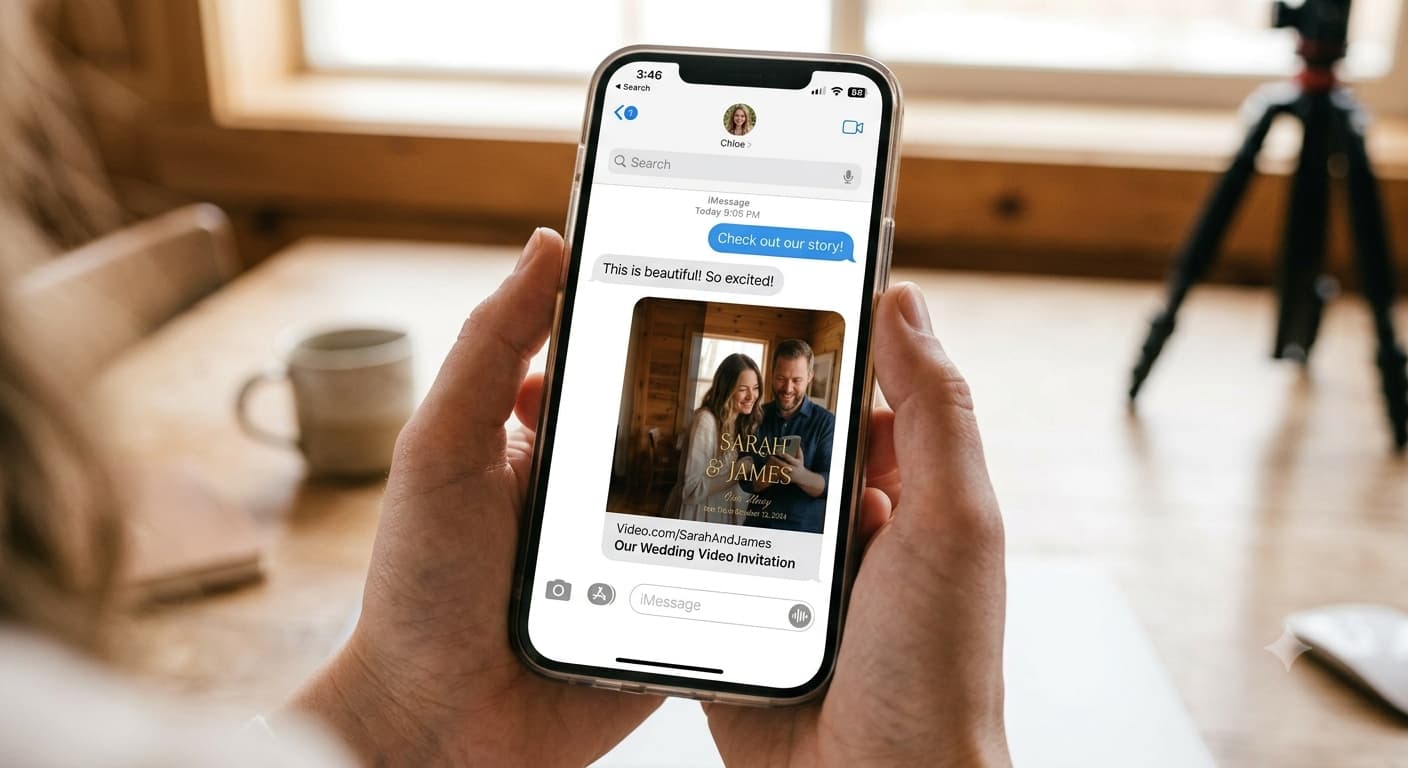
Fix: host the video, send the URL. The hosting and sending options are laid out here, and it's the single biggest quality upgrade available.
6. The video doesn't point anywhere
A video can't collect an RSVP. It can't hold a schedule. It can't tell someone in April what time to arrive in June. If your video ends on "we can't wait to celebrate with you" and nothing else, you've made an announcement, not an invitation.
Fix: the final frame carries one instruction and one destination. "RSVP by 1 February — link below." And then a page actually exists at that link, holding the details and collecting responses in one list instead of your inbox.
7. Horizontal video
A 16:9 export on a phone screen becomes a small strip with black bars swallowing most of the display. Your beautiful 60pt serif is now 12pt.
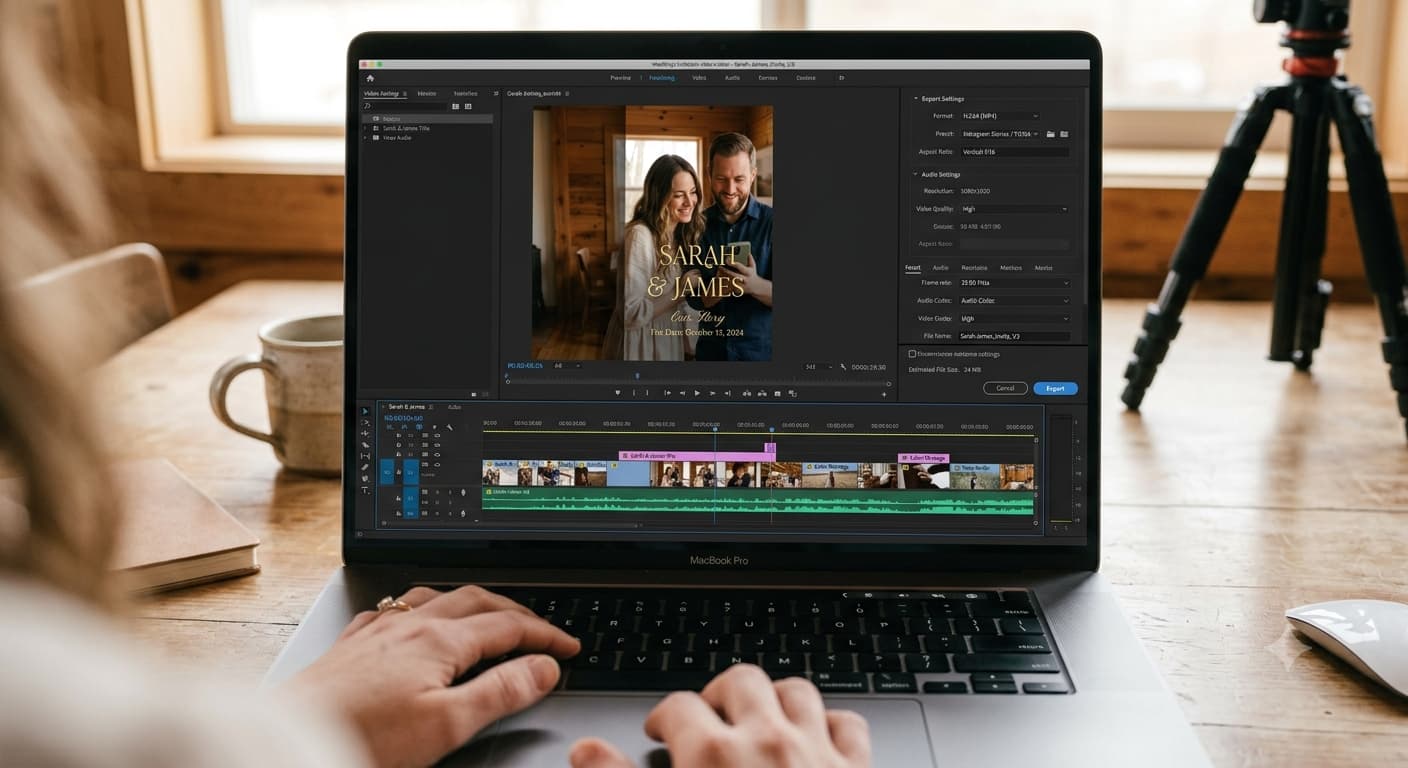
Fix: 9:16 vertical, 1080 × 1920. Export a square version separately if it's going on a feed post.
8. The audio is unlistenable
Phone microphones record the room. Filmed in a kitchen with the fridge running, or outdoors with wind, you get an invitation people physically cannot understand — and audio is the first thing compression destroys, so it arrives worse than it sounded in the edit.
Weirdly, guests forgive soft-focus video instantly and forgive bad audio never.
Fix: film indoors, away from traffic, AC off, hard surfaces covered. If speech is central to the video, a clip-on lavalier mic for phones costs about as much as a bottle of wine and removes the problem completely.

Mini Mic Pro (Latest Model – #1 Microphone for iPhone & Android
Wireless Mini Microphone, Clear Voice, Noise Cancelling, Lavalier Mic for TikTok, YouTube & Interviews (with Charging Case)
View on AmazonAs an Amazon Associate, we may earn from qualifying purchases.
9. Filmed at night under a ceiling light
Overhead indoor lighting on camera produces shadows under the eyes and a slightly haunted quality. Then compression exaggerates it.
Fix: face a window, mid-morning or late afternoon. That's the whole tip. It's free and it works better than equipment.
10. Registry information in the video
It's still the invitation. Putting gift information inside it reads as an invoice, no matter how lightly it's phrased — and the etiquette on this genuinely hasn't shifted as much as the internet claims.
Fix: registry goes on the linked page, in its own section, where a guest goes looking for it.
11. Nobody tested it on another phone
You watched it forty times in the editor on a bright laptop. You did not watch it on a four-year-old Android at 40% brightness on mobile data.
Fix: send it to two people — one iPhone, one Android — and ask them three things: does it play, can you read the date, and does the link preview look right? Then ask them what the wedding date is without letting them rewatch. If they hesitate, go back to mistake #1.
The quick self-check
Run this before sending anything:
| Check | Pass condition |
|---|---|
| Date card | On screen 3+ seconds, legible at thumbnail size |
| Total length | Under 90 seconds |
| Captions | Present, mid-frame |
| Music | Licensed |
| Format | 9:16 vertical, MP4, under ~16 MB |
| Delivery | Link, not attached file |
| Final frame | One clear instruction + working link |
| Link preview | Shows a title and image, not "Untitled" |
| Tested | Played on one iPhone and one Android |
Nine boxes. Twenty minutes. It's the difference between an invitation people act on and one they compliment and then forget.
The mistake that isn't a mistake
One thing couples worry about far too much: not looking polished enough.
The slightly nervous take where you laugh at yourselves is better than the eleventh, smoothest one. Guests are not evaluating your production values — they're deciding whether to fly somewhere for you. Warmth converts. Polish doesn't, particularly.
Skip the takes-until-perfect spiral. Fix the date card instead.
If you fix exactly one thing on this list today, make it the date card. Three seconds. It's the cheapest RSVP you'll ever buy.
People Also Asked
Explore common questions related to this blog.
Usually the link, not the video. Either the final frame doesn't clearly say what to do, the link preview looks broken, or the RSVP deadline was never stated as an actual date. Check those three before re-recording anything.
Only if you make it so. An animated card with traditional wording reads perfectly formal. Formality lives in typography and language, not in the medium.
If the error is factual — wrong date, wrong time, wrong link — yes, immediately, with a short apology note. If it's cosmetic, leave it. A second send for a font choice trains guests to ignore your messages.