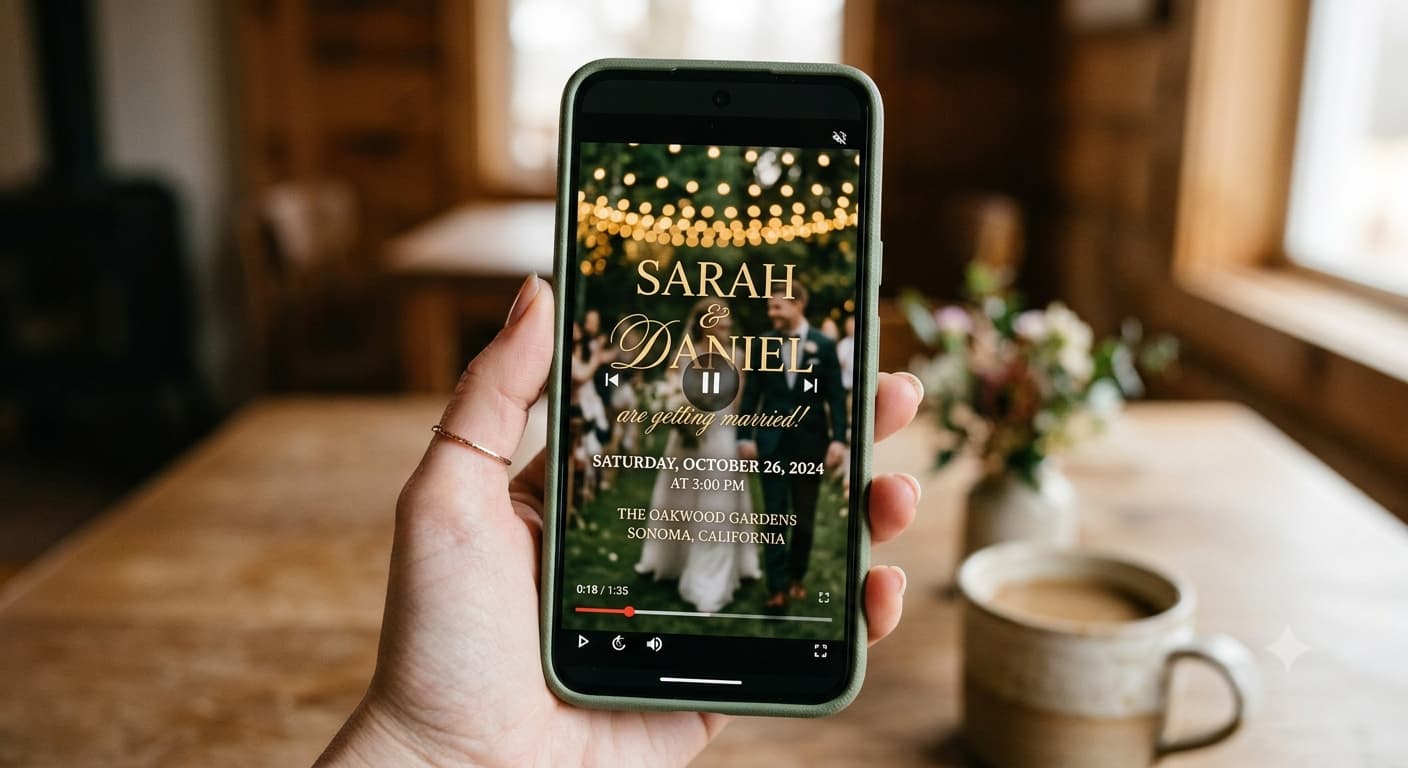
Most video invitations fail for a boring reason: they're beautiful and they're missing the address.
Seriously. The florals bloom, the music swells, the names appear in gold script, and forty-five seconds later your guests know that Sam and Priya are getting married in the fall and absolutely nothing else. This is part of our bigger guide to video wedding invitations, and it's the section couples skip.
So — here's what goes in, what stays out, and why.
The nine things a video invitation has to carry
1. Both full names
First and last, at least once. Your college roommate's partner has never met you and is going to see this on a shared screen. "Sam & Priya" on the title card is fine as long as full names appear somewhere.
2. The date — with the year
Held on screen for at least three seconds, in something legible. Not a script font that animates in and out in half a beat.
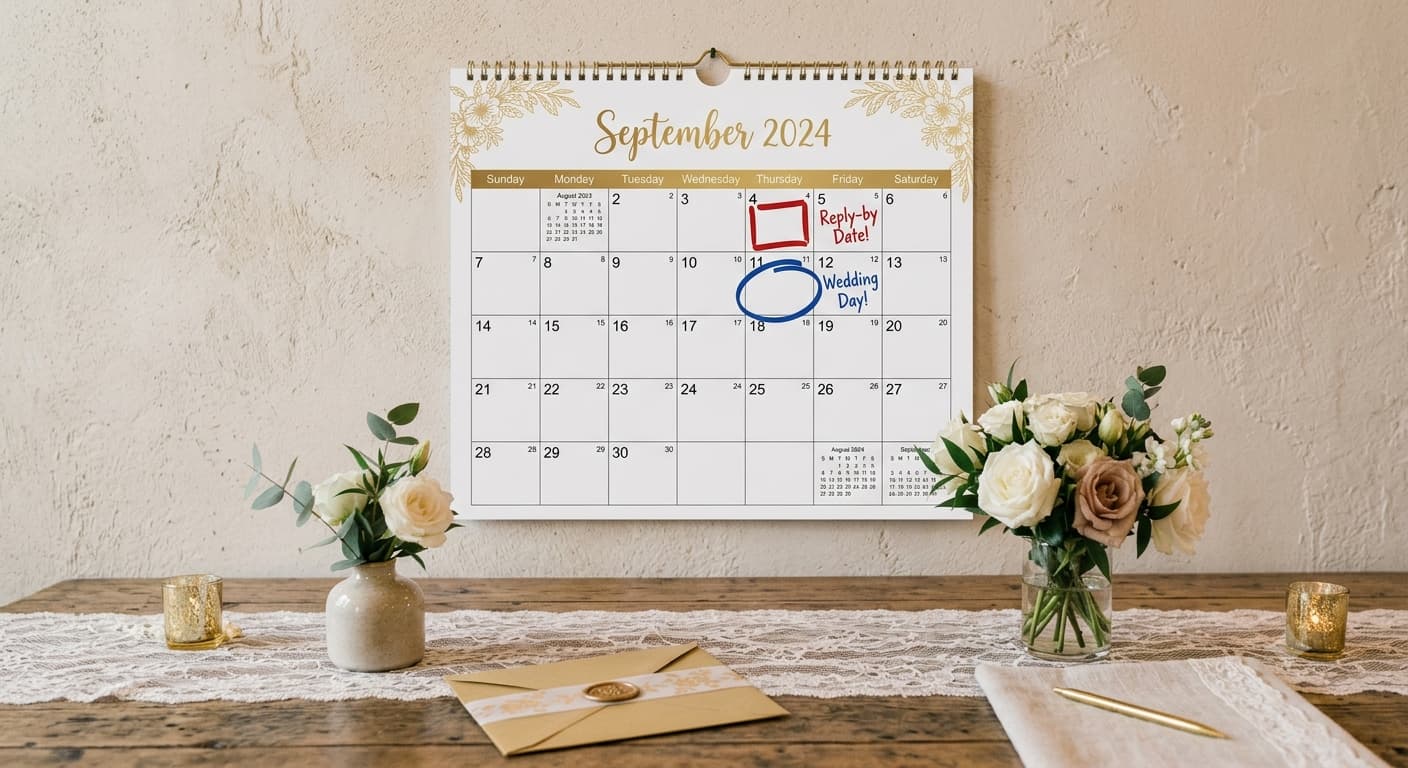
The year matters more than people think. Save-the-date videos and early invites get screenshotted in March for a wedding the following February, and "March 14" without a year has caused more than one guest to book flights for the wrong twelve months.
3. The day of the week
Small addition, big effect. "Saturday, 14 March 2027" tells a guest whether they need a day off work in the same glance. Costs you two words.
4. The city — always
Even if it's obvious to you. Especially if it's obvious to you. Your guest list will include people who don't know your hometown, and "at the Fairmont" means nothing without a city attached.
5. Start time for the ceremony
One time, the one that matters. If there are multiple events across a weekend, the video shows the ceremony time and the page carries the rest. Video is terrible at schedules — trying to fit a three-event timeline into it is where invites turn into unreadable text walls.
6. A clear next step
The last frame is the most important one and it's usually wasted on "We can't wait to celebrate with you!"
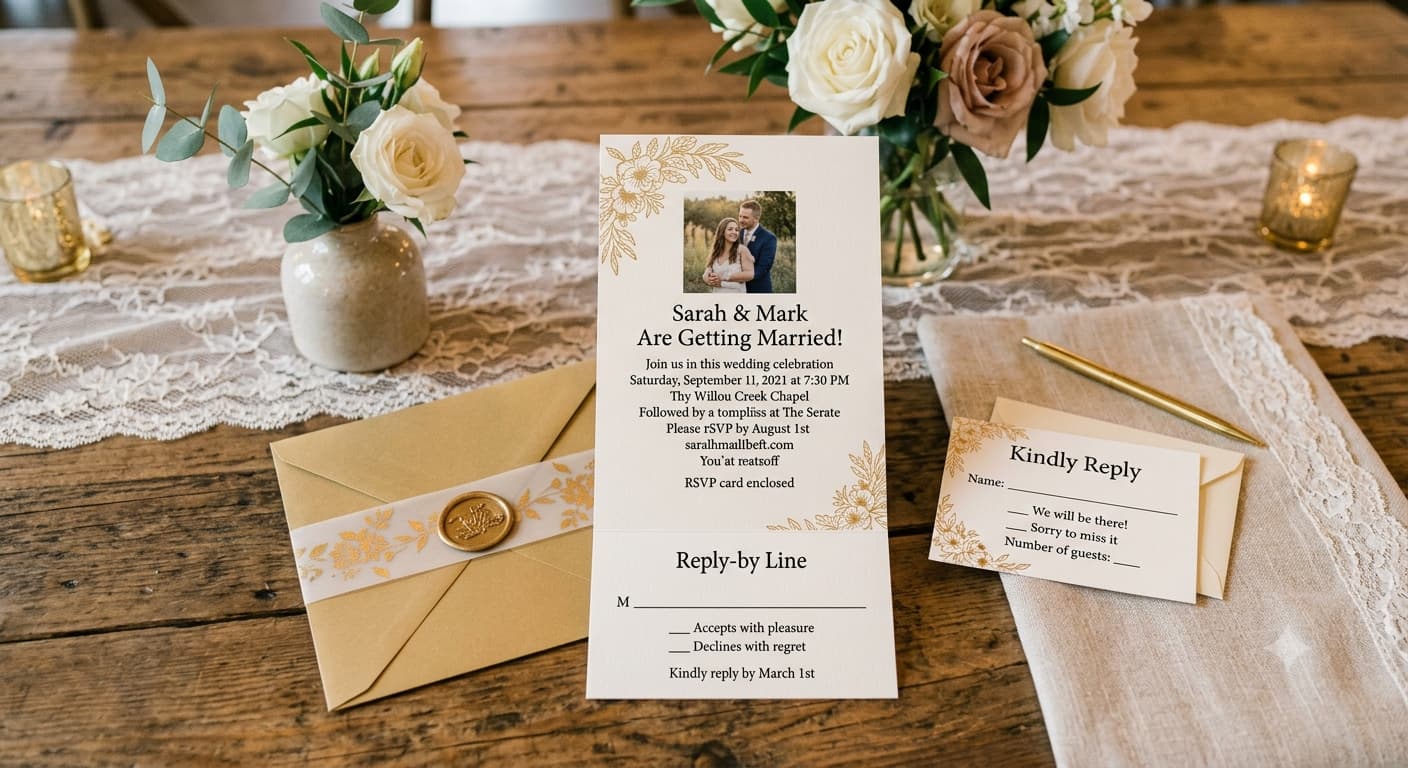
Use it for the instruction instead. "RSVP by 1 February — link below." That's it. The video's job ends by pointing somewhere.
7. The RSVP deadline
On screen or on the page it links to — but somewhere, and stated as a date, never as "as soon as possible." Guests read "as soon as possible" as "eventually" and then it's April.
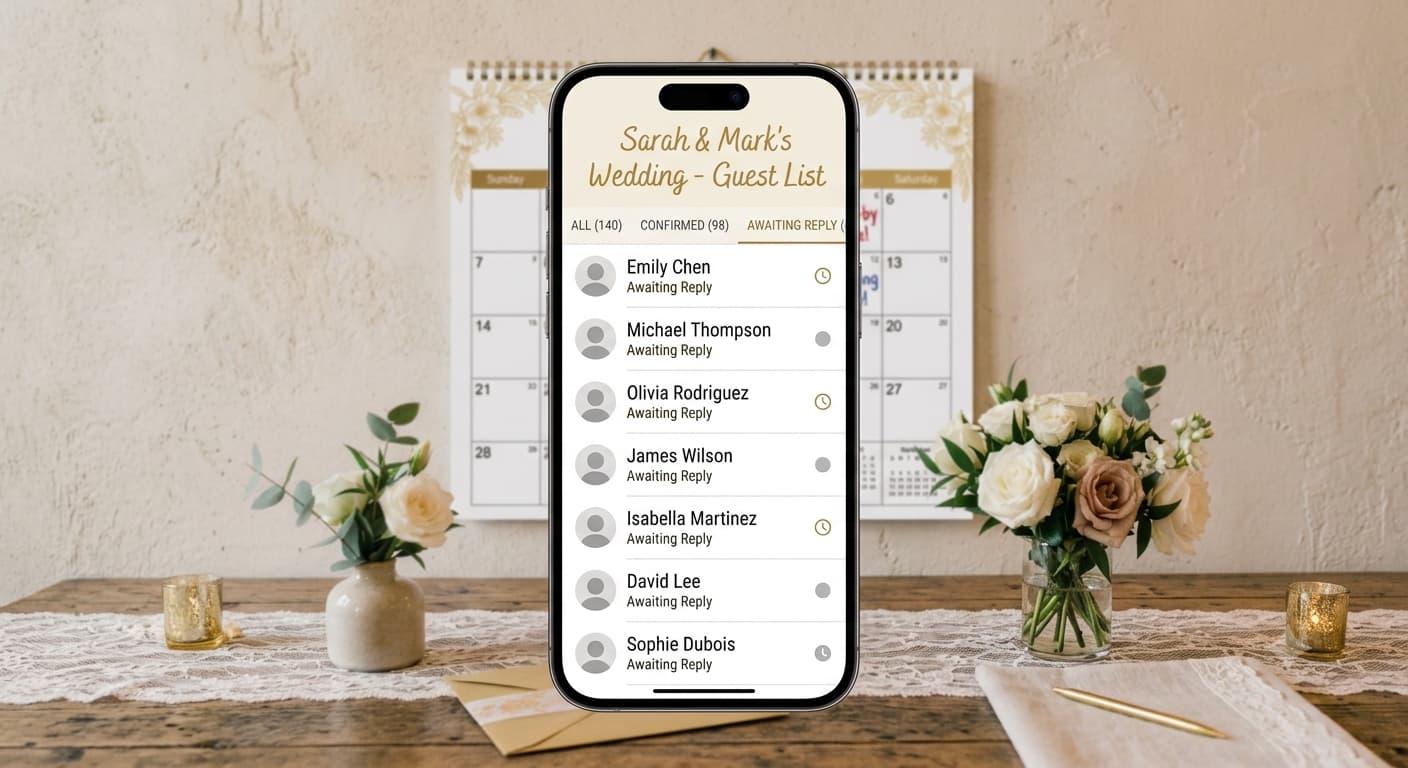
Honestly? Put it on the page, not in the video. Deadlines slip, and re-exporting a video because you moved a date by two weeks is a small tragedy. Which raises the question of where responses actually go, and the answer shouldn't be your DMs — tracking RSVPs in one place instead of five inboxes is the difference between a spreadsheet and a spiral.
8. Dress code — if it's not obvious
"Black tie." "Garden formal." Two words on a card at the end. Skip it only if your wedding is genuinely come-as-you-are, and even then, say that, because "no dress code" reads as "I don't know the dress code" and someone will show up in a suit.
9. Captions
Not a detail, a requirement. A large share of your guests will watch this on mute — on a train, in an office, at 11pm next to a sleeping partner. If your date only exists in the audio, it doesn't exist.
Captions are also just the accessibility baseline for any video with speech. Your hard-of-hearing uncle shouldn't have to ask someone what the invitation said.
The three things that shouldn't go in
The full street address. Put the venue name and city on screen; put the street address on the page. Addresses are for looking up, and nobody looks things up inside a video.
Registry information. Not in the video. Not on the title card, not in the closing frame, not "cheekily." It goes on the wedding website, in its own section, where a guest goes looking for it. A registry mention inside the invitation itself reads as a bill, and the etiquette on this hasn't actually moved as much as the internet suggests.
Every ceremony in a multi-day celebration. Video is a headline medium. One event on screen, the full schedule on the page. Trying to cram five functions into 60 seconds gives you a video nobody can read and a timeline nobody can find later.
Quick reference: video vs. the page it links to
| Detail | On the video | On the linked page |
|---|---|---|
| Full names | ✅ | ✅ |
| Date + year + day | ✅ | ✅ |
| City | ✅ | ✅ |
| Venue name | ✅ | ✅ |
| Street address | ❌ | ✅ |
| Ceremony start time | ✅ | ✅ |
| Full weekend schedule | ❌ | ✅ |
| Dress code | ✅ (2 words) | ✅ (with detail) |
| RSVP deadline | Optional | ✅ |
| RSVP form | ❌ (can't) | ✅ |
| Registry | ❌ | ✅ |
| Travel, hotels, parking | ❌ | ✅ |
| Adults-only note | Optional, gently | ✅ |
Once the details are settled, the invite page is the easy half — a wedding template with the details and RSVP already wired together saves building one from scratch, though a plain Google Doc with a shareable link technically works too. The point is that a permanent, findable page exists.
The adults-only problem
This one comes up constantly, so: can you put "adults only" in a video invitation?
You can, and it's less awkward than people fear, but the phrasing has to be warm because tone doesn't survive video compression the way it survives cardstock. "We're keeping the celebration to adults for the evening — hope you get a night off!" lands. "No children." on a black card does not.
Better still, say it on the page and let the video stay celebratory. The video sets the mood. The page does the admin. That division of labour solves about half the questions couples have about video invites.
How this reads out loud
Everything above is what appears. How you say it is a separate craft, and reading written invitation wording aloud is exactly how you end up sounding like a court summons — we wrote out scripts built to be spoken rather than printed for that reason.
And if you're weighing how much of this can realistically fit, the length and format specs will tell you how many seconds you've actually got to work with. Spoiler: fewer than you think.
Before you export: read the video's on-screen text out loud, in order, ignoring the music. If it doesn't answer who, when, where, what next — go back in.
People Also Asked
Explore common questions related to this blog.