To switch online invitation platforms mid-planning, export your guest list and existing RSVPs first, rebuild the event on the new platform, pre-mark the people who already replied, then send one clear message: 'We've moved our invite, please use this new link, and if you've already replied you're all set.' Close or update the old event so it points to the new one. Do it at least three weeks before your RSVP deadline. Switching the week before is technically possible, it's just also chaos with a guest list.
So you've sent 80 invites on one site, 34 people have replied, and you've just realised the platform can't ask meal choices. Or your free tier ran out. Or your mum saw the ads.
Deep breath. Switching mid-planning is common and very fixable. The risk isn't the switch itself, it's guests getting two links and replying twice, or not at all. If you're still deciding where to move, our rundown of Evite, Paperless Post and their rivals will help you pick before you start moving things.
First: should you actually switch?
Switch if the current platform is blocking something you truly need:
- You need meal choices, plus-one names or per-event headcounts, and it can't collect them.
- Ads are showing on a wedding or work invite.
- You've hit a guest limit and the upgrade costs more than a new platform.
- Guests can't open it properly, often older relatives or people on WhatsApp.
Don't switch just because you found a prettier design. Guests don't compare. They'll open the link once and remember the date, if you're lucky.
How to switch, step by step
1. Export everything before you touch anything
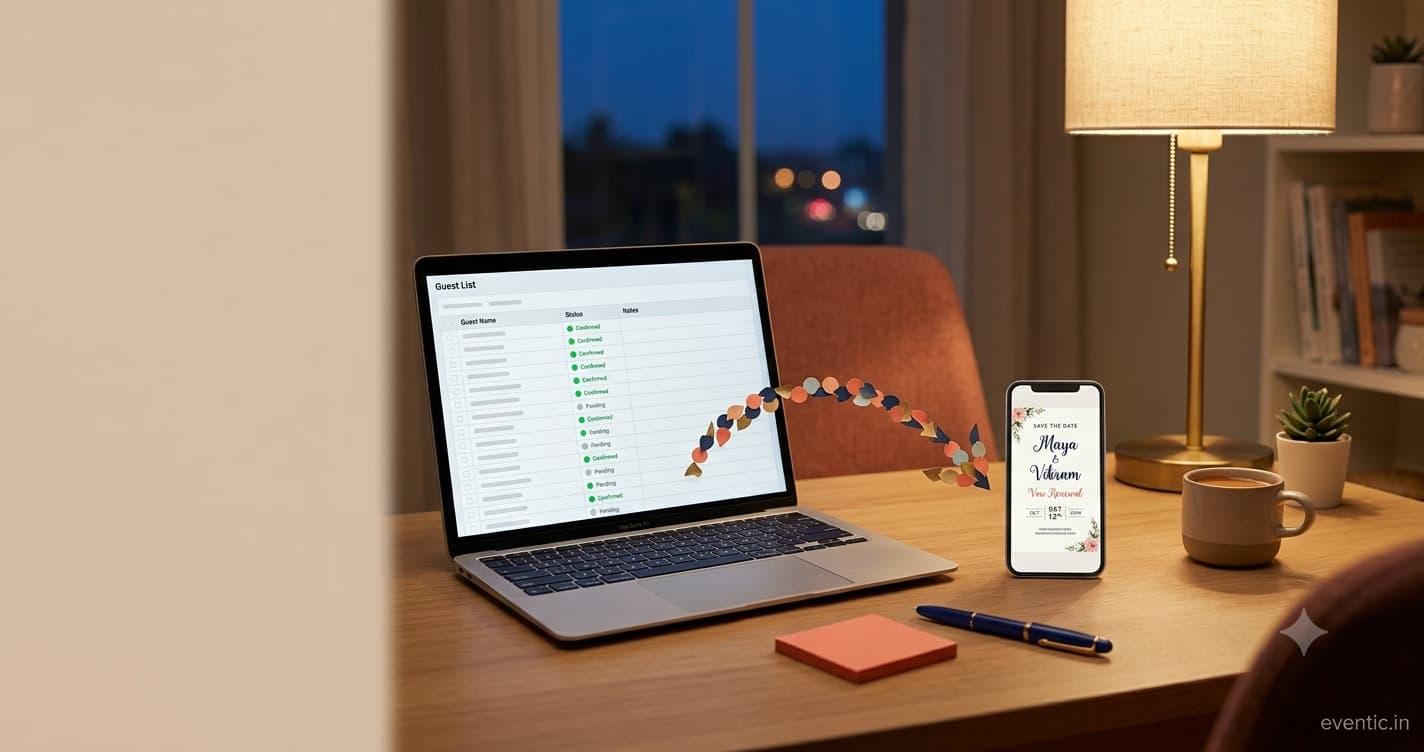
Download your guest list with contact details and every RSVP status: yes, no, maybe, no reply. Most platforms have an export or print option in the guest list view. If yours doesn't, screenshot the list. Old-school, but it works.
2. Build the new event completely
Same date, time, venue, dress code and RSVP deadline. Copy the wording exactly, so guests recognise it instantly. Add the questions the old platform couldn't ask.
3. Import guests and pre-mark existing replies
Upload the guest list if the new platform accepts a spreadsheet, and manually mark everyone who already responded. This is the step people skip, and it's why aunties end up RSVPing three times.
4. Send one clear message
Use two versions, one for people who already replied and one for people who haven't. Samples below.
5. Retire the old event
Update the old invite's description to say 'We've moved! Please use our new link,' with the link. If the platform allows, close RSVPs there. Don't delete it until the event is over, in case someone opens the old link from an email.
Copy-paste messages for guests
For guests who already replied:
Hi! Quick update: we've moved our invitation to a new page so we can collect meal choices. You've already RSVP'd, thank you, so you're all set. If you'd like to pick your meal, here's the new link: [link]
For guests who haven't replied yet:
Hi! We've moved our invitation to a new page. Please use this link to RSVP by [date]: [link]. You can ignore the earlier invite. Can't wait to celebrate with you!
For a formal event, keep it tighter:
Please note our invitation has moved. Kindly reply using the link below by [date]. If you have already responded, no further action is needed. [link]
Sending by email? The same basics apply as with any emailed invite, and our notes on wedding invitation email etiquette cover subject lines that don't land in spam.
Timing: when it's too late to switch
| Time before RSVP deadline | Verdict |
|---|---|
| 4+ weeks | Switch freely |
| 2–4 weeks | Switch, but message guests personally |
| Under 2 weeks | Stay put; collect missing info by text or a short form |
| After the deadline | Don't switch. Call the stragglers. |
For bigger events, it helps to anchor all this on proper send dates. The Emily Post Institute's guidance on invitation timing is a reliable baseline to count backward from.
Gotchas that catch people
- Printed QR codes. If your save the dates had a QR code pointing at the old invite, update what the old page says, or set up a redirect if your platform allows it. Our list of QR code invitation mistakes covers this exact trap.
- Paid packages. Evite's premium packages are per event. If you already paid, that money's gone, so factor it in.
- Plus-ones. Double-check plus-one names carried over. They're the first thing lost in a manual move.
- Reminder emails. Turn off automatic reminders on the old platform, or guests get nagged by a dead invite.
What to do when guests reply on both links
It'll happen. Someone replies yes on the old invite on Monday, then no on the new one on Thursday. Or the reverse.
- Latest answer wins. Treat the most recent reply as the real one, but confirm if it changed from yes to no.
- Check the old list weekly. Until your deadline, glance at the old platform for stragglers who used the first link.
- One quick text fixes it. 'Hey, just checking — we've got you down as a no on the new link, is that right?' Nobody minds.
Keep a single master list in a spreadsheet as your source of truth while both links are live. It's boring. It also stops you ordering 14 extra meals.
Switching for a multi-event wedding
If you're moving because the old platform treats a four-function wedding as one event, map guests to functions before you import. A simple spreadsheet column per event (mehendi, sangeet, wedding, reception) with a Y or N saves hours. Then send each guest one link that shows only the events they're invited to, if the new platform supports it. If it doesn't, you've picked the wrong new platform. Better to find out now than at the caterer meeting.
The 10-minute switching checklist
- Export guest list and RSVP statuses
- Build the new event with identical details
- Add the missing questions (meals, plus-ones, per-event)
- Import guests and mark existing replies
- Send the 'already replied' message
- Send the 'please reply' message
- Update the old invite with the new link
- Turn off old reminders
- Check printed QR codes and save the dates
- Diary a weekly check of the old list until the deadline
Avoid switching next time
Most switches happen because the first choice was made on looks. Before your next event, run through what paid tiers really include and match it to what you need to ask guests. If your guests mostly live in messaging apps, look at platforms built for that. Eventic, for one, keeps RSVPs for every function in one guest list and shares cleanly on WhatsApp. Pick whichever fits.
You've got this. One export, one new link, one clear message, and your guest list is back on track before the cake tasting.
People Also Asked
Explore common questions related to this blog.