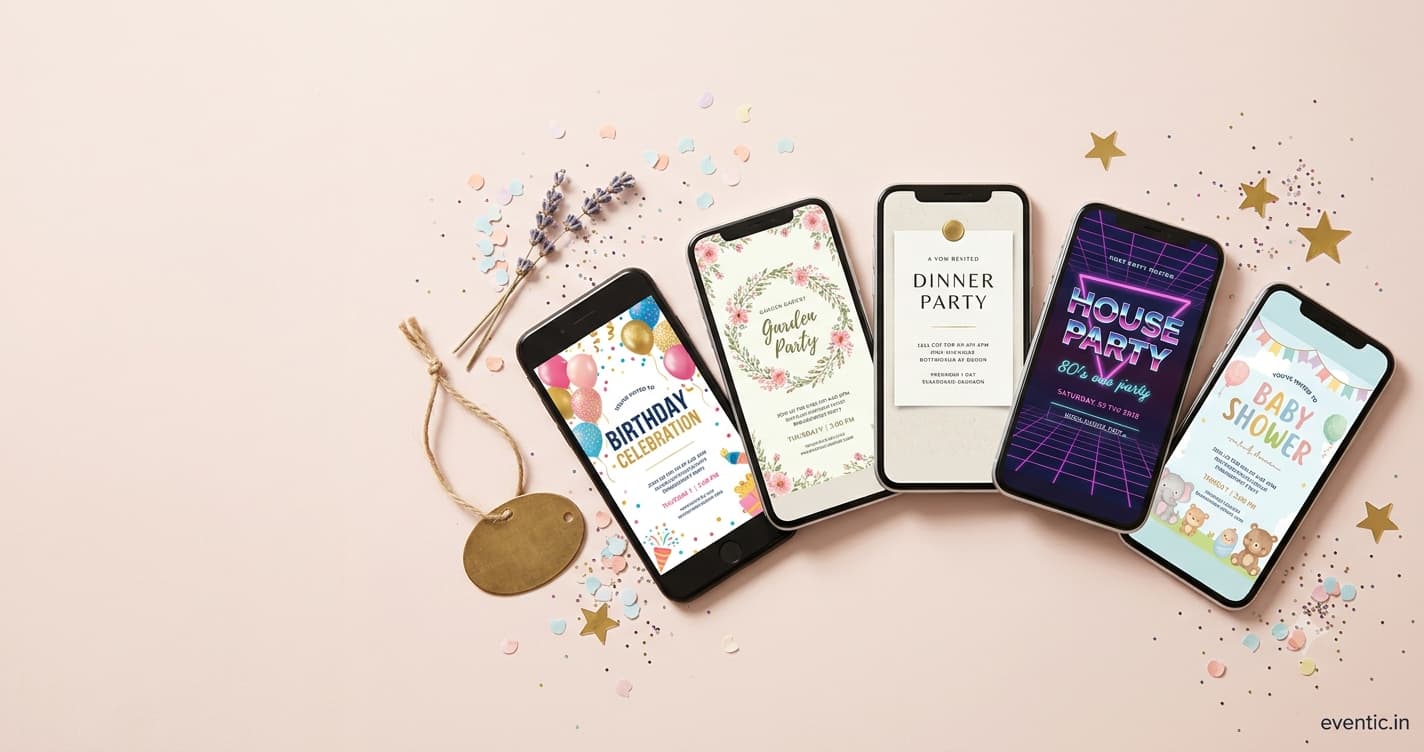
In a nutshell: Evite Premium charges per event by guest count ($17.99 for up to 12 guests, up to $99.99 for 750) and mainly buys you no ads plus premium designs. Paperless Post charges per guest through Coins, from roughly $0.50 to $1.44 each on small lists, and buys design extras and guest-management features. Paying is worth it for weddings, showers and work events. It's not worth it for a casual party. The envelope liner won't make Kevin RSVP faster, sorry.
Confession: I once paid for an animated envelope liner on a birthday invite. Nine people came. At least three of them opened it on a work laptop with the sound off and never saw the animation.
That's the premium-invite trap. You pay for the thing that looks good in the preview, not the thing that makes the event run smoother. So let's split what Evite Premium and Paperless Post's paid tiers actually buy you, in dollars and in usefulness. For the broader picture, including free options and newer apps, start with our full Evite vs Paperless Post breakdown.
How Paperless Post's Coins work now
Paperless Post uses Coins, its own currency, but its pricing page now frames costs as feature tiers charged per guest. Roughly, on a small list:
| Tier | Approx. cost per guest | What it's for |
|---|---|---|
| Free | $0 | Basic designs, first 50 invitations |
| Basic | ~$0.50 | More designs and simple extras |
| Premium | ~$1.05 | Design upgrades and guest tools |
| All Access | ~$1.44 | Everything included |
Per-guest costs drop as the list grows, and there's an annual Paperless Pro plan starting at $250 a year for 250 guests. Worth it only if you're hosting several events inside a year, like a shower, a rehearsal dinner and a wedding.
The mess: it's easy to lose track of the total. You tap a nicer backdrop, then a liner, then a stamp, and the checkout surprises you. Set a number in your head first, and back out of anything that pushes past it.
Real-world cost: three events priced out
Rough maths using the published numbers above. Your exact total will differ by design and discounts.
| Event | Evite Premium | Paperless Post (Premium tier) |
|---|---|---|
| Dinner party, 12 guests | $17.99 (Silver) | About $12.60 |
| Bridal shower, 30 guests | $36.99 (Gold) | About $31.50, less with volume |
| Wedding, 120 guests | $99.99 (Diamond) | Varies; per-guest pricing drops at volume |
Small events: roughly a tie. Big events: Evite's Diamond flat rate is hard to beat on price alone. But price isn't the whole story, because a wedding needs more than a nice card.
So is premium worth it? Depends what you're fixing
Pay if the problem is one of these:
- Ads would be embarrassing — work events, weddings, anything with your boss or your in-laws on the list.
- You need custom RSVP questions — meal choice, dietary needs, kids' headcount.
- The invite sets the tone — a formal holiday party or milestone birthday where 'free template' energy would undersell it.
Don't pay if the only upgrade is visual and the event is casual. A cleaner design doesn't change who shows up. A clear date and an RSVP deadline do.
And if you're paying mainly to escape ads, check the free options first. Several ad-free invitation sites that cost nothing might solve it for zero dollars.
Premium features that change outcomes vs ones that just look nice
Not every upgrade is equal. Here's how the usual paid extras stack up in terms of actually helping your event run:
| Feature | Changes the outcome? | Why |
|---|---|---|
| No ads | Yes, for formal events | Guests judge the event by the invite |
| Custom RSVP questions | Yes | Saves dozens of follow-up texts |
| Reminders to non-responders | Yes | The single biggest time-saver |
| Guest list export | Yes | Your caterer and venue will ask |
| Animated envelope | No | Pretty for three seconds |
| Custom liner or stamp | No | Nobody RSVPs faster because of a liner |
| Premium fonts and backdrops | Rarely | Nice for weddings, invisible at a barbecue |
If the upgrades you need are all in the top half of that table, you're paying for function. If they're in the bottom half, you're paying for aesthetics, and that's fine, just know it. For wedding invitations especially, reply timing matters more than decoration, and the Emily Post Institute's guidance on invitation timing is a good anchor for when your reminders should go out.
Five questions to ask before you hit pay
- How many guests will I realistically invite, plus 15% for list creep?
- Do I need to ask anything beyond yes or no?
- Would ads embarrass me with this particular crowd?
- Am I hosting more than one event this year?
- Could a free platform do 90% of this?
If you answer 'no, no, no, no, yes,' close the checkout tab. You're good on free.
A third option: pay for the platform, not the paper effects
Some invitation platforms bundle RSVP tracking, reminders and multi-event guest lists into the product itself instead of selling them as extras. That's how we set up Eventic, and if you want to test that approach you can start an invite and see how it handles your guest list. Compare it honestly against the tiers above.
Also worth knowing: the Emily Post Institute still says paper remains the gold standard for the wedding invitation itself, even as digital has become normal for showers and parties. Plenty of couples split it: paper for the ceremony, digital for everything else.
Spend on what your guests will notice. Hint: it's the open bar, not the envelope liner.
People Also Asked
Explore common questions related to this blog.