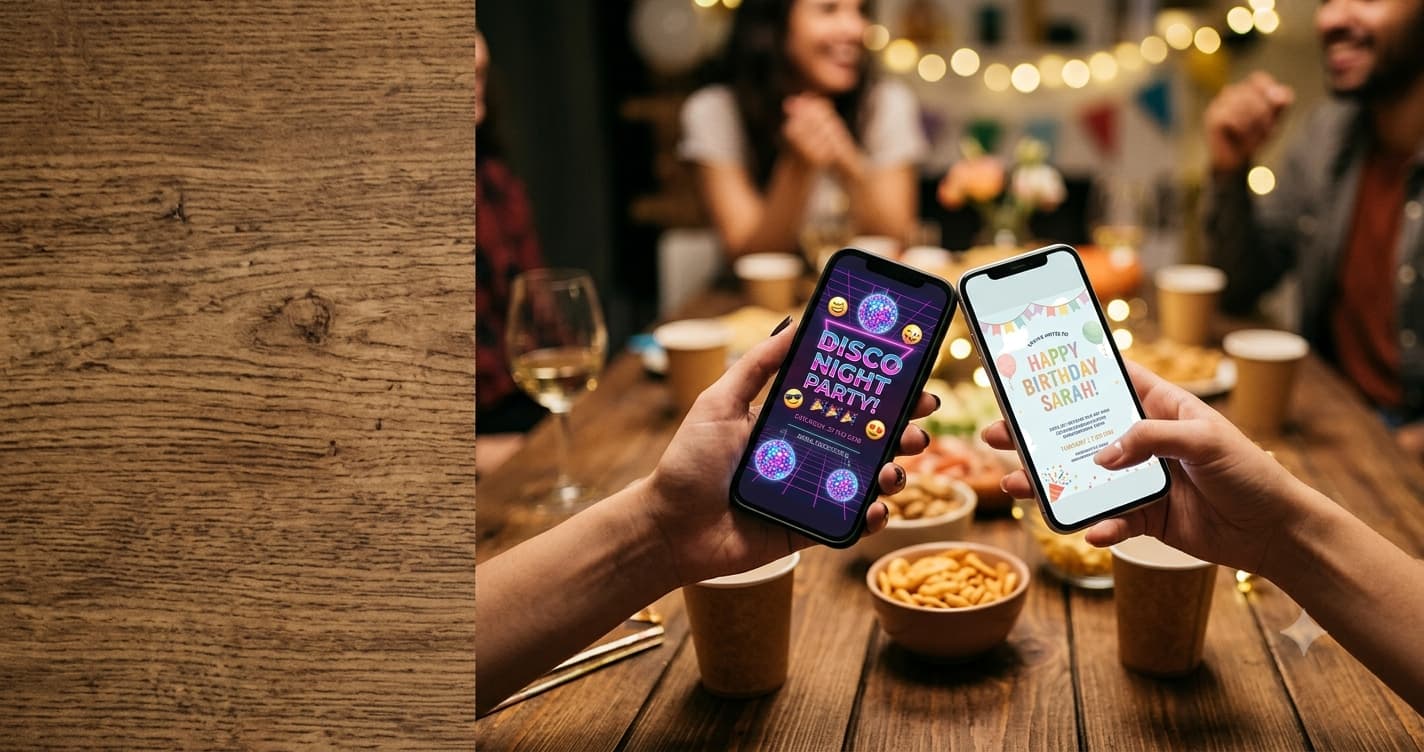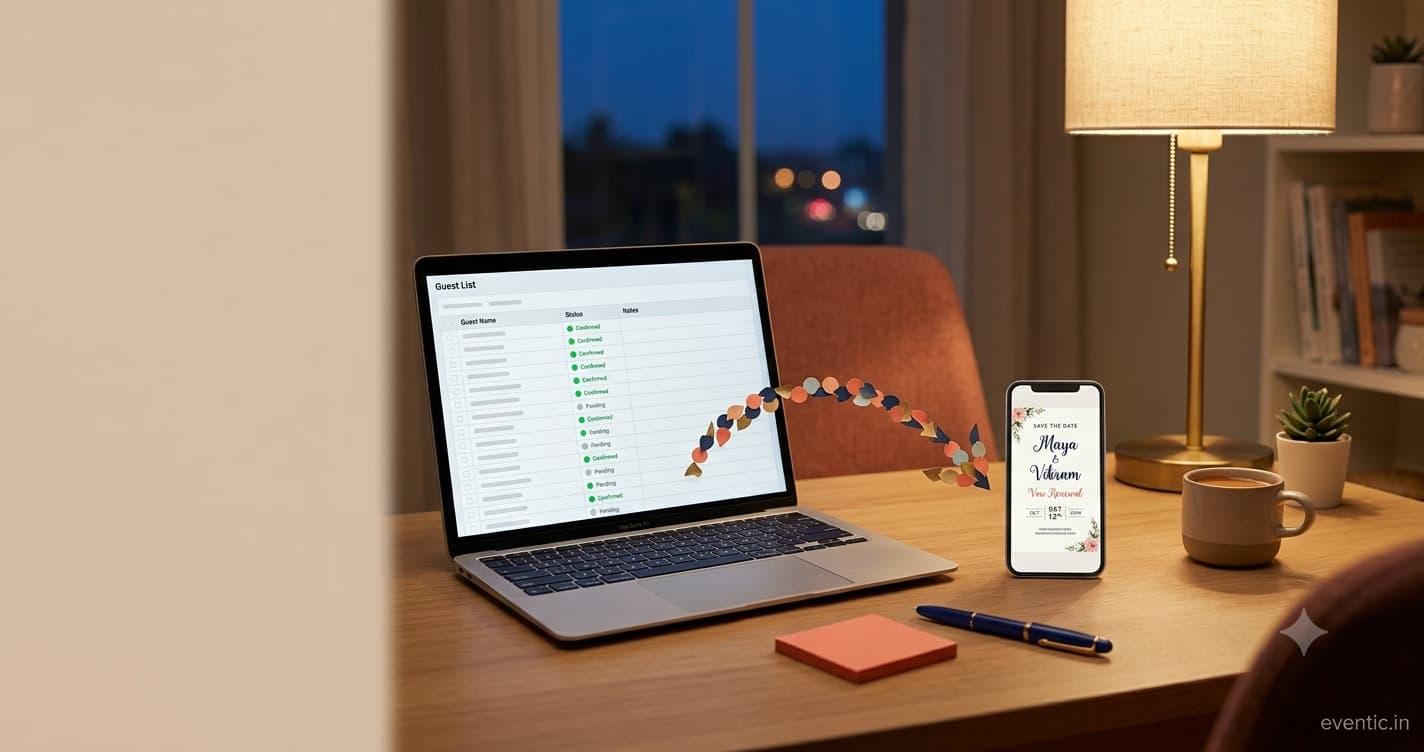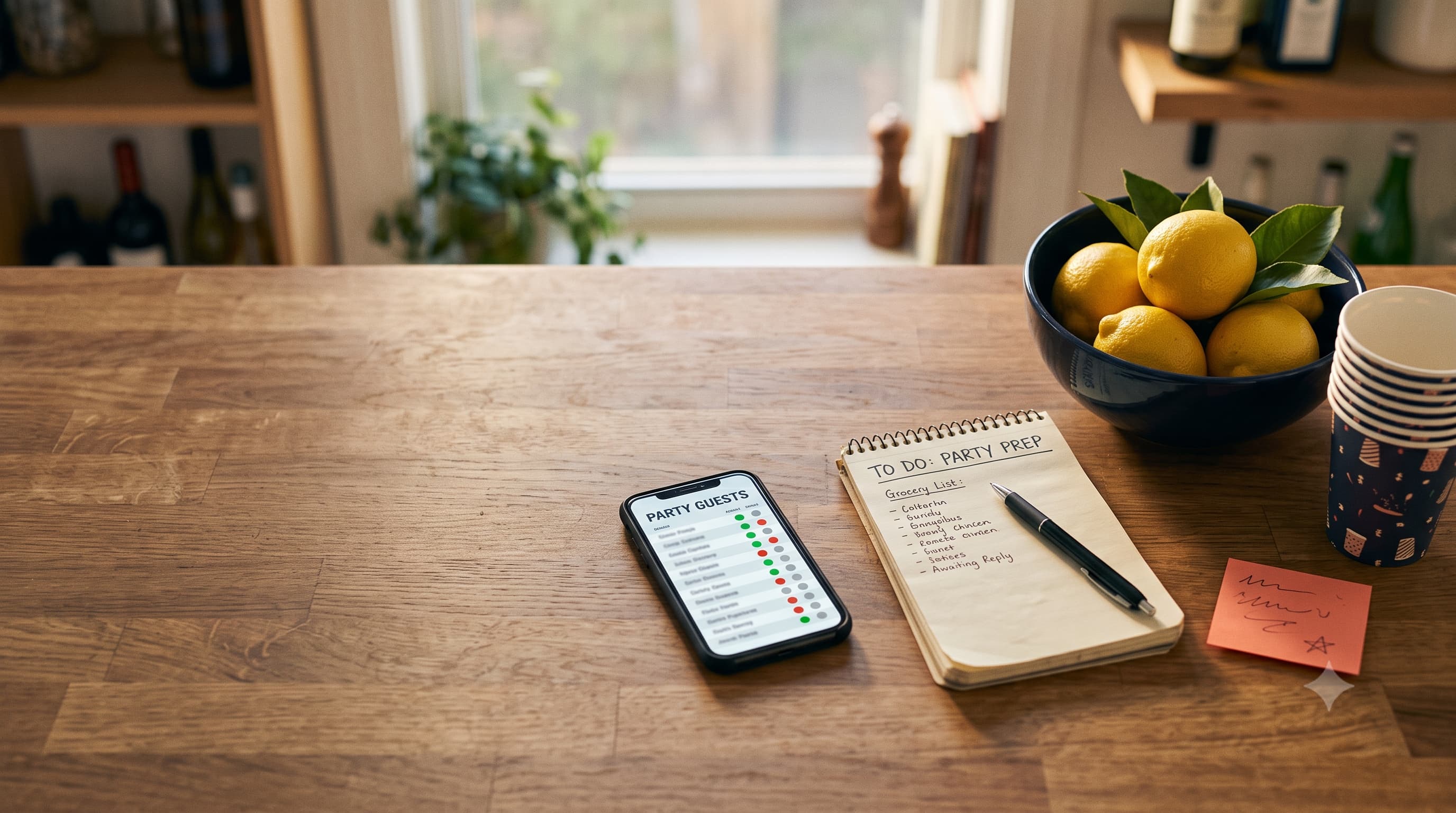
To get people to RSVP, make replying take under 30 seconds: one link, no account, no app. Put a hard reply-by date on the invite (about two weeks before a party), tell guests why you need the number ("so we order enough food"), send one friendly reminder three days before the deadline, then text the last few stragglers personally. Showing who's already coming helps too. And yes, you're allowed to count a non-reply as a no. You're hosting a party, not running a census.
It's Thursday. The party's Saturday. You invited 35 people, 11 said yes, 3 said no, and 21 have left you on read. The caterer wants a number by tonight.
Every host has been here. And the frustrating truth is that most non-replies aren't rude, they're friction. The invite was buried in a group chat, the reply form wanted a login, or there was no date that made replying feel urgent. Fix the friction and the replies come in. This guide covers the whole process for non-wedding parties: birthdays, showers, holiday parties, game nights, the lot.
Why people don't RSVP (it's usually not about you)
- They meant to. They opened it on the bus, thought 'I'll reply later,' and later never came.
- They're waiting on someone. A partner's schedule, a babysitter, a work shift.
- Replying was annoying. An app download, an account, a form with nine fields.
- There was no deadline. No date means no urgency, which means no reply.
- They don't think it matters. 'It's a casual thing, they won't notice one more person.' They will. The pizza will.
The Emily Post Institute makes the case plainly in why the RSVP still matters: hosts plan food, seating and space around it. Your guests probably agree in theory. The tricks below just make it easy for them to act on it.
12 ways to get more people to RSVP
Before you send
- Use one reply link. Not 'text me, or comment, or DM.' One place, every guest.
- Make it account-free. If guests have to sign up to say yes, a chunk of them won't.
- Set a real reply-by date. Around two weeks before a casual party, three to four for anything bigger.
- Say why you need the number. 'So we order enough food' turns a chore into a favour.
- Ask only what you need. Name, yes or no, how many. Dietary needs if you're cooking. Stop there.
When you send
- Send individually, not only in the group chat. Group messages get buried under memes within an hour.
- Put the key details in the message itself. Date, time, place, reply-by date. The link is for replying, not for finding out what the party is.
- Let people see who's coming. A visible yes list quietly pulls in the fence-sitters. (Skip this for sensitive or invite-only events.)
After you send
- Send one reminder three days before the deadline, only to people who haven't replied.
- Text the last few personally. A one-to-one message gets answered far more often than a broadcast.
- Give a 'maybe' a deadline too. 'Totally fine if you're not sure yet, can you let me know by Friday?'
- Count silence as a no. After the deadline and one nudge, plan with the number you have.
Tip 3 trips people up most. Too early and guests forget, too late and you're guessing. The full breakdown, including timelines by event size, is in our guide on when to set your RSVP deadline.
Pick the right way to collect replies
How you collect RSVPs matters more than how pretty the invite looks. Four common options, honestly compared:
| Method | Good for | Where it breaks |
|---|---|---|
| Group chat replies | 5–10 close friends | Replies get buried; no clear count |
| Google Forms | Free DIY, any size | No reminders, no 'maybe' tracking, looks like homework |
| Spreadsheet you update by hand | Hosts who love control | You become the data-entry person |
| A dedicated RSVP page | Anything over ~15 guests | Check pricing and guest limits |
If you're weighing the free DIY route, we tested it properly in setting up a Google Forms RSVP, including where it quietly falls apart. And if you're a spreadsheet person, spreadsheet vs online RSVP tracker will tell you whether to keep your beloved tabs or let them go.
For the dedicated-page option, Eventic's free RSVP tool gives you one link that works by text, email or QR code, and guests reply without an account or app. It's free for your first 25 attending guests, then $0.25 per attending guest, capped at $56.25 per event. Compare that against whatever else you're considering. It's built for exactly this problem, but it's not the only answer.
What a good RSVP page does for you
If you're using any kind of online RSVP, whether a form, an app or a dedicated page, judge it on what happens on the guest's side, not the dashboard you see. A guest should be able to tap the link, understand the event in two seconds, and reply in under thirty. Anything slower and your reply rate drops.
- Opens instantly on any phone, no app download, no account.
- Shows the essentials at the top: what, when, where, reply-by.
- Asks only a few questions, with the optional ones clearly optional.
- Lets guests change their answer without messaging you.
- Gives you one live number, plus a list of who hasn't replied.
Honestly, the last point is the one hosts care about most by the end. A single number you can hand to a caterer, instead of a vibe you've pieced together from six chat threads.
How you share the link changes the reply rate
Same invite, different channel, very different results. Text messages get opened fast. Emails get opened eventually, or land in Promotions. Group chats get opened and forgotten.
The winning combo for most parties: a personal text with the details and the link, backed by an email for anyone who prefers it. For printed flyers or a noticeboard, a QR code does the job. We've written out exactly how to send an RSVP link by text, email or group chat, with messages you can paste straight in.
Event-specific RSVP headaches
Kids' birthday parties
The hardest crowd for RSVPs, honestly, because you're really inviting parents who are juggling six other invites. Siblings, drop-off versus stay, allergies: all of it needs asking. Our guide to getting parents to RSVP for a kids' birthday party covers the wording and the gentle follow-up.
Holiday and office parties
Big lists, plus-ones, and a venue that charges per head. Maybes are expensive here. For the full playbook, see how to get a real headcount for a holiday party, which covers workplace and Friendsgiving-style events.
Weddings
Weddings bring meal choices, plus-one names and printed reply cards into it. That's its own world, so if you're in it, start with our RSVP wording examples and go from there.
Reminder messages you can copy
Friendly, three days before the deadline:
Hi! Just a quick nudge about Saturday. Could you let me know if you can make it by Wednesday? Here's the link: [link]. No pressure either way, just sorting food!
Final call, the day of the deadline:
Hey! Finalising numbers tonight for Saturday. Are you in? A quick yes or no is perfect: [link]
For a slightly more formal event:
Hello! A gentle reminder that we're confirming numbers for [event] on [date]. We'd be grateful for your reply by [deadline] here: [link]. Thank you!
Need more tones, from breezy to very-politely-firm? We collected a full set of RSVP follow-up message templates.
Turning replies into a real headcount
A 'yes' isn't a guarantee. Someone always gets sick, a babysitter cancels, the weather turns. And some people who never replied will show up anyway, because of course they will.
So plan with a little cushion. For casual parties, order food for your confirmed yeses plus a small buffer for the surprise arrivals, and don't over-buy for the maybes. For anything with a per-head venue charge, confirm with the maybes directly before the final number goes in.
Emily Post's advice on what to do when guests don't RSVP backs the simple approach: reach out once, then plan with what you know.
Here's hoping your yes list fills up fast, your maybes make up their minds by Wednesday, and nobody turns up with three surprise cousins. Have a brilliant party.
People Also Asked
Explore common questions related to this blog.