How to Collect RSVPs Without a Wedding Website: 6 Methods That Work
You don't need a website to collect RSVPs. Six things work: a free standalone RSVP link, a Google Form, printed reply cards, a dedicated phone number or WhatsApp thread, an email reply-by date, or a QR code on the invite pointing at any of the above. For most couples the standalone link wins — it takes ten minutes, costs nothing, and puts every reply in one list instead of five places. Paper reply cards still work beautifully, they just cost about $2 a guest by the time you've paid for postage twice.
This is part of our wider look at what free RSVP websites actually give you before the paywall hits, narrowed down to the specific problem of not wanting a whole site.
You've got 90 people to invite, a venue that wants numbers by the 14th, and absolutely no interest in building a wedding website you'll use for six weeks and then delete.
Heads up: some links in this post are Amazon affiliate links — if you buy through them, Eventic earns a small commission at no extra cost to you.
Why "no website" is a completely reasonable decision
Wedding websites solve a real problem when you've got out-of-town guests, a hotel block, a three-day schedule, and questions about parking. If your wedding is 70 people who all live within an hour of the venue, that site is a solution looking for a problem.
The trouble is that most RSVP advice assumes the website exists. So you end up either building one you don't need, or falling back on "just text me," which is how you end up on the Thursday before the caterer's deadline trying to remember whether your cousin's boyfriend counts.
You need a container for replies. Not a website. Those are different things.
Method 1: A standalone RSVP link
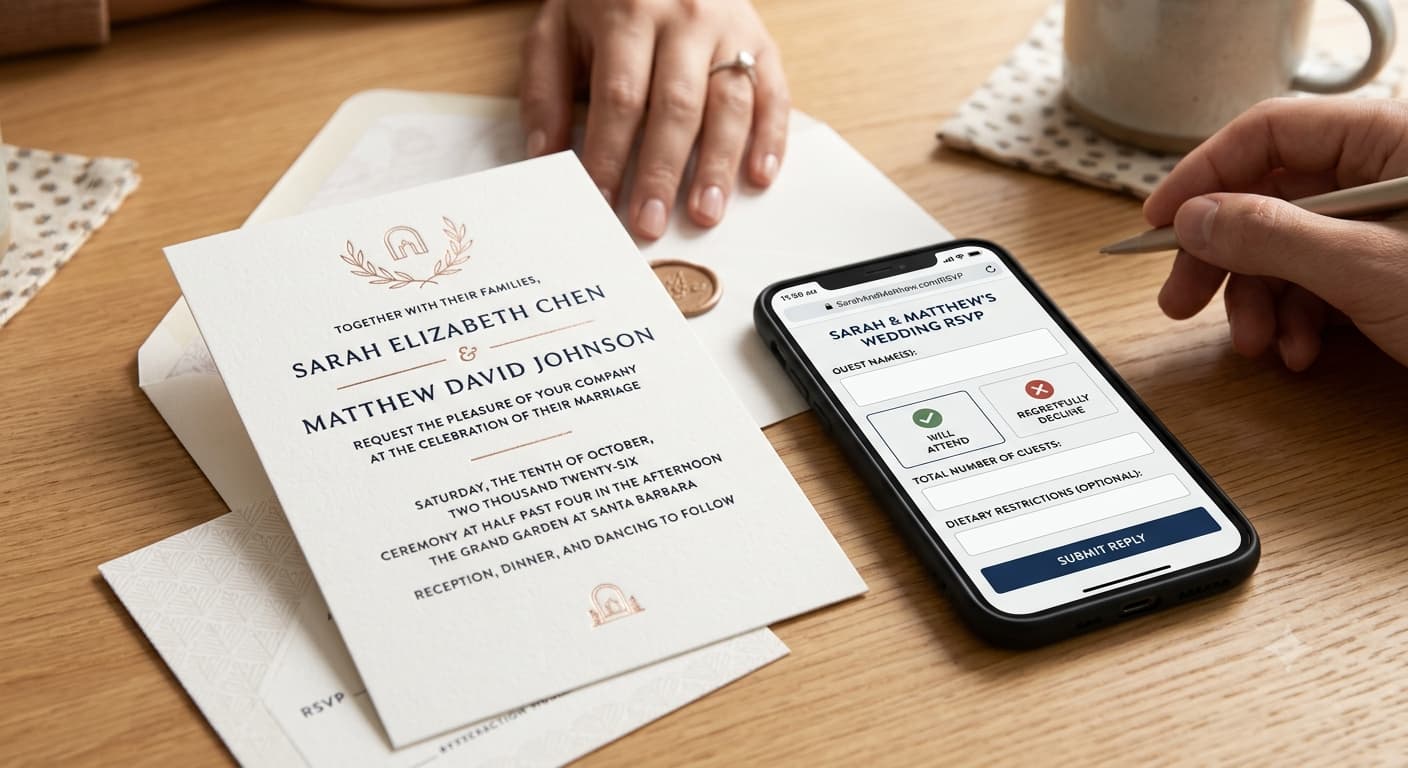
The closest thing to a straight upgrade on "just text me." You create one page, you get one URL, you put that URL on the invitation. Guests tap it, answer three questions, done. You get a list.
No account for them. No app. No wedding website wrapped around it.
This is what we built a free RSVP page for — you share a link, replies land in a single list, and you can export the whole thing when the caterer asks. Any tool that does this is fine; the thing that matters is that guests reply into one place, and that place isn't your inbox.
Best for: almost everyone. Especially anyone sending digital invitations already. Watch out for: guest caps on free tiers. Check the number before you send 90 invites.
Method 2: A Google Form
Free, unlimited, and genuinely fine. Your responses land in a spreadsheet, which is the format the caterer wants anyway.
The catch is that it looks like a Google Form. Some couples don't care. Some care a lot. Be honest with yourself about which one you are, because there's no shame in either answer.
Set it up properly and it holds up: name field, attending yes/no, number in party, meal choice as a dropdown, and one free-text box. Turn off "collect email addresses" or Google will demand your guests sign in, which is the fastest way to lose the over-60s entirely.
Best for: casual weddings, backyard parties, anyone who already lives in Sheets. Watch out for: no reminder function. You'll be chasing manually, and you will be chasing someone — that part's universal.
Method 3: Printed reply cards
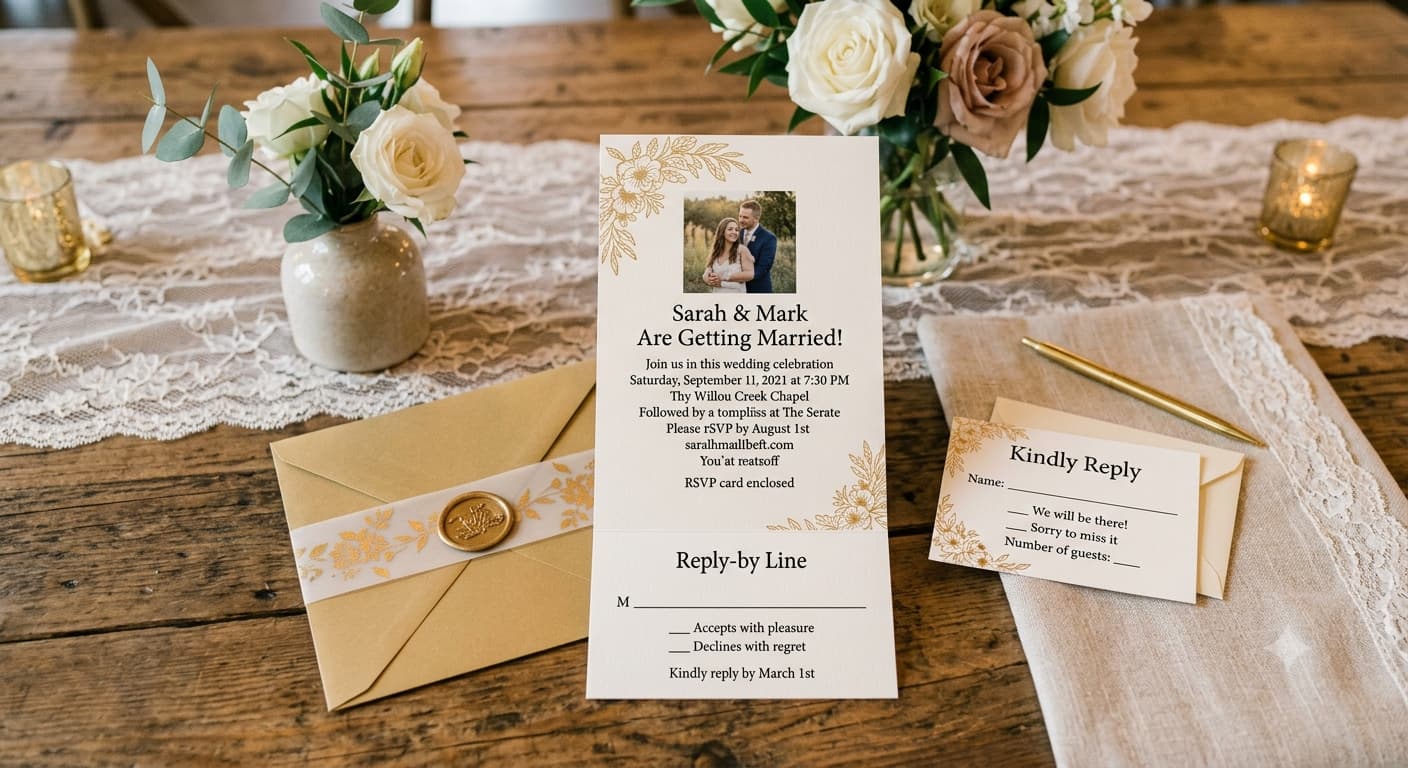
The traditional one, and it still works. A small card, a pre-addressed and pre-stamped envelope, a deadline printed on it.
People genuinely like these. There's something about a physical card that makes replying feel like a small ceremony rather than a task. Older relatives especially — my grandmother has never once replied to a link, and has never once failed to return a card.
The cost is real though. Two stamps per guest (out and back), the printing, the envelopes. At 90 guests you're looking at meaningful money for something that produces the same information as a free link. And roughly one in ten will get lost, arrive blank, or turn up with no name on it.
If you want the card experience without the full expense, do a hybrid: cards for the 20 guests who'd appreciate one, link for everyone else. A set of blank RSVP cards with envelopes runs cheap and lets you handwrite the names, which is the bit that actually lands.

As an Amazon Associate, we may earn from qualifying purchases.
Best for: formal weddings, older guest lists, couples who want the keepsake. Watch out for: the postage doubling. Nobody budgets for the return stamp.
Method 4: A dedicated WhatsApp or text thread
Not a group chat. A thread with you, that guests reply into individually.
This works far better than people expect, because it meets guests exactly where they already are. Reply rates are high, response times are fast, and nobody has to learn anything.
It falls apart at scale. At 40 guests it's manageable. At 140 it's a part-time job, and you'll lose track of who said what somewhere around message sixty. If you go this route, open a spreadsheet the same day and log every reply as it lands. Not later. Later never happens.
Best for: guest lists under about 50, and any event where most guests are in your phone already. Watch out for: the mental load. This is the method that makes couples say "never again."
Method 5: Email with a reply-by date
Send the invitation by email, ask people to hit reply.
Straightforward, free, and reasonably reliable — though reply-all remains a genuine hazard, and there are conventions worth knowing before you send. Our notes on sending invitations properly by email cover the addressing side.
The real weakness: replies arrive as prose. "We'd love to come! Well, I'd love to come, Dan might have a work thing, and can we bring Milo?" is a lovely message and a terrible data point. You'll be translating sentences into a spreadsheet for weeks.
Best for: small, informal, corporate-adjacent guest lists. Watch out for: free-text answers. Ask a closed question and you'll still get an essay.
Method 6: A QR code on the invitation
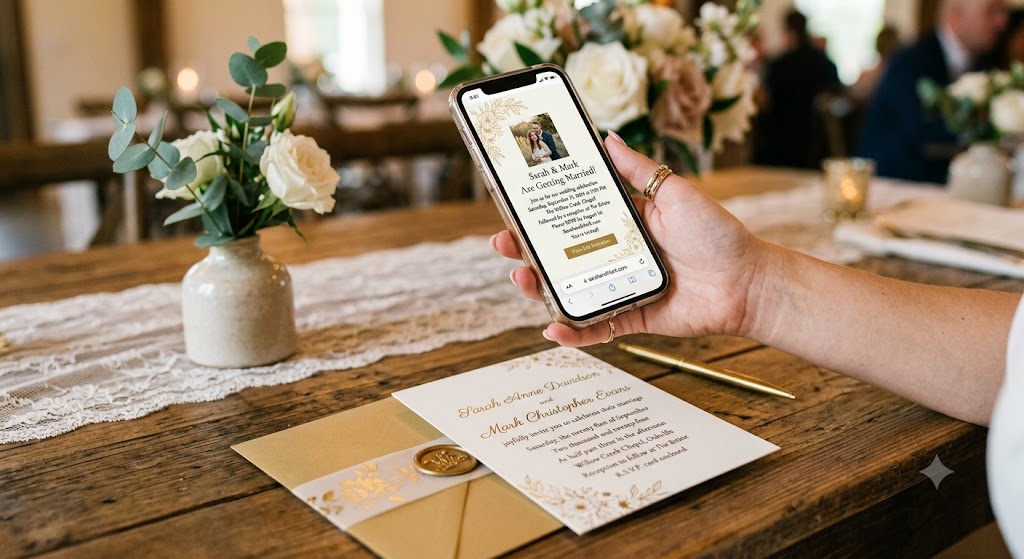
Not a method on its own — a delivery mechanism for methods 1 or 2. Print a QR code on the paper invite, it opens the reply form.
Good for couples doing paper invitations who don't want the postage cost of reply cards. One practical gotcha, learned the hard way: QR codes under about 2cm square don't scan reliably on matte card stock. Print it bigger than feels elegant. Our full QR code invitation guide covers sizing and what to link to.
Best for: paper invites, digital replies. Watch out for: always print the URL underneath as well. Someone's camera will fail and they'll need to type it.
Comparing the six
| Method | Cost | Effort | Reply rate | Gives you a clean list? |
|---|---|---|---|---|
| Standalone RSVP link | Free–low | Low | High | Yes |
| Google Form | Free | Low | High | Yes |
| Printed reply cards | ~$2/guest | Medium | Medium | No — manual entry |
| WhatsApp / text thread | Free | High | Very high | No — manual entry |
| Email reply-by | Free | Medium | Medium | No — manual entry |
| QR code | Free | Low | High | Depends on destination |
The pattern is hard to miss. The methods that feel most personal give you the messiest data, and the methods that give you clean data feel slightly less personal. Pick based on which of those two costs you'd rather pay.
What to include, whichever method you pick
Four things, every time:
- Every guest's name, spelled out. "The Sharma family" tells you nothing about headcount.
- A yes/no that can't be answered ambiguously. Not "will you join us?" — a radio button.
- A deadline, stated as a date. "By 14 October," never "as soon as you can."
- One place for the thing you forgot to ask. A single free-text box catches allergies, plus-one questions, and "we can only make the ceremony."
If you're doing meal choices, that's a fifth field with its own set of traps — how to ask about meals and dietary needs covers what to ask and what to leave off.
One last thing: send the RSVP link to yourself first, from a phone you never use, and try to reply as a guest would. Every couple who skips that step finds the broken bit at 11pm on the day the invitations go out.
People Also Asked
Explore common questions related to this blog.
No. A website is one container for replies among several. A standalone RSVP link, a form, or reply cards all collect the same information.
A Google Form or a free RSVP link — both cost nothing. Reply cards are the most expensive option once you count both stamps.