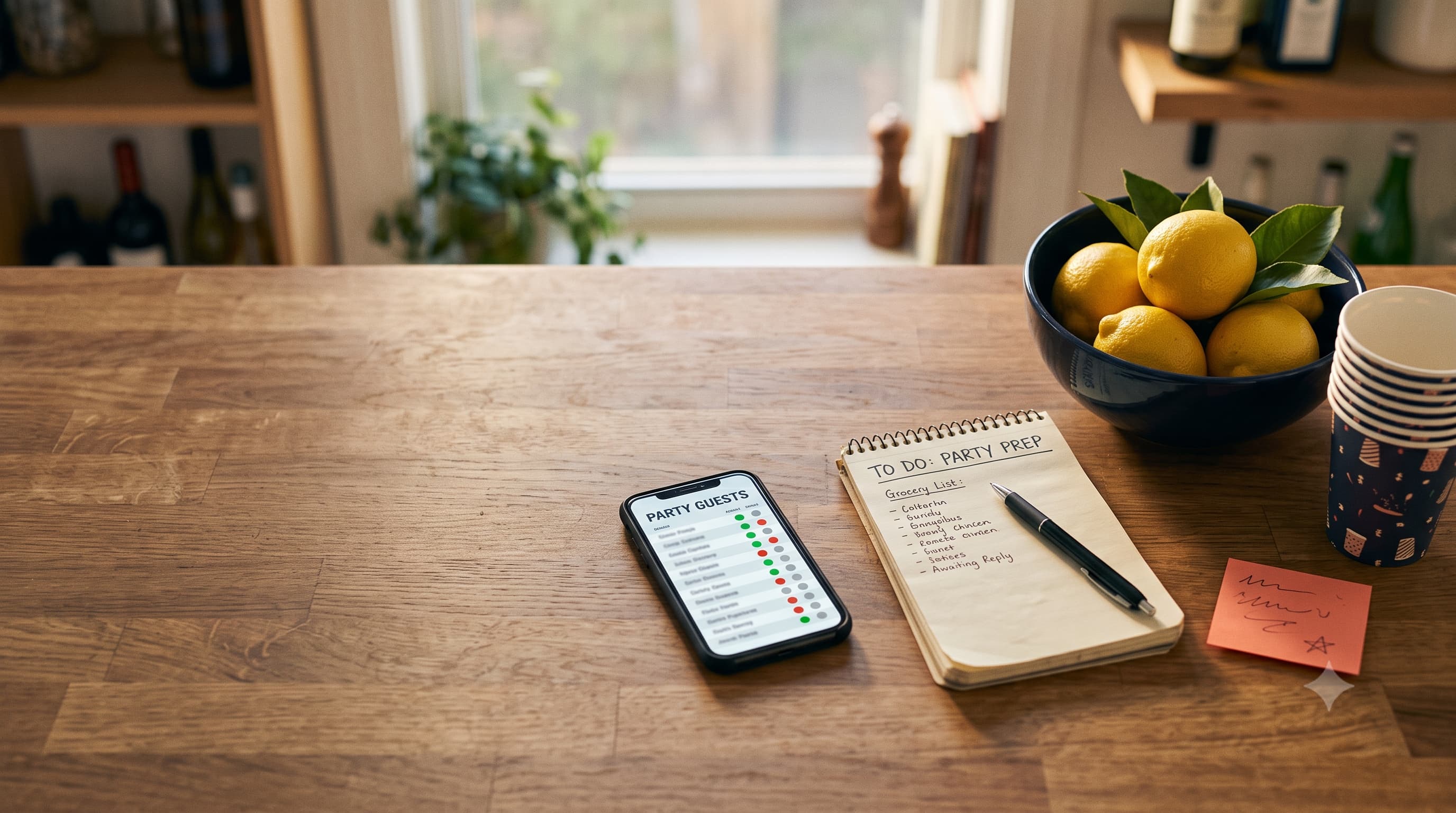
To make a Google Forms RSVP, create a blank form, add a short-answer question for name, a multiple-choice question for attending (Yes / No / Maybe), a number question for party size, and an optional dietary question. Hit Send, copy the link, and share it by text or email. Replies land in a linked Google Sheet where a SUM formula gives your headcount. It's free and works fine for small events. It won't send reminders, though, so you're still the one chasing Kevin.
Google Forms is the best free RSVP tool that was never designed to be an RSVP tool. That's both its charm and its problem.
It's free, everyone's seen one, and you can build it on your lunch break. But it was made for surveys and quizzes, so a few things party hosts need are missing. Here's how to set one up properly, plus the moments when you'll wish you hadn't. It's part of our wider guide on getting guests to actually reply, which covers reminders and deadlines in more depth.
How to make an RSVP form in Google Forms, step by step
- Open a blank form. Go to Google Forms while signed into your Google account and start a blank form. Google's own guide to creating your first form covers the basics if you've never used it.
- Title it like an invite. 'Maya's 30th — Sat 14 Nov, 7pm' beats 'RSVP Form.'
- Add the details to the description. Date, time, address, dress code, reply-by date. Guests will look here first.
- Add your questions (list below). Mark name and attendance as required.
- Pick a theme. Upload a header photo so it looks less like a school survey.
- Turn on response notifications in the Responses tab so you get an email for each reply.
- Link it to a Sheet from the Responses tab. That's where your headcount lives.
- Send yourself a test. Fill it in on your phone. Then delete the test response.
- Copy the link with the Send button and shorten it. Paste it into your texts or emails.
The questions to include (and the ones to skip)
| Question | Type | Required? |
|---|---|---|
| Your name | Short answer | Yes |
| Can you make it? | Multiple choice: Yes / No / Maybe | Yes |
| How many in your group (including you)? | Short answer, number validation | Only if Yes |
| Any dietary needs? | Short answer | No |
| Phone or email for updates | Short answer | Optional |
| Note for the host | Paragraph | No |
Skip anything you don't truly need. Every extra question costs you replies. Nobody needs to tell you their shoe size for a barbecue.
Pro move: use section logic ('Go to section based on answer') so people who pick No skip straight to the end. Nobody wants to be asked about dietary needs for a party they're not attending.
Getting a headcount out of the Sheet
Google Forms shows pretty charts, but the number you need lives in the linked Sheet. Two formulas do most of the work. Assume attendance is in column C and group size in column D:
- Total people coming:
=SUMIF(C:C,"Yes",D:D) - Number of households who said yes:
=COUNTIF(C:C,"Yes") - Maybes to chase:
=COUNTIF(C:C,"Maybe")
Put those in a spare corner of the sheet and you've got a mini dashboard. Very lowkey satisfying.
Where Google Forms falls short for RSVPs
Here's the part the tutorials skip. Google Forms works, but for events it has real gaps:
- No list of who hasn't replied. It only knows who did. You have to compare the Sheet against your guest list yourself.
- No automatic reminders. Chasing non-responders is all you, by hand.
- Duplicate replies. Someone changes their mind and submits again, so now they're a Yes and a No. Limiting to one response means guests must sign in to Google, which kills replies.
- No guest-facing 'who's coming' page. That visible yes list that nudges fence-sitters? Not here.
- It looks like homework. Fine for a book club. A bit flat for a 40th.
The duplicate problem in particular gets messy fast. If you're the type who'd rather manage everything in a spreadsheet anyway, our comparison of RSVP spreadsheets versus online trackers helps you decide how much manual work you're signing up for.
Tweaks for different events
- Kids' parties: add 'Siblings coming?' and 'Drop-off or staying?' questions, plus a required allergies field.
- Potlucks and Friendsgiving: add a 'What are you bringing?' checkbox list so you don't end up with five desserts and no mains.
- Work events: add team or department, and a dietary question with an alcohol-free option.
- Anything with plus-ones: ask for the plus-one's name, not just a number. It saves an awkward name-tag moment later.
Duplicate the form for your next event instead of starting over. Your future self will thank you around mid-November.
Google Forms vs a dedicated RSVP page
| Google Forms | Dedicated RSVP page | |
|---|---|---|
| Cost | Free | Free tiers exist; check limits |
| Guest account needed? | No (unless you limit responses) | Usually no |
| Live headcount | Via Sheet formulas | Built in |
| Who hasn't replied | Manual comparison | Often built in |
| Looks like an event | Meh | Yes |
| Setup time | 10–15 minutes | A few minutes |
Rule of thumb: under 15 guests and you love spreadsheets? Google Forms is great. Bigger than that, or you're tired of being the data-entry person? A purpose-built page is less hassle. Eventic's free RSVP page is one option: one link, no guest accounts, a live headcount, and it's free up to 25 attending guests, then $0.25 per attending guest, capped at $56.25 per event.
Sharing your form so people actually fill it in
A raw Google Forms link is long and looks a bit sketchy in a text. Use the shorten option in the Send menu, and put the event details in the message itself so people know what they're clicking. We've got ready-made texts in our guide to sending an RSVP link without it getting ignored.
And add a reply-by date, always. The Emily Post Institute's guidance on how guests should RSVP assumes hosts give one, and guests are far more likely to answer when there's a date attached.
Copy-paste form description
Paste this into your form's description box and swap the brackets:
You're invited to [event] on [day, date] at [time], at [address]. Please reply by [reply-by date] so we can plan food and space. Takes 20 seconds. Can't wait to see you!
One last tip: before sending, open the form in an incognito window. If it asks you to sign in, fix that setting now, or half your guests will quietly give up at the login screen.
People Also Asked
Explore common questions related to this blog.
=SUMIF(C:C,"Yes",D:D), where column C is attendance and column D is group size, to total everyone coming.