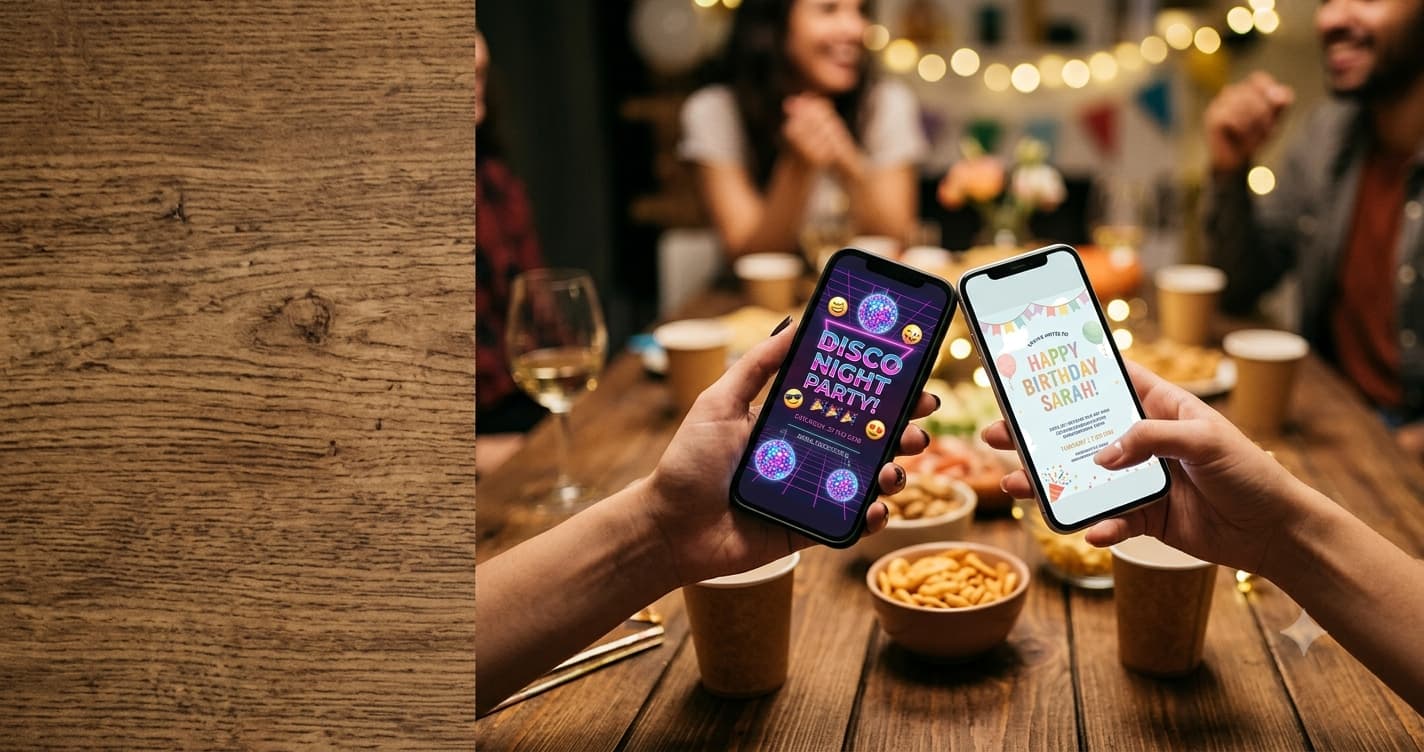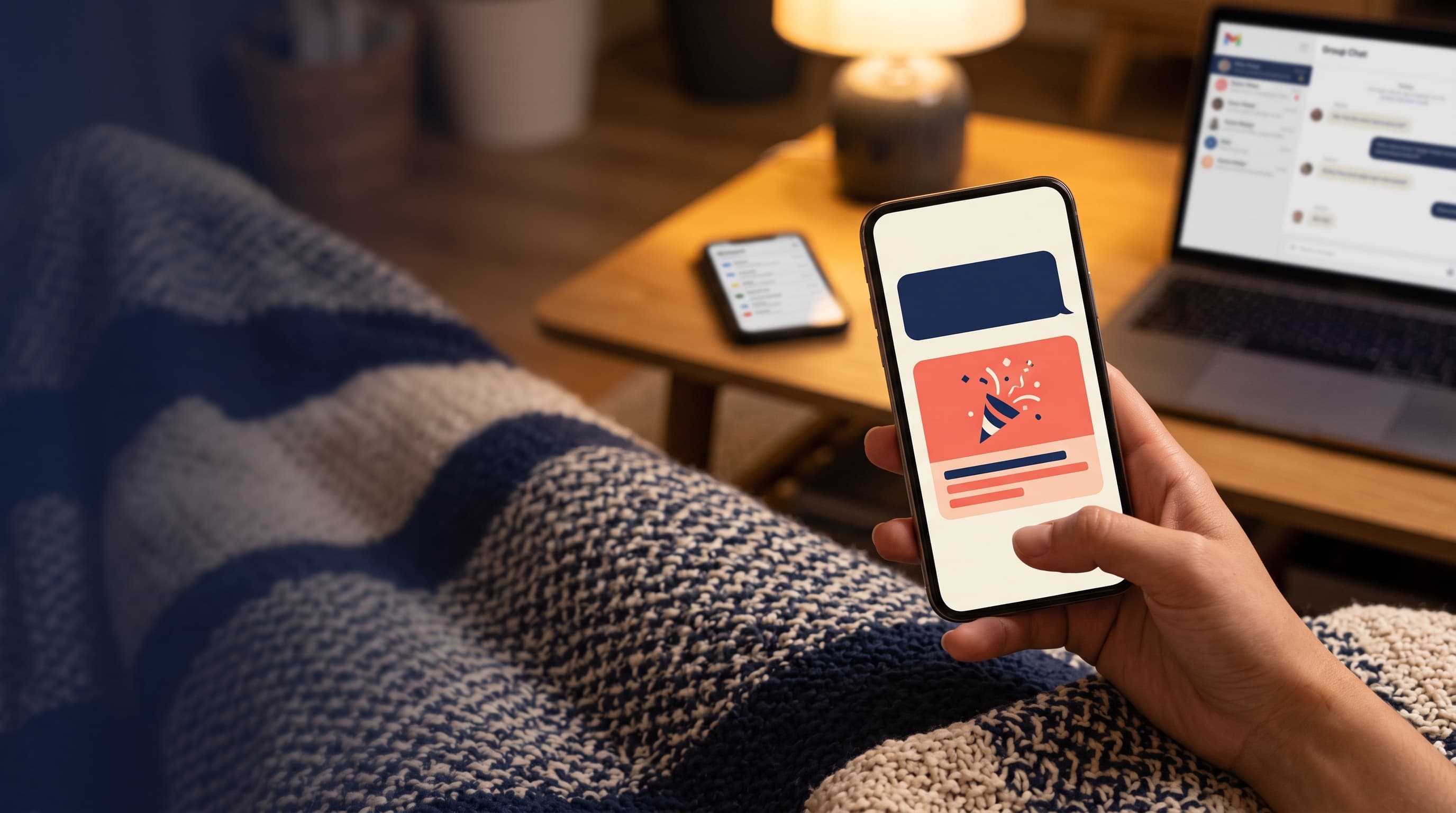
Send your RSVP link in a personal text first, because texts get opened fastest. Put the event name, date, time, place and reply-by date in the message itself, then the link on its own line. Back it up with an email for guests who prefer it, and use a QR code only for printed invites or flyers. Avoid dropping the link only in a big group chat, where it sinks under memes within the hour. One clear message beats five vague ones. Every time.
A link with no context is spam. A link with context is an invitation.
That's the whole difference between an RSVP link people tap and one they scroll past. Your guests get suspicious links all day, so the message around yours has to do some work. Here's how to send it on every channel, with messages you can paste straight in. For the bigger picture on deadlines and follow-ups, see our full guide to getting RSVPs back on time.
What every RSVP message needs
- Who it's from, if they might not have your number saved.
- What the event is. 'My 30th,' not 'a thing.'
- Date and time.
- Place, at least the neighbourhood.
- Reply-by date.
- The link, on its own line so it previews properly.
If the key details are in the message, guests can decide without tapping anything, and the link just becomes the 'reply' button. That's the goal.
Which channel gets the most replies?
| Channel | Strength | Weakness | Use it for |
|---|---|---|---|
| Personal text | Opened fast, feels personal | Time-consuming for big lists | Most parties |
| Easy to find later, good for details | Promotions tab, slow to open | Work events, older guests | |
| Group chat | Everyone at once | Buried in an hour | Reminders, close friends |
| QR code | Works on paper | Needs a camera, extra step | Printed invites, flyers, noticeboards |
| Social DMs | Where some friends actually live | Easy to miss in requests | Friends who don't text |
For most parties: text first, email as backup, group chat for reminders only. It's giving organised host, and it works.
RSVP text message examples
Casual:
Hey! I'm having a few people over for my 30th on Sat Nov 14, 7pm at my place. Would love you there! Can you let me know by Nov 7? [link]
When they might not have your number:
Hi, it's Jess (Mia's mom from Room 4)! Mia's turning 7 and we'd love Leo to come to her party on Sun Oct 18, 2–4pm at Sunnyside Park. Please RSVP by Oct 11: [link]
Slightly formal:
Hello! You're warmly invited to our holiday dinner on Saturday, December 12 at 6:30pm at The Grove. Kindly reply by November 28: [link]
RSVP email example
Subject lines matter more than the body. Put the event and date right there:
- You're invited: Sam's 40th, Sat Nov 21
- Holiday party, Dec 12 — please reply by Nov 28
- Save your spot: Friendsgiving at ours, Nov 22
Hi [Name], We're celebrating [event] on [day, date] at [time] at [place], and we'd love you to join us. Please let us know if you can make it by [reply-by date] using this link: [link]. It takes about 20 seconds, no sign-up needed. Hope to see you there! [Your name]
Keep images light and avoid 'free' or all-caps in the subject, both of which can nudge an email toward spam folders. And send a test to yourself first. Always.
Group chat: the right way
Group chats are great for energy and terrible for tracking. So don't collect replies there. Use the chat to point everyone to the link:
Okay team, party's official! Sat Nov 14, 7pm, mine. Please reply on the link (not here, I will lose track, I know myself): [link]
Then use the same chat for one reminder near the deadline. Anything more than that and you're the person who keeps pinging the group. Nobody wants that aura.
One exception: tiny friend groups of five or six. There, replies in the chat are fine, because you can see every answer at a glance. Once the chat has more people than you can count on two hands, move the replies to a link.
When to use a QR code for RSVPs
QR codes shine anywhere the invite is physical: a printed card, a flyer on the office fridge, a school noticeboard. On a phone screen they're pointless, since the guest would have to scan their own screen. Put a short line under the code ('Scan to RSVP by Nov 7') so people know what it does. And if you've printed one before, our list of QR code invitation mistakes will save you a reprint.
When to hit send
Timing matters more than people think. A text sent at 11pm on a Sunday gets read, mentally filed, and forgotten by Monday lunch.
- Weekday evenings, roughly 6–8pm, work well for friends and family: people are home and scrolling.
- Weekday mornings suit work invites, when inboxes are being cleared.
- Avoid Friday night and holiday weekends. Your message competes with everyone's actual plans.
- Send reminders on the same day of the week as the original, so it lands in a similar moment.
And don't send all 60 texts in one sitting if you're doing them one by one. Spread them over an evening or two, so you can actually reply when people start answering.
Make the link itself easy to trust
- Short and clean beats long and full of random characters.
- No login wall. If guests hit a sign-up screen, many will close it.
- Works on any phone. Test on an Android and an iPhone if you can.
- Shows the event name in the preview, so it's obviously yours.
If you don't have an RSVP link yet, Eventic's free RSVP page gives you one that works by text, email or QR code, with no account needed for guests. It's free up to 25 attending guests, then $0.25 per attending guest, capped at $56.25 per event.
Channel tips by event
Kids' parties mostly go through parent texts and school apps, and parents need extra details like drop-off and siblings. Our guide to kids' birthday party RSVPs has parent-friendly wording. Workplace parties lean on email and chat tools, where holiday party RSVP tips cover calendar invites versus RSVP links.
Wherever you send it, the Emily Post Institute's invitation etiquette basics still apply: clear details, clear reply instructions, and enough notice.
Right, message written, link tested, deadline set. Hit send and go pick the playlist. That's the fun part.
People Also Asked
Explore common questions related to this blog.