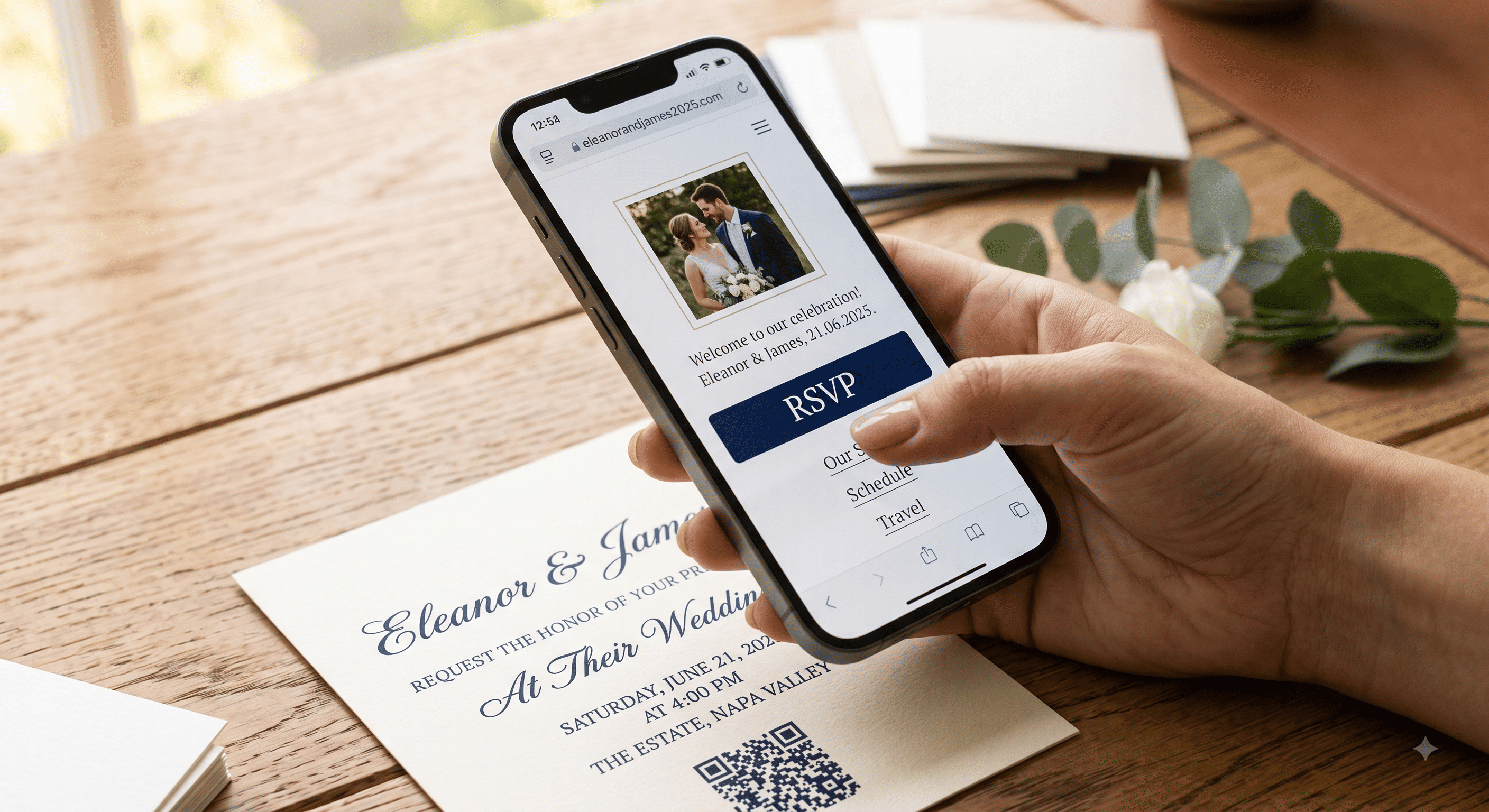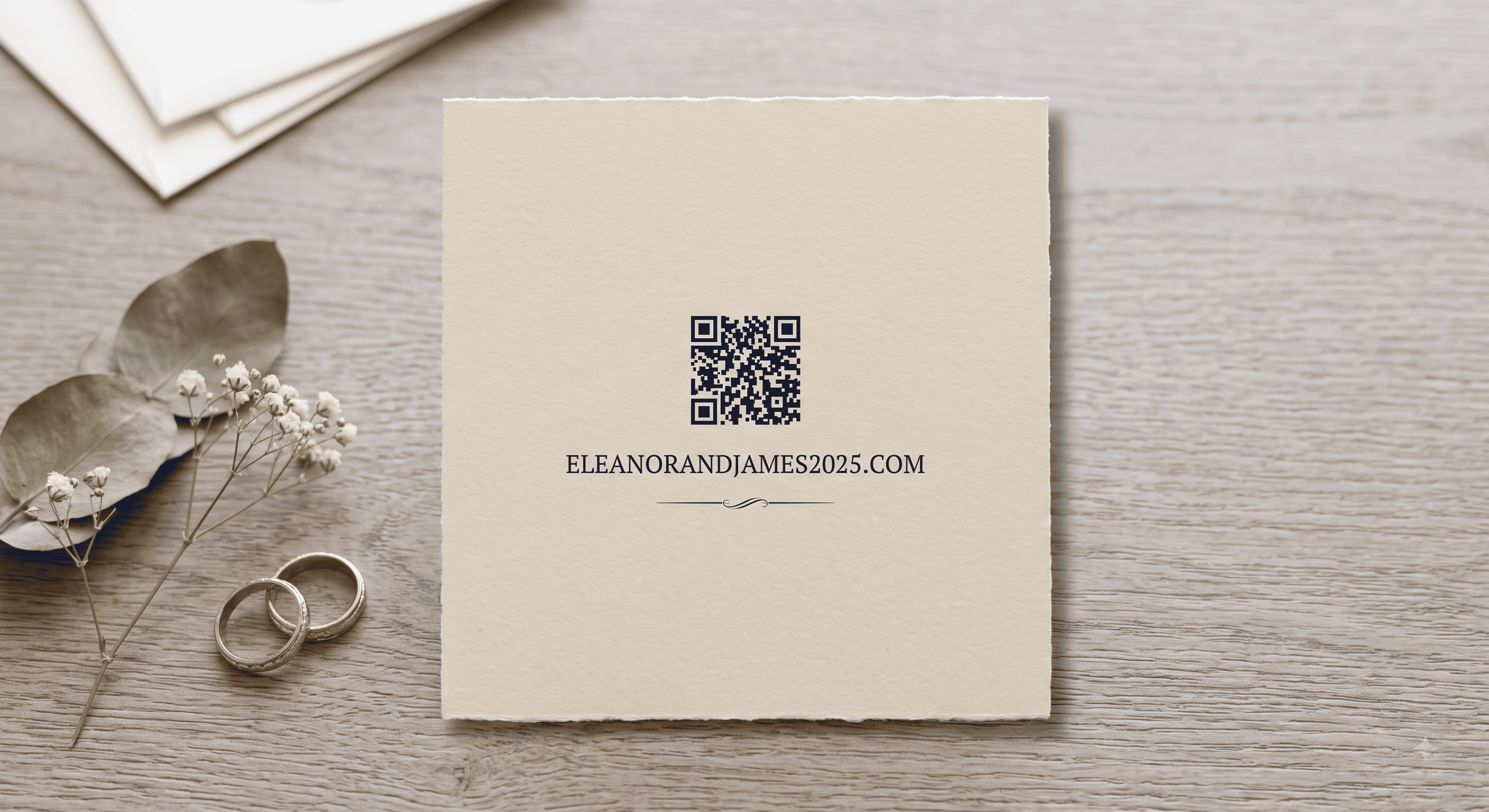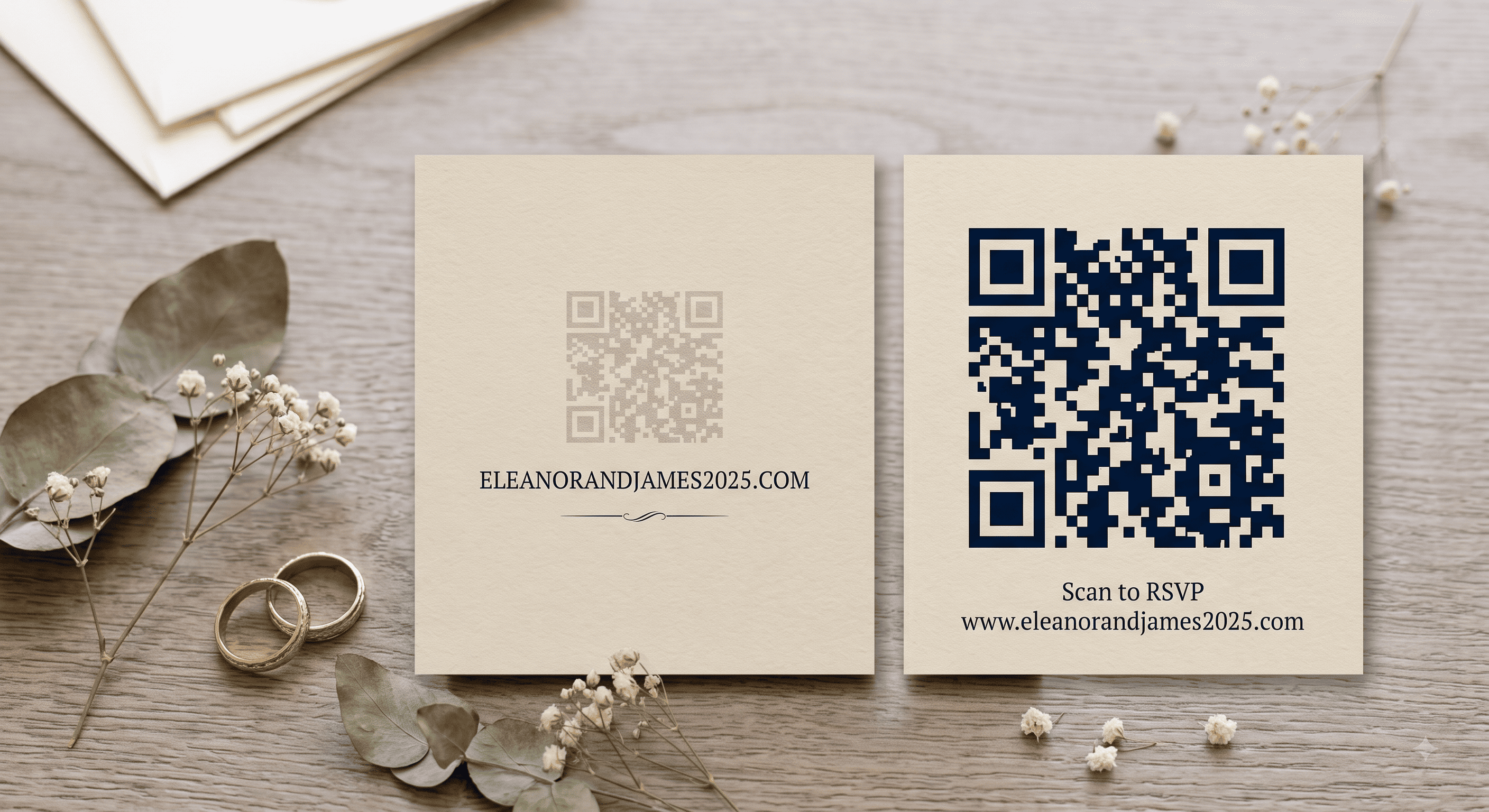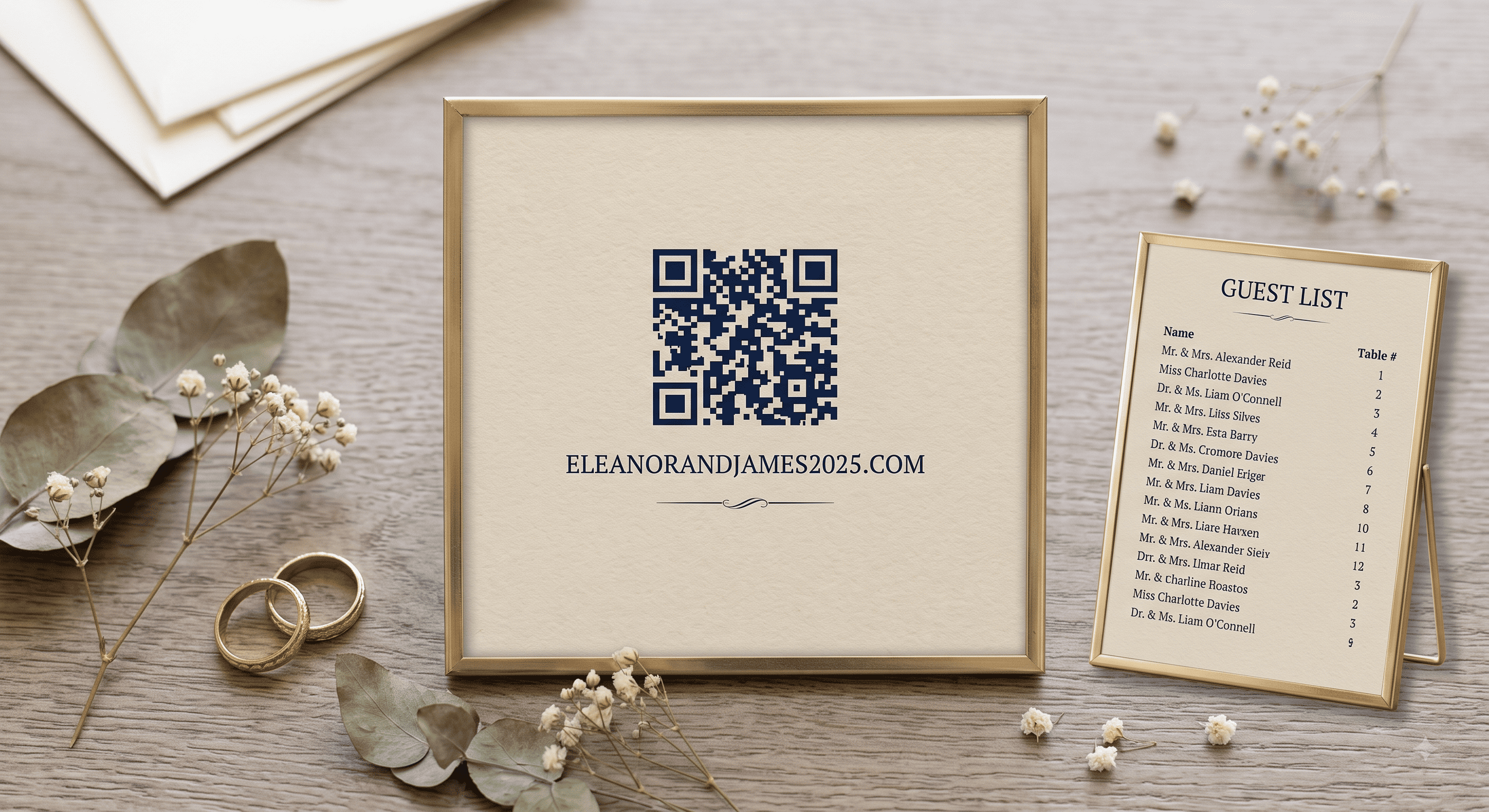
Two different jobs, often confused. An RSVP code collects responses in the months before the wedding. A check-in code manages arrivals on the day. Both work well, and the second one is only worth it above a certain guest count.
Here's how to set up each, and how to handle the guests who won't use either.
Part 1: QR codes for RSVPs
Why online RSVPs beat reply cards
Reply cards cost money twice — printing them, and stamping the return envelope. Then you spend six weeks transcribing handwriting into a spreadsheet and chasing the twenty people who never mailed it back.
An online RSVP arrives already typed, already in a list, with meal choices attached and a timestamp. The chasing doesn't disappear, but it becomes a text message instead of a phone call.
The QR code is just the on-ramp: it removes the step where a guest types a URL wrong and gives up.
Where to point it
You have two reasonable choices:
Wedding website homepage. Guest lands, sees the details, finds the RSVP button. Best when there's travel information they also need.
RSVP page directly. Guest lands on the form. Best for local weddings, reminder cards, and any time you're near the deadline.
Either way, the RSVP form has to be mobile-first. Almost every scan happens on a phone. Test it on one before printing anything.
What the RSVP form should ask
Keep it to what you'll actually use:
- Guest name — pre-filled from your list if your platform supports it, otherwise a text field.
- Attending / not attending — two buttons, not a dropdown.
- Number attending — only if you're allowing plus-ones or children; otherwise it invites guests to add people.
- Meal choice — per person, with dietary restrictions as a separate short text field.
- Song request — optional, and genuinely useful for your DJ.
- Email or phone — so you can send day-of updates.
That's it. Every additional question lowers your completion rate. Skip "how do you know the couple," skip the message box unless you want to read 140 of them.
Wording for the card
Kindly reply by August 1 · Scan or visit emmaandjoe.com/rsvp
RSVP by the first of August — scan below or emmaandjoe.com
Please respond by August 1. Scan for the RSVP form, or call us at (555) 123-4567.
That last one matters more than it looks. Give at least one non-digital route. For most couples that's a phone number for a parent to pass along, or a small number of printed reply cards for the guests you know won't scan anything.
Chasing non-responders
Roughly a fifth of your list will not respond by the deadline. This is normal and not personal.
A short reminder card with a QR code pointing straight at the RSVP form works well two weeks after the deadline. So does a text with the direct link — at that stage, a link beats a code, because they're already on their phone.
For the last handful, call. Every wedding ends with five people who only respond to a human voice.
Part 2: QR codes for day-of check-in
When it's worth doing
Below about 120 guests, a printed alphabetical list at a welcome table is faster and calmer than anything digital. Above that — and especially for weddings with a separate reception, a shuttle schedule, or a plated dinner with strict counts — check-in scanning earns its keep.
It's also genuinely useful when:
- You're running a guest count for a caterer who needs a final number that morning.
- Guests arrive across a long window (cocktail hour into reception).
- You need to hand out something at arrival — welcome bags, seat cards, shuttle passes.
- The venue requires a security or capacity list.
Two ways to do it
Option A — one shared code, guest self-checks-in.
A single QR code on a welcome sign opens a page where the guest finds their name and taps it. Simplest to set up, no per-guest printing, and works with a free form tool. The downside is guests can tap the wrong name.
Option B — a unique code per guest.
Each guest gets their own code, sent by email or printed on their escort card. Someone at the door scans it. This is what event platforms do, and it's accurate, but it means generating and distributing 150 individual codes. Overkill for most weddings.
For nearly every wedding, Option A is the right answer.
Setting up self check-in in an evening
- Build a simple page listing guest names, grouped alphabetically, with a "check in" tap on each.
- Generate a static QR code pointing to it.
- Print the code large — at least 4 inches (10 cm) on a sign people scan from a few feet away. Signage codes need to be far bigger than stationery codes.
- Put the sign at eye level in good light, not on the floor, not under a spotlight that creates glare.
- Assign a person. Someone has to stand there and say "scan this, find your name." Without a human, a check-in sign gets ignored by two-thirds of arrivals.
Add the seating chart or the evening's timeline to the same page. If a guest is scanning anyway, give them the thing they were about to ask you.
The offline backup, non-negotiable
Venue wifi fails. Rural venues have one bar of signal. Barns are effectively Faraday cages.
Print the guest list on paper and keep it at the welcome table. Every time. The digital system is the fast path; paper is the one that always works.
Comparison at a glance
| Reply cards | Website RSVP + QR | Day-of check-in | |
|---|---|---|---|
| Cost | Printing + return postage | Usually free with your site | Free to low |
| Response speed | Weeks | Days | N/A |
| Data quality | Handwritten, manual entry | Structured, exportable | Live headcount |
| Older guests | Easiest | Needs a phone fallback | Needs a helper |
| Worth it at | Any size | Any size | 120+ guests |
The thing that actually decides whether this works
Not the technology — the labeling. A code with "Scan to RSVP by August 1" beside it gets used. The same code alone gets photographed and forgotten. Write the sentence, print the URL, and give one human being the job of standing next to the sign on the day.
Related: QR code wedding invitations: the complete guide · What to link your wedding QR code to · QR code invitation mistakes
People Also Asked
Explore common questions related to this blog.