A save the date has one job: get your wedding on the calendar before anything else claims that weekend. A QR code makes that job easier, because it lets you send a card twelve months out without knowing your venue, your start time, or your hotel block.
Here's how to use one properly — and why the destination for a save-the-date code is a different decision than for the invitation.
Why a QR code belongs on a save the date more than on the invitation
Save the dates go out early. Nine to twelve months for a destination wedding, six to eight for a local one. At that point most couples know the date and the city, and very little else.
That gap is exactly what a QR code solves. The printed card carries what's settled — names, date, city, "invitation to follow." The code carries everything that isn't settled yet, because a web page can change and a printed card can't.
Send a save the date in March with no code, and every guest who wants hotel information in June has to text you. Send one with a code, and they check the site.
What to link it to
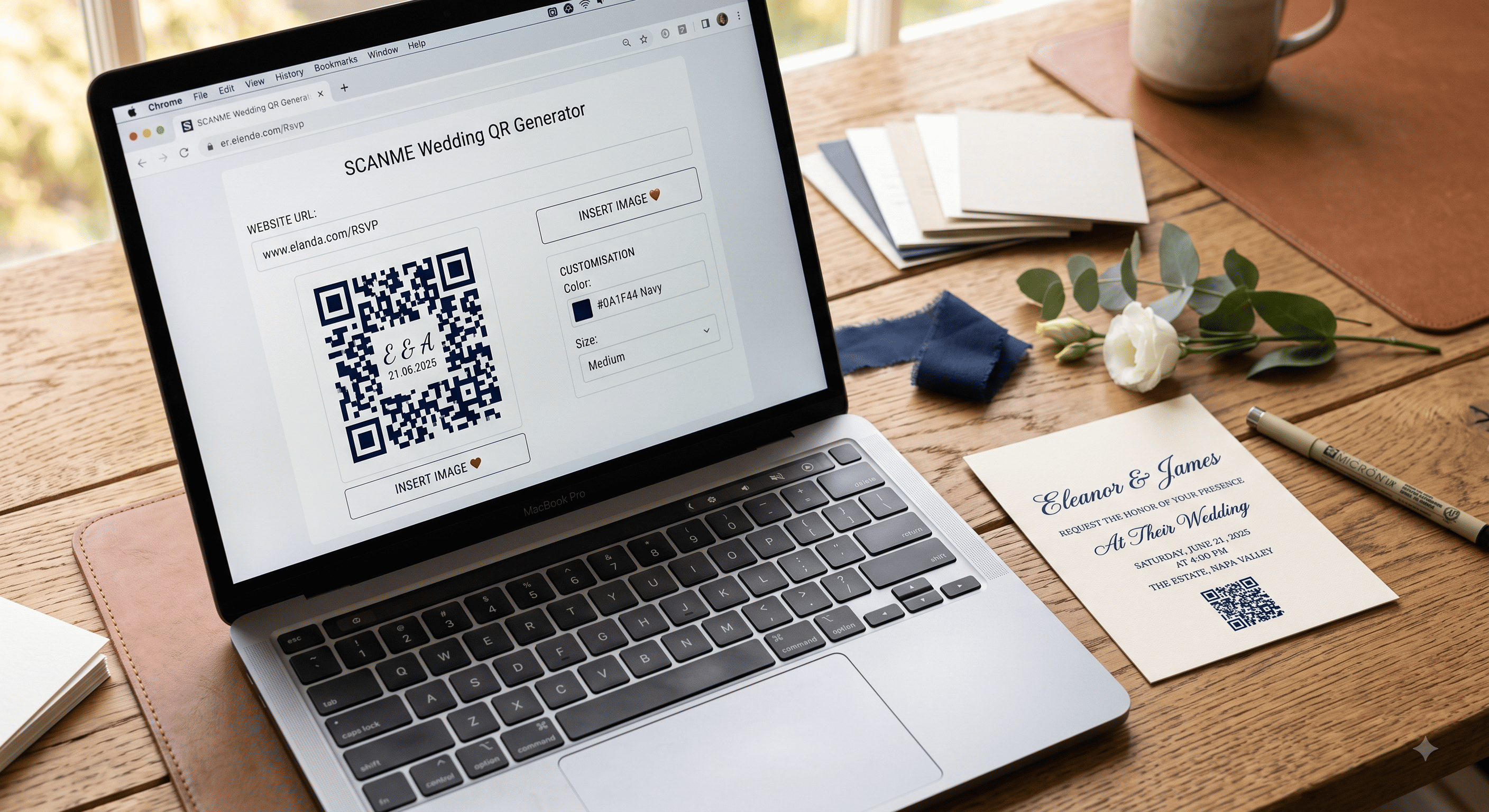
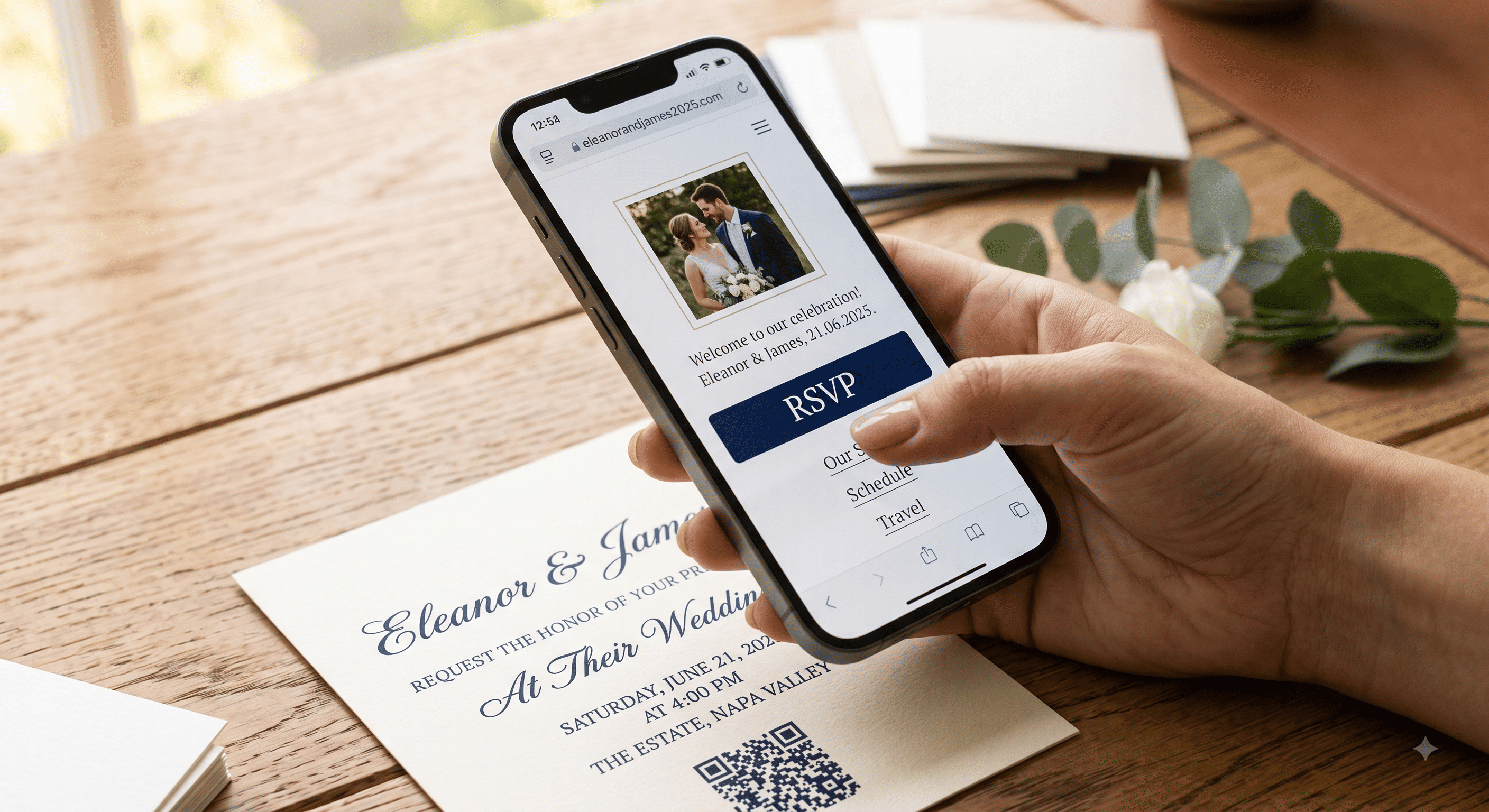
Point it at your wedding website homepage — not a form, not a PDF, not an email address.
If the site isn't built yet, build a holding page. It genuinely can be three lines:
Emma & Joe — October 3, 2027 — Charleston, SC
Full details and RSVP coming this spring.
Questions in the meantime: emmaandjoe@email.com
That's enough. It confirms the guest scanned the right thing, gives them a way to reach you, and proves the code works. You can flesh the page out over the following months without ever reprinting anything.
What matters is that the URL never changes. Buy the domain before you print. A save-the-date code that points at a free page builder's temporary address will be dead by the time the invitations go out.
What guests actually need on that page at save-the-date stage
Not much, and adding more too early creates questions you can't answer yet.
| Include now | Add later (by invitation stage) |
|---|---|
| Names and date | Ceremony start time |
| City / region | Exact venue address |
| "Invitation to follow" | RSVP form |
| Travel note if it's a destination wedding | Hotel block details and codes |
| A contact email | Dress code, schedule, registry |
The one exception is a destination wedding. If guests need to book flights or take time off, put approximate travel guidance up front — nearest airport, rough hotel price range, which nights you'd recommend staying. People appreciate a heads-up about cost far more than they appreciate a surprise nine months later.
Wording that goes with the code
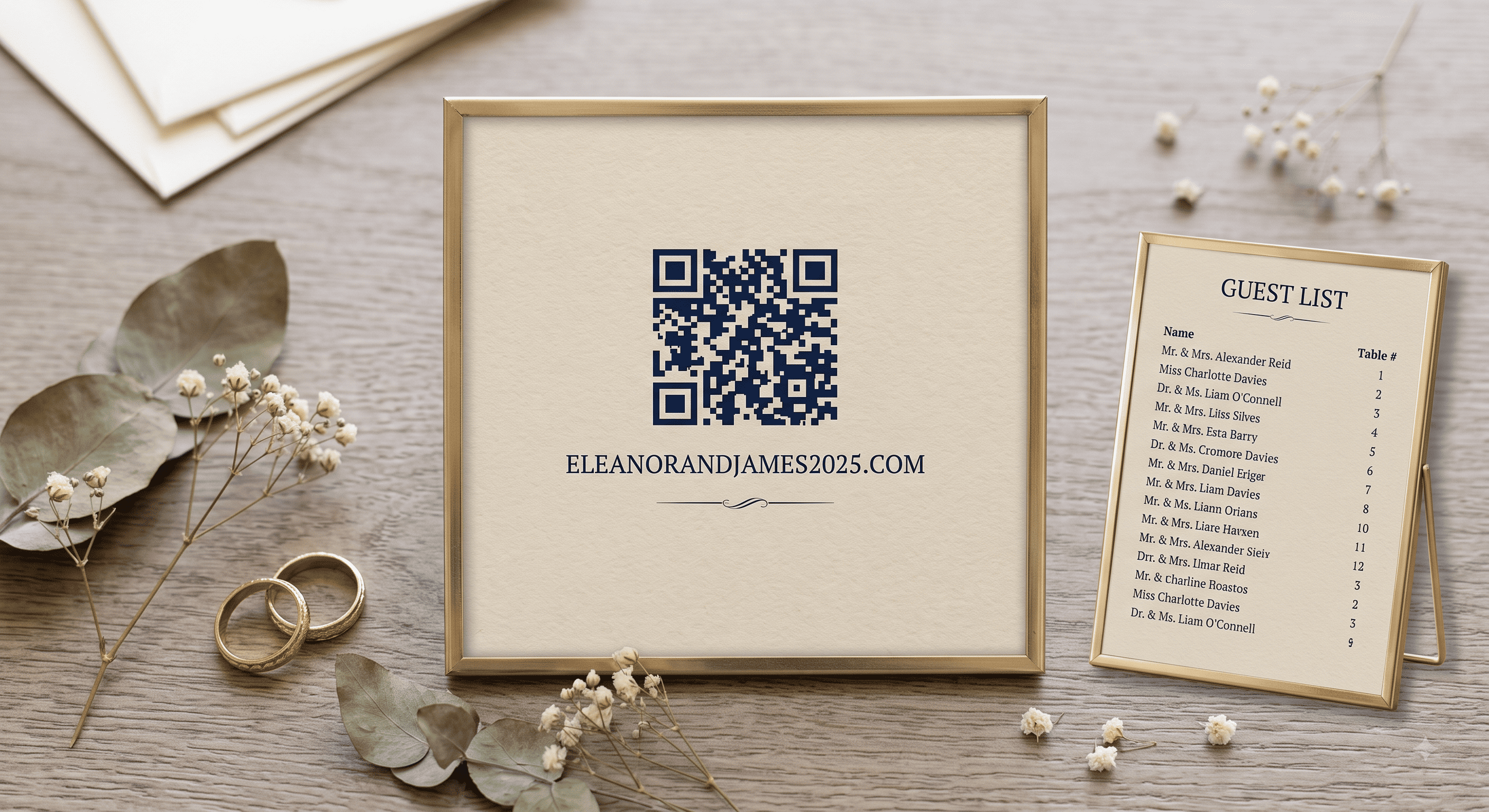
The code needs a line of text or half your guests won't scan it. Keep it short and put it directly beneath.
Copy-paste options:
Scan for travel details · emmaandjoe.com
Details as we have them → emmaandjoe.com
Scan to follow along. Formal invitation to follow.
More soon at emmaandjoe.com — scan for updates
Hotel and travel info: scan or visit emmaandjoe.com
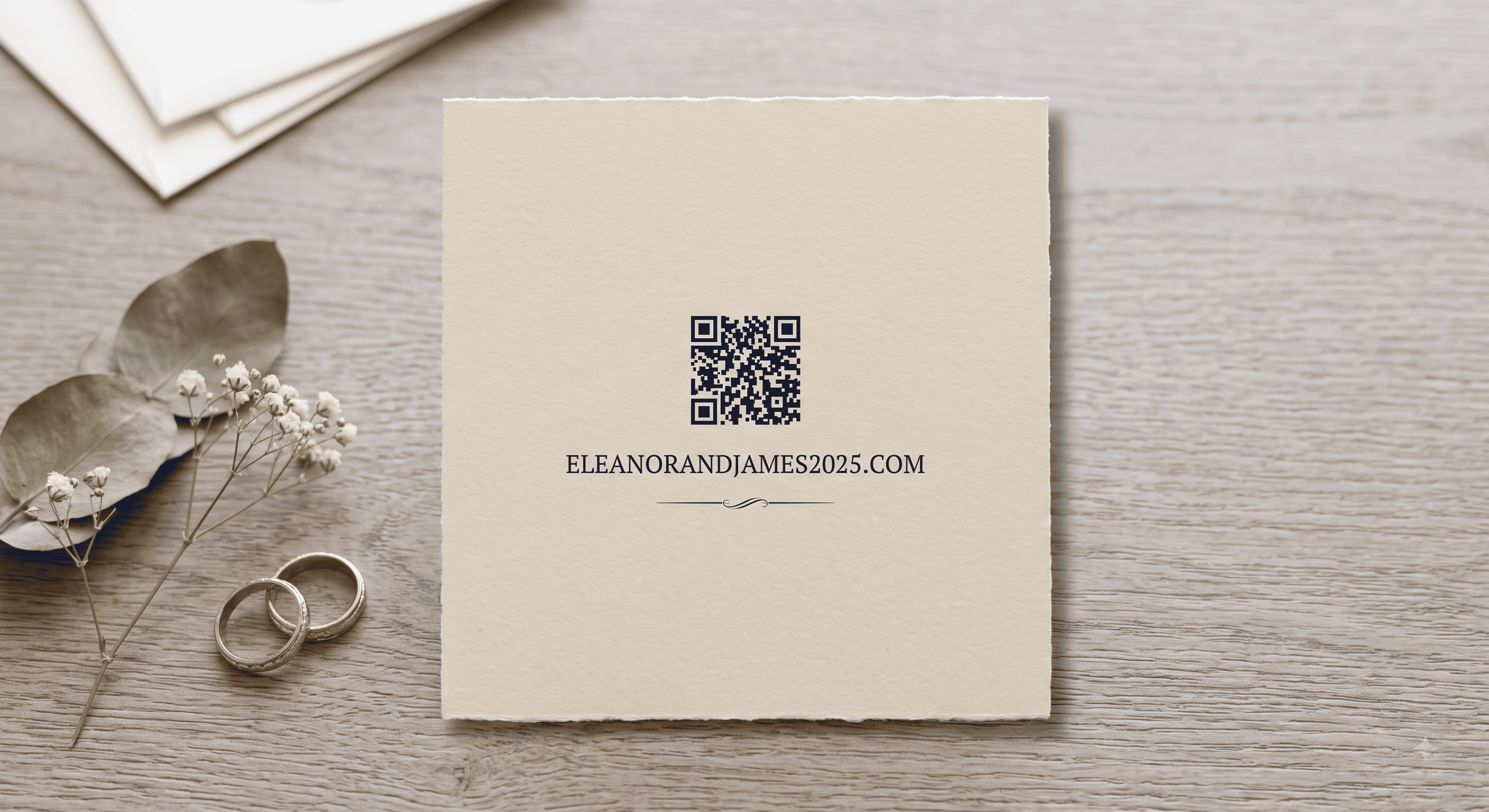
Always print the plain URL as well as the code. On a save the date this matters more than on the invitation, because save the dates get stuck to refrigerators and photographed and forwarded — and a photographed card scans much less reliably than the original.
Design notes specific to save the dates
Save the dates are usually photo-heavy, which creates a problem: a QR code on top of a photograph rarely scans. Busy backgrounds destroy the contrast the camera needs.
Solutions, in order of how well they work:
- Put the code on the back of the card, on a plain background. Cleanest option and it protects your photo.
- Give the code its own solid block of color — a white or cream square with generous margin — placed in a quiet corner of the image.
- Use a magnet-style save the date with a printed reverse.
Other specifics:
- Minimum 0.8 in / 2 cm, same as any printed code. On a 5×7 photo card there's room to go slightly larger.
- Matte finish over the code area. Glossy photo stock is the worst surface for scanning — venue lighting and overhead bulbs bounce straight off it. If your card is gloss overall, ask whether spot-matte is available, or move the code to the back.
- Keep the quiet zone. On a photo card the temptation to tuck the code tight into a corner is strong. Resist it.
Digital save the dates
If you're sending the save the date itself by email or text, you don't need a QR code — a tappable link is better in every way. Codes exist to bridge paper to screen. On a screen, they add a step.
Where a code still earns its place digitally: if you're sending a save-the-date image to a WhatsApp or group chat where the link might get stripped or where guests will screenshot and forward it. Even then, include the URL as text alongside.
A realistic timeline
- 12–9 months out (destination), 8–6 months (local): save the dates mail with the code.
- Same week: holding page live, code tested on three phones.
- 4–6 months out: venue, schedule, hotel block added to the same page.
- 3 months out: RSVP form goes live on the same site; invitations mail.
- After the wedding: repoint the page content to a thank-you note and photo gallery. Same URL, still working, guests still landing there.
That last step is why owning the domain pays off. One address quietly serves your whole wedding.
Save the dates change when guests can plan, not when they reply — the RSVP deadline still sits three to four weeks before the day, months after the save the date went out.
One practical tip
Mail yourself one save the date. Not a proof — an actual card, through the actual postal system, in the actual envelope. Then scan it after it's been bent, stamped, and handled. That's the version your guests will get.
Related: QR code wedding invitations: the complete guide · What to link your wedding QR code to · QR code invitation mistakes
People Also Asked
Explore common questions related to this blog.