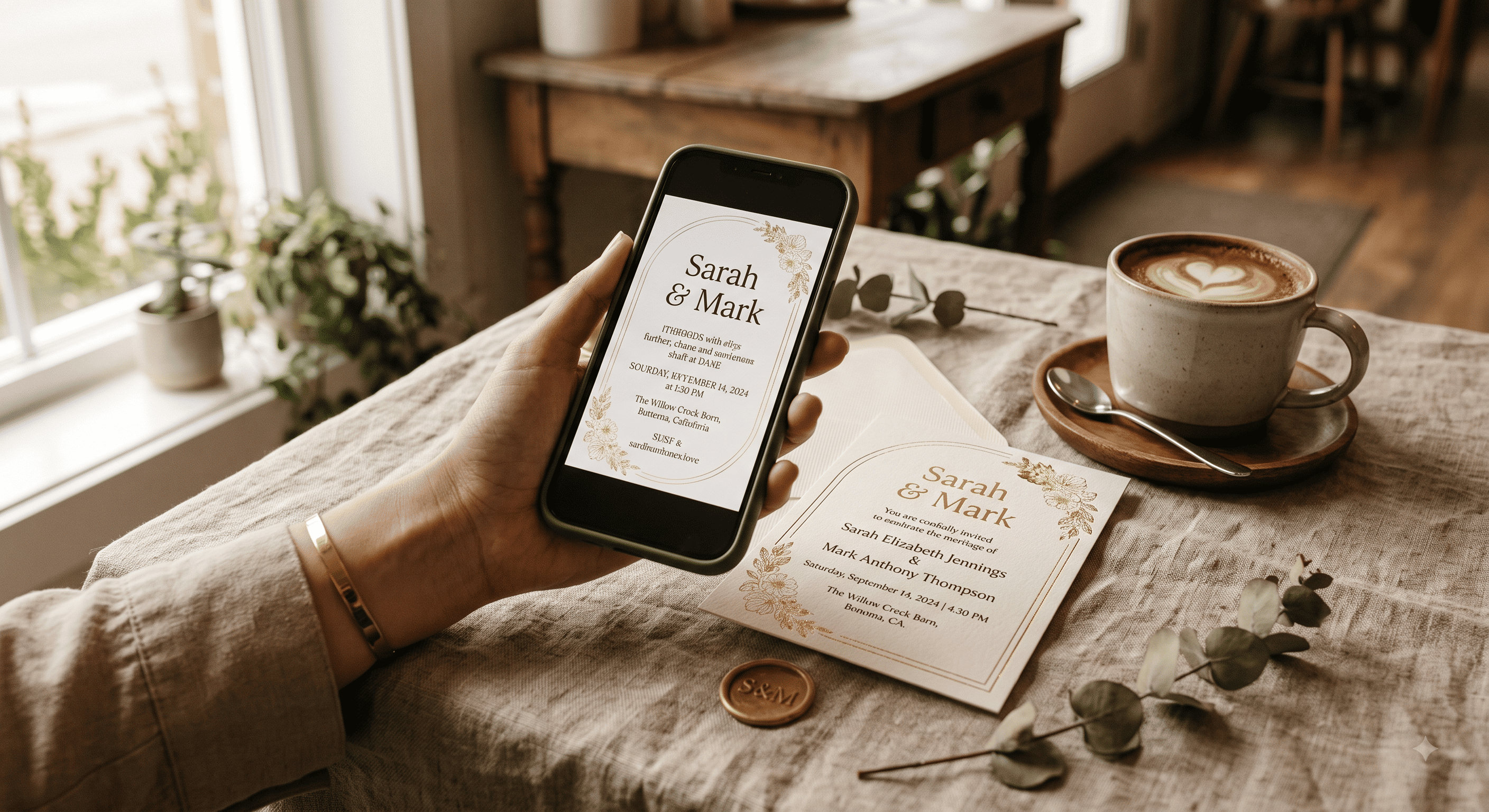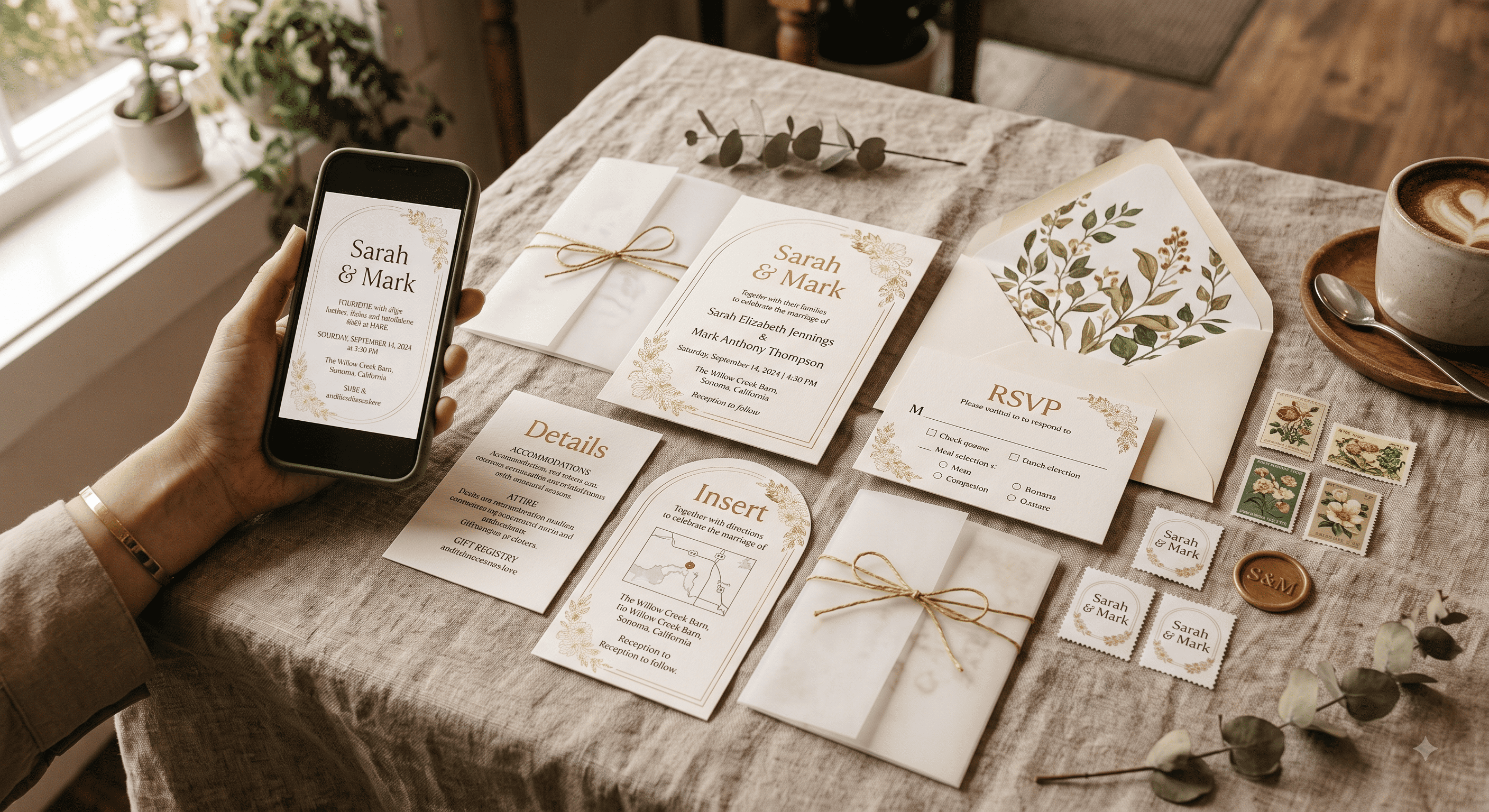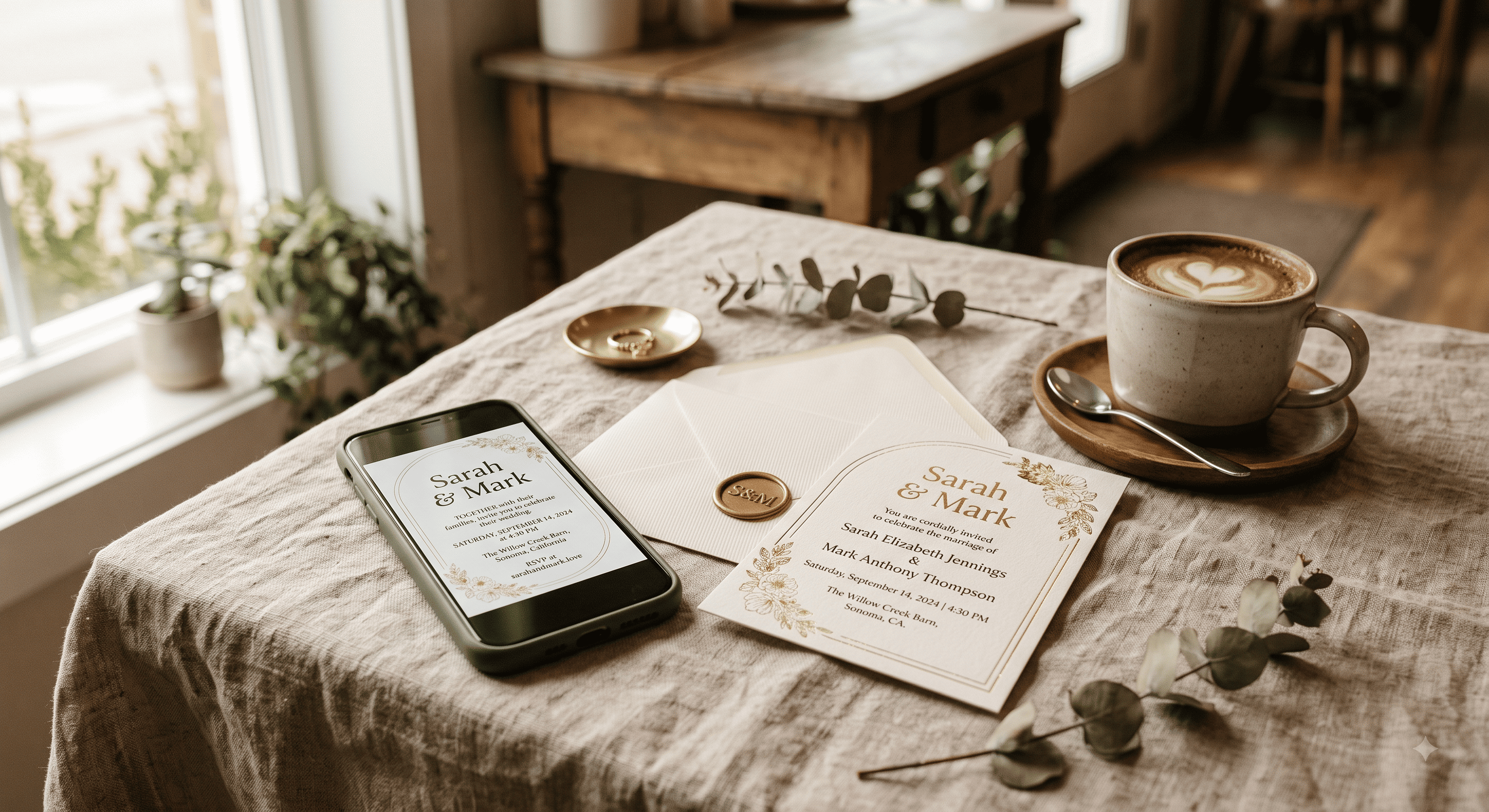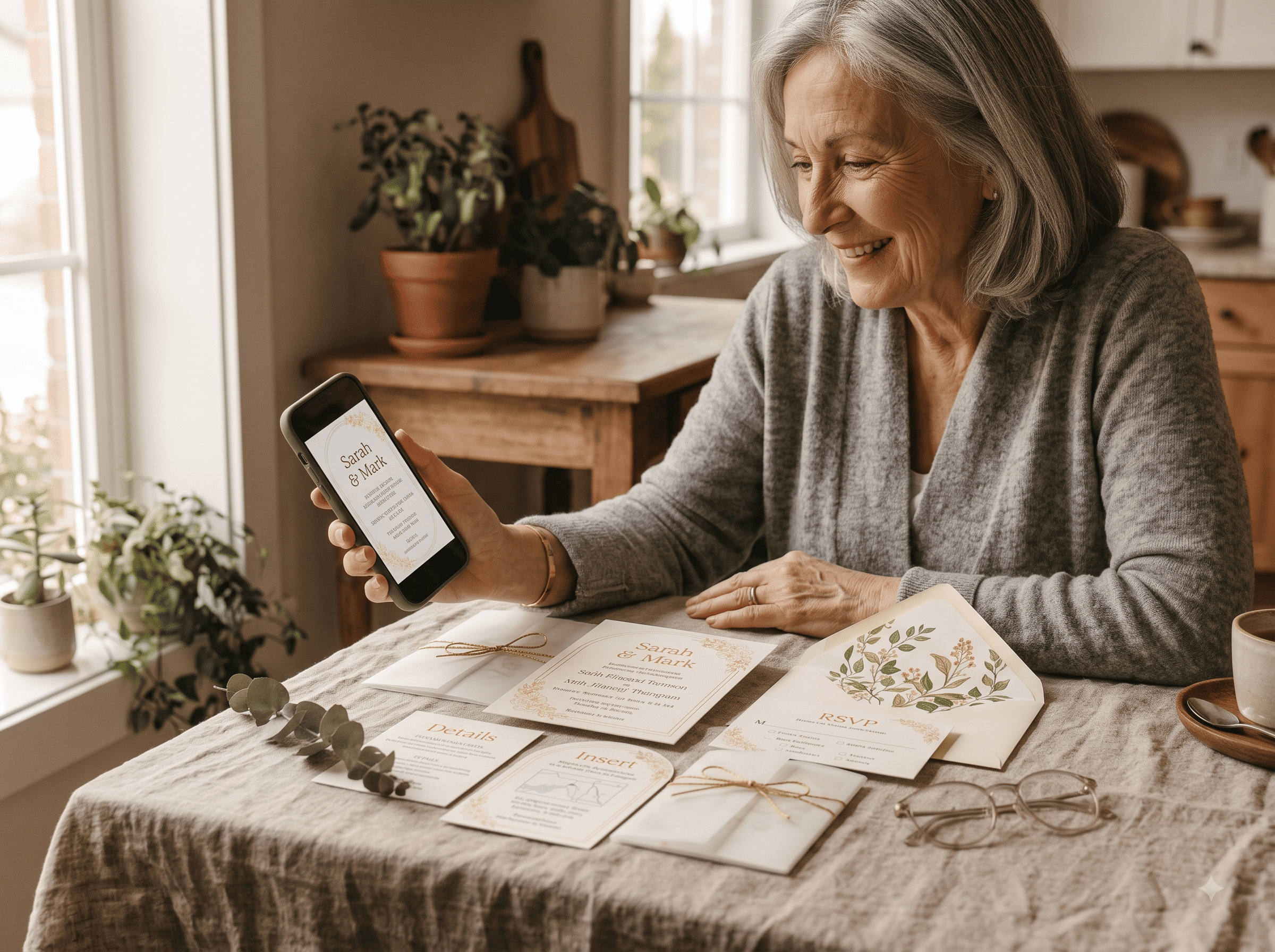
Your grandmother can use a smartphone. Most Americans over 65 own one now, according to Pew Research's tracking of US mobile adoption, and she's probably video-called you this month.
So when a digital wedding invitation fails with an older guest, it's almost never a technology problem. It's a delivery problem — the invitation arrived looking like spam, or with no context, or from a number nobody recognised. Fix the delivery and this whole worry disappears.
Here's the method, in the order you should do it.
Step 1: Split your list into three tiers before you send anything
Not by age exactly. By how they prefer to receive things.
| Tier | Who's in it | How they get the invitation |
|---|---|---|
| Paper tier | Grandparents, great-aunts, parents' close friends, anyone who mails you birthday cards | Printed card, hand-delivered or mailed |
| Assisted tier | Guests 60–75 who use phones fine but don't check email | Text or WhatsApp with a personal message, plus a heads-up call from a family member |
| Direct tier | Everyone else | Straight link, no ceremony needed |
The paper tier is usually 10–25 people. That's a print run that costs less than your cake tasting. Do not build a whole strategy to avoid it.
Step 2: Send it from a name they recognise
This is the single highest-leverage fix on this page.
An invitation that arrives from noreply@invitations-platform.com lands in a promotions tab and dies there. An invitation that arrives as a text from an unsaved number reads as phishing — and older guests have been trained, correctly, to be suspicious of unexpected links.
So:
- Send from your own phone number or personal email, not a platform's default sender.
- If the tool sends on your behalf, set the sender name to your actual names ("Priya & Daniel"), never the brand.
- Have the parent closest to that guest do the sending. An invitation forwarded by their own daughter gets opened every time.
Step 3: Put words above the link
Never send a naked URL. A bare link in a message is exactly what a scam looks like.
Two lines is enough:
Hi Aunt Carol! Dan and I are getting married on May 16th and we'd love you there. Everything's on this page — you can tap it to see the invitation and let us know if you can come. Call me if it doesn't open. xx
That message does four jobs: identifies the sender, states the event, explains what the link is, and offers a human fallback. It takes eleven seconds to personalise per guest and it eliminates roughly all of the confusion you were bracing for.
Step 4: Make the landing page kind to a 70-year-old's eyes
Most digital invitations are designed by people with excellent vision, on large bright screens. Check yours against reality:
- Type size: body text at 16px minimum. If you have to squint on your own phone, it fails.
- Contrast: grey text on cream is a design-blog aesthetic and an accessibility nightmare. Dark text, light background.
- One action. The page should have exactly one obvious button — RSVP. If there are five buttons, older guests will tap none of them.
- No auto-playing music. This causes a specific kind of panic where the guest closes everything and never comes back.
- Works without an account. If a guest has to create a login to see your invitation, you've lost half the tier. Test this in a private browser window.
If you're building on a template, this is worth checking directly — Eventic's invitation templates render at phone dimensions with a single RSVP action rather than shrinking a desktop layout down, which is where the tiny-text problem usually starts.
Step 5: Give them a way to reply that isn't the button
Some guests will look at the invitation, love it, and then reply the way they've replied to invitations their entire lives — by calling you.
Let them. Put a line at the bottom: "Prefer to reply by phone? Call Meera on 555-0134." Then enter their response into the RSVP list yourself so your headcount stays in one place. An RSVP tracker is only useful if every response lands in it, including the ones that came in by voice.
This is also just good hosting. Emily Post's guidance on what an RSVP asks of a guest has never specified a mechanism — the obligation is to respond, not to use your preferred app.
Step 6: The 20-card print run that ends the argument
If you're getting resistance from parents, or if your paper tier is larger than 25 people, print.
Not a full suite. No inner envelopes, no reply cards, no calligraphy. A single flat card with the invitation wording, the venue, and a QR code linking to the same page everyone else got. Hand-deliver most of them — the older tier tends to be geographically close, and a hand-delivered card is a nicer experience than anything you can mail.
The QR code part matters. It means paper guests and digital guests are looking at the same source of truth, so a venue change updates for everyone. How to set up QR codes on wedding invitations properly covers the sizing and testing, and there's one rule worth repeating here: codes under 2cm on matte stock scan badly, and your 78-year-old guest will not troubleshoot it.
Step 7: Follow up by phone, once, on purpose
Ten days after sending, look at who hasn't responded from the assisted and paper tiers. Call them. Not text — call.
Half will say they meant to reply. A few will say they never saw it. One will tell you a twenty-minute story and then say yes. This call is not an admission that digital failed; it's the same call couples have always made about reply cards that never arrived.
What not to do
- Don't send the same link four times. It reads as pressure and looks more like spam with each send.
- Don't put an older guest in a group message. Ever.
- Don't rely on email alone for anyone over 70 unless you know they check it daily.
- Don't apologise for going digital in the message itself. If your invitation opens with "sorry we couldn't do paper," you've told the guest there's something to be disappointed about. There isn't. See why digital invitations stopped being tacky years ago if you need talking points for the family group chat.
People Also Asked
Explore common questions related to this blog.