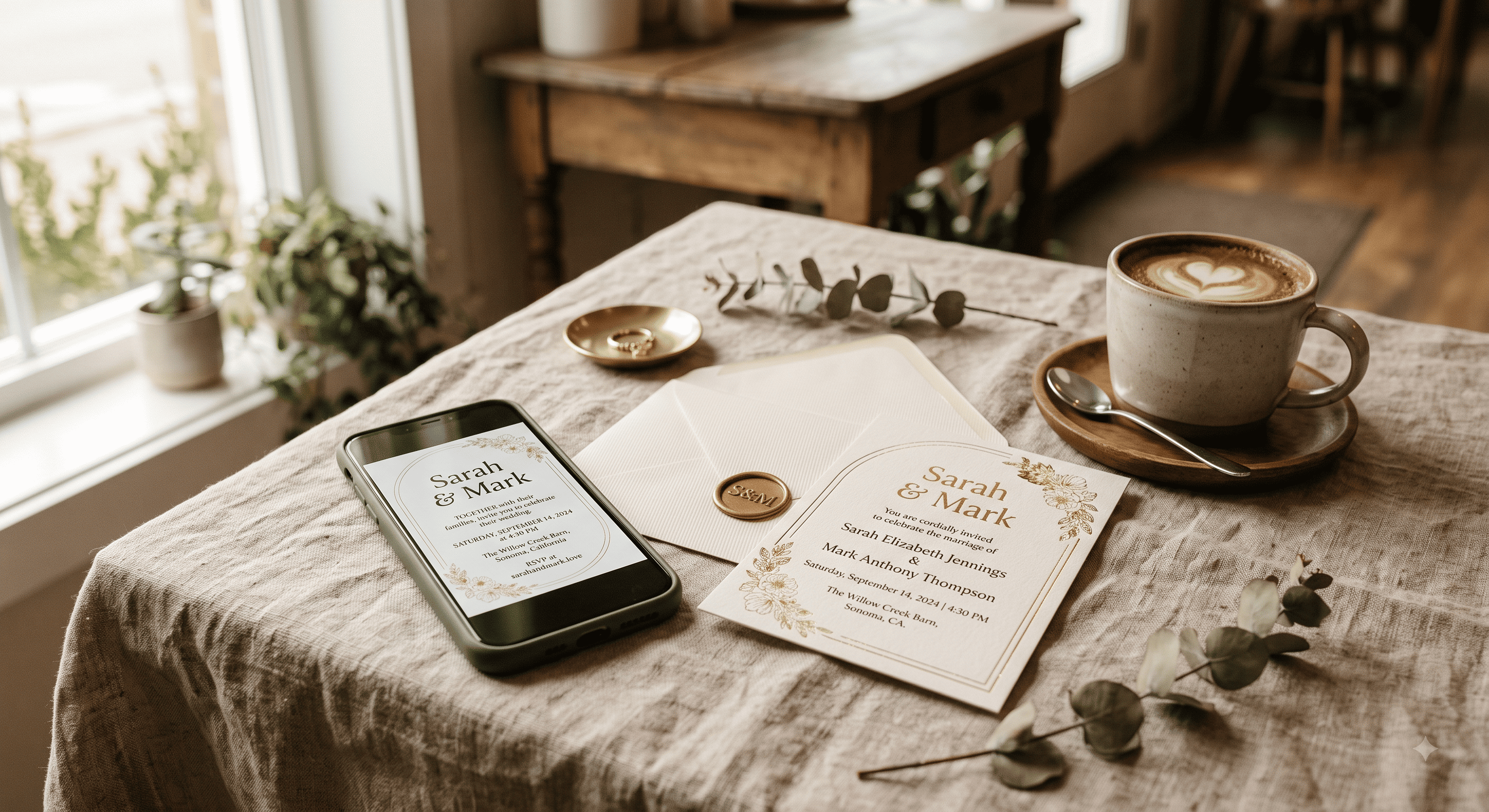
Short version: digital wedding invitations are fine for basically every wedding happening in 2026 — as long as you send them like a host, not like a brand doing an email blast. A real design, one link per household, a clear RSVP, and a plan for the six people who will call your mother instead of tapping anything.
That last part is where most couples get burned. Not the format. The follow-through.
First, "digital invitation" means three different things
People use the phrase for three formats that behave completely differently, and half the arguments online happen because two people are picturing two of them.
| Format | What the guest gets | RSVP tracking | Best for | Where it falls apart |
|---|---|---|---|---|
| Hosted invite page | A link that opens a designed, scrolling invitation with all event details | Built in — responses land in one list | Full weddings, multi-event weekends | Guests with no data signal at the moment they open it |
| Image or PDF card | A JPG or PDF sent by text, WhatsApp or email | None — you chase replies manually | Casual events, small guest lists, reminders | Text gets small on old phones; details can't be updated after sending |
| Email suite (Evite/Paperless-style) | A formatted email invitation in their inbox | Usually built in | Showers, rehearsal dinners, corporate-ish events | Spam folders, and inboxes people under 30 genuinely don't check |
The hosted page is the one that behaves most like a real invitation, because it's the only one you can update after sending. Venue changed? Shuttle time moved? You edit the page and every guest who opens the link sees the new version. A PDF you texted in March is frozen in March forever.
Does digital match the wedding you're actually having?
Here's the rule that survives every etiquette argument: the invitation should tell the truth about the event. Emily Post has been making this exact point for a century — invitations set guest expectations before anything else does, and a mismatch between invite and event is what actually reads as sloppy.
So:
- Backyard wedding, 60 guests, taco truck? Digital, obviously. Paper would be the weird choice.
- City wedding, 120 guests, cocktail attire, hotel block? Digital works completely, and most of your guests will prefer it.
- Black tie, 250 guests, seated dinner, grandparents flying in from three states? Digital can work, but you're swimming upstream, and you should print at least a small run.
The formality question is real, but it's smaller than the internet makes it. If you want the long answer with actual arguments on both sides, we went through it in detail on whether digital invitations still come across as tacky in 2026 — the honest answer has more to do with your guest list's average age than with the format.
The money part
The savings are real, but they're not where couples expect.
You save on printing and on postage, and postage is the sneaky one — heavier or square envelopes cost more to mail, and a 150-guest list means 150 stamps out and often 150 reply stamps back. You also save the four evenings you'd have spent addressing envelopes at your kitchen table while someone reads addresses off a spreadsheet.
You don't save on design if you want it to look good, and you don't save anything at all if you buy a premium digital suite with per-guest send fees. Some of those platforms charge by the recipient, which quietly turns a "free" option into $80.
The full numbers, including the free-vs-paid comparison and where the hidden fees sit, are in our breakdown of what digital and printed invitations actually cost.
What has to be on it (non-negotiable)
Digital invites fail most often by being pretty and incomplete. The six things every version needs:
- Who's hosting
- Who's getting married
- Date and start time
- Venue name and full address
- Dress code, if there is one
- How and by when to RSVP
Everything else — parking, shuttles, hotel blocks, the "no kids" line, the registry — belongs one tap deeper, not on the main card. Guests reading on a phone will scroll past a wall. The full twelve-item checklist, including the details couples forget until someone texts them at 11pm, covers the second layer.
Not everyone gets the same version
This is the part that quietly solves the etiquette problem: you don't have to pick one format for the whole list. Nobody is auditing you.
Close family and the people who'll frame it get paper. The friend group gets a text with the link. Your parents' colleagues get an email. Same event, same information, three delivery methods, zero drama. Who lands in which tier is the whole of how digital invitation etiquette shifts by relationship, and it's the single most useful decision you'll make about your invites.
The older-guest problem is a sending problem
Every couple worries their grandmother won't manage the link. Usually she will. What actually goes wrong is the sending: the invite arrives from an unknown number, or in a promotions tab, or as a link with no context, and it gets ignored — not because the guest can't use a phone, but because it looked like spam and behaved like spam.
The fix is boring and it works: send it from a known number or address, with a sentence of human text above the link, and follow up with a phone call for the handful of people who need one. We laid out the whole approach in getting digital invites to older guests without the phone-call chaos, including the small print run that solves it permanently for about the price of a dinner out.
RSVPs are the actual reason to go digital
If you strip away the aesthetics, this is the argument. Paper RSVPs mean cards arriving over six weeks, a spreadsheet you update by hand, and roughly a third of your list ghosting until you chase them. Emily Post's guidance on what an RSVP obligates a guest to do is clear enough; guest behaviour is not.
Digital collapses that. Responses land in one list, meal choices attach to names, and you can see at a glance who hasn't opened the thing. Most digital invitation tools handle this now — Eventic's RSVP tracking keeps responses and meal counts in one view, and Zola and The Knot bundle something similar with their websites. Pick whichever, but pick one with tracking. Collecting 90 RSVPs in your DMs is a part-time job you did not apply for.
Then send a reminder. Assuming people will respond without one is delulu, and every caterer in America will back me up on that.
Where QR codes fit
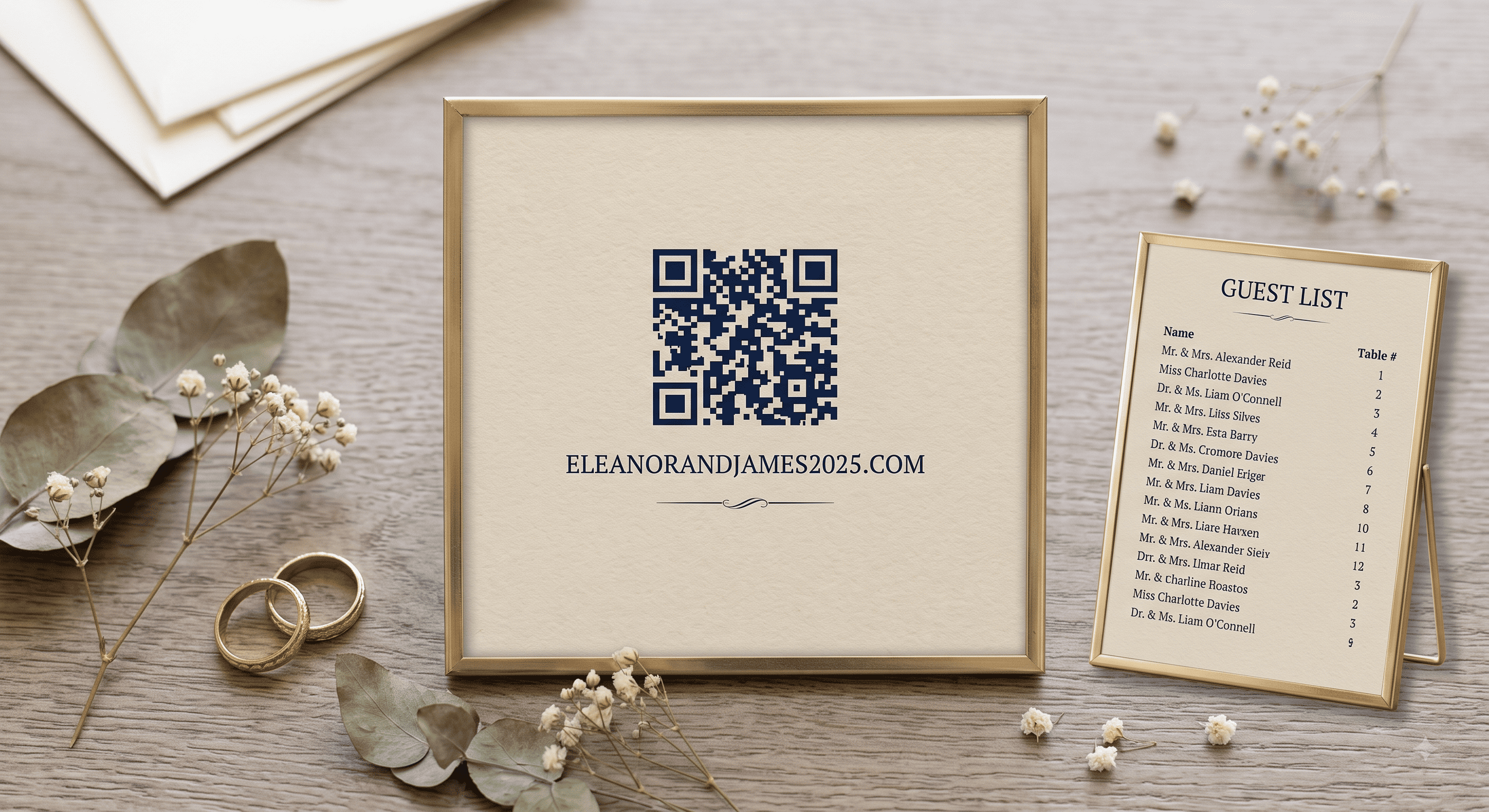
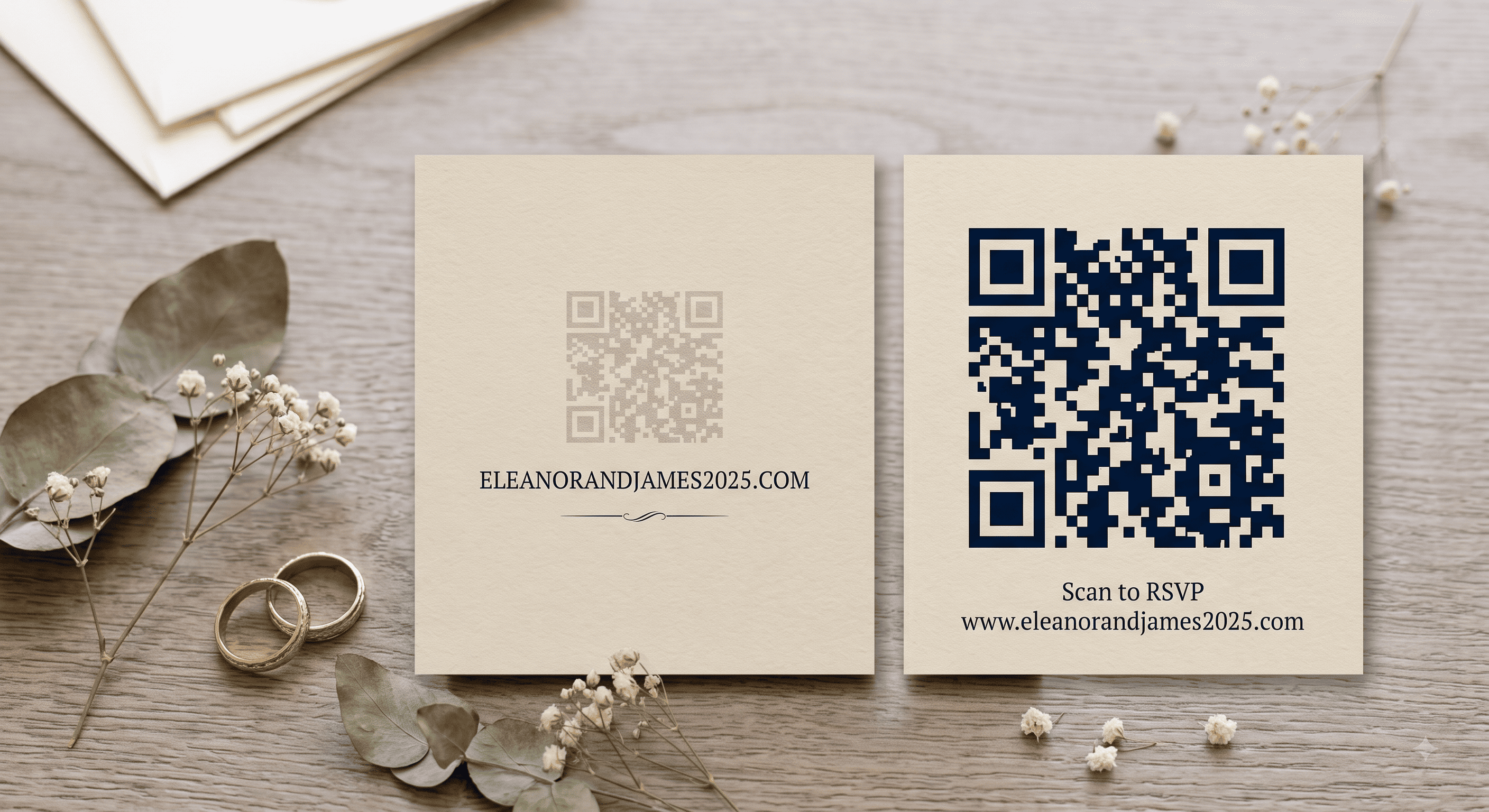
A QR code is not an alternative to a digital invitation — it's a bridge from paper to digital. Printed card in hand, code on the corner, code opens the invite page or the RSVP form. If you're doing any printed pieces at all, the code is what stops you from maintaining two separate sources of truth. The complete guide to QR code wedding invitations covers sizing, what to link to, and the mistakes that make codes unscannable.
A hybrid plan that actually works
This is what I'd do for a 120-guest wedding, in order:
- Build the digital invitation first — it's the master copy of every detail.
- Print 15–25 physical cards for grandparents, parents' close friends, and anyone you know prints photos.
- Put a QR code on the printed cards pointing at the same page.
- Send the digital version by text to everyone under 55, by email to everyone over.
- Set the RSVP deadline four weeks before the wedding, not two.
- Call the eight people who haven't responded a week after the deadline. There will be eight. There are always eight.
People Also Asked
Explore common questions related to this blog.